How Does a Restaurant POS System Work in Pakistan?
June 9, 2026
.Blog
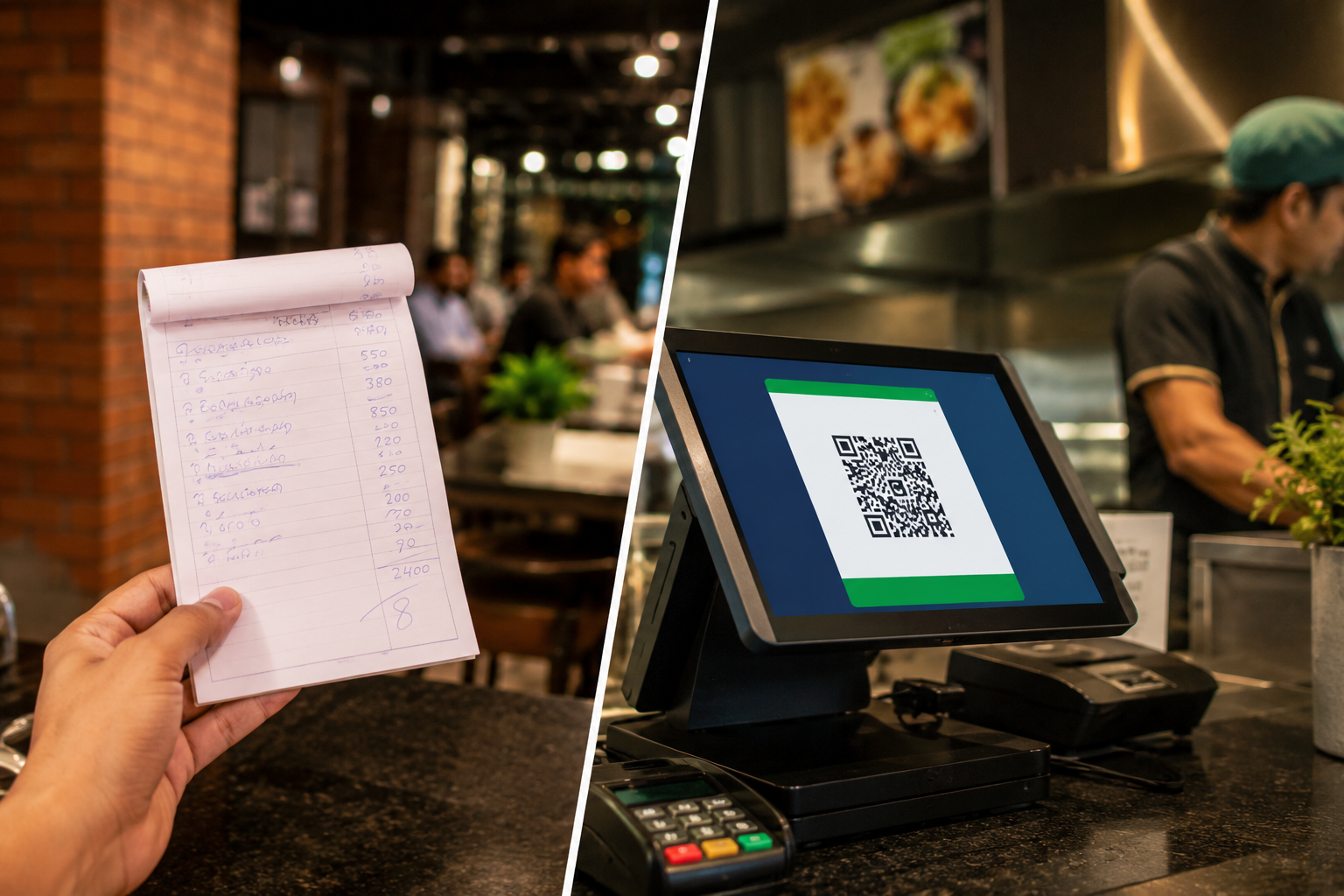
Running a restaurant involves much more than taking orders and collecting payments. Restaurant owners need to manage tables, monitor inventory, coordinate kitchen operations, track sales, handle staff performance, and comply with tax regulations. Doing all of this manually can quickly lead to errors, delays, and lost revenue.
This is where a restaurant POS system becomes essential.
A modern restaurant POS system helps restaurants streamline operations from the moment a customer places an order until the final bill is paid. Whether it's a small café, fast-food outlet, cloud kitchen, or full-service restaurant, the right POS system can significantly improve efficiency and customer satisfaction.
This guide explains how a restaurant POS system works in Pakistan, its key features, and what restaurant owners should consider when choosing one.
What Is a Restaurant POS System?
A restaurant POS system (Point of Sale system) is software that helps restaurants manage orders, billing, inventory, staff, and customer transactions from a centralized platform.
Unlike traditional cash registers, modern restaurant POS solutions connect different parts of the business into one system. Orders taken by servers are instantly sent to the kitchen, bills are automatically generated, inventory is updated in real time, and sales reports become available immediately.
A restaurant POS typically includes:
- POS software
- Touchscreen terminal or tablet
- Receipt printer
- Cash drawer
- Barcode scanner (if needed)
- Kitchen Display System (KDS)
- Customer display screen
- Cloud-based reporting dashboard
Today, many restaurants in Pakistan are moving toward cloud-based restaurant POS systems because they provide real-time access to business data from anywhere.
For a broader understanding of POS technology, read: How POS Systems Work in Pakistan.
Why Restaurants Need a POS System
Restaurants handle high transaction volumes and fast-paced operations. Manual order-taking and billing often create bottlenecks that impact customer experience.
A restaurant POS system helps businesses:
- Reduce order errors
- Speed up billing processes
- Improve kitchen coordination
- Manage inventory accurately
- Track employee performance
- Generate detailed sales reports
- Maintain tax compliance
- Improve customer service
Whether operating a dine-in restaurant, takeaway service, food truck, or cloud kitchen, a POS system becomes the operational backbone of the business.
Key Features Every Restaurant POS Should Have
Not all POS systems are designed specifically for restaurants. Restaurant owners should look for industry-specific features that support daily operations.
1. Order Management
Order management is one of the most important features of any restaurant POS system.
Staff can:
- Create new orders
- Modify menu items
- Add special instructions
- Split bills
- Merge orders
- Apply discounts
Orders are automatically recorded and tracked throughout the service process.
2. Table Management
For dine-in restaurants, table management is critical.
A restaurant POS should allow staff to:
- View table availability
- Assign customers to tables
- Track occupied tables
- Transfer tables
- Monitor dining duration
This helps restaurants improve seating efficiency and reduce wait times during busy periods.
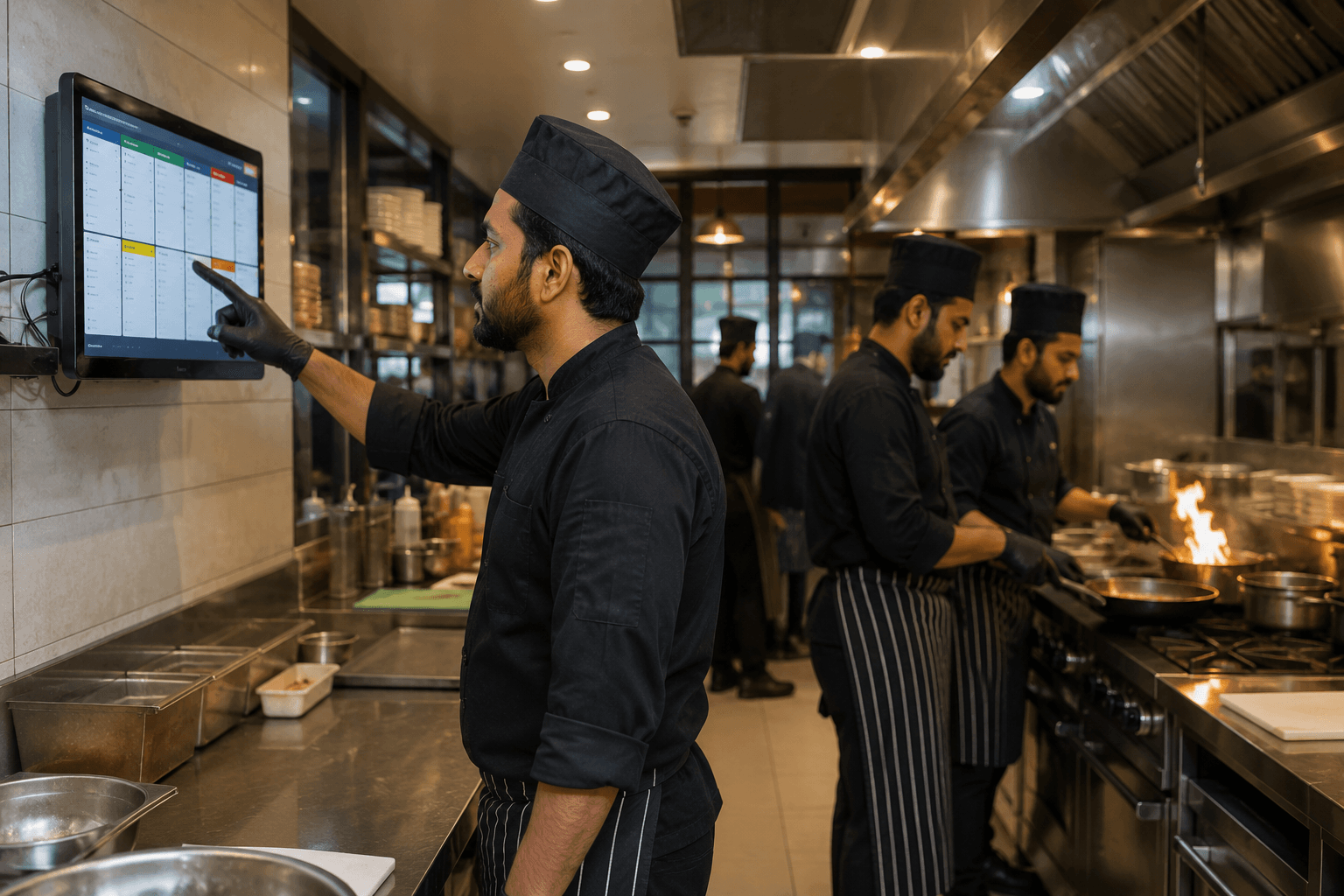
3. Kitchen Display System (KDS)
A Kitchen Display System (KDS) replaces handwritten order slips.
When servers enter orders into the POS system:
- Orders appear instantly in the kitchen
- Chefs receive real-time updates
- Preparation times improve
- Order mistakes decrease
A KDS creates smoother communication between front-of-house and kitchen staff.
4. Inventory Management
Food inventory directly impacts profitability.
Restaurant POS software can automatically:
- Deduct ingredients when items are sold
- Track stock levels
- Generate low-stock alerts
- Identify wastage
- Monitor food costs
This helps restaurant owners maintain tighter inventory control.
5. Multi-Payment Support
Modern restaurants need to accept multiple payment methods.
A good restaurant POS system should support:
- Cash payments
- Debit cards
- Credit cards
- QR payments
- Mobile wallets
- Bank transfers
This flexibility improves customer convenience and speeds up checkout.
6. Customer Relationship Management (CRM)
Customer loyalty is essential for restaurant growth.
Many POS systems include CRM features that allow businesses to:
- Track customer purchase history
- Create loyalty programs
- Offer rewards
- Send promotions
- Encourage repeat visits
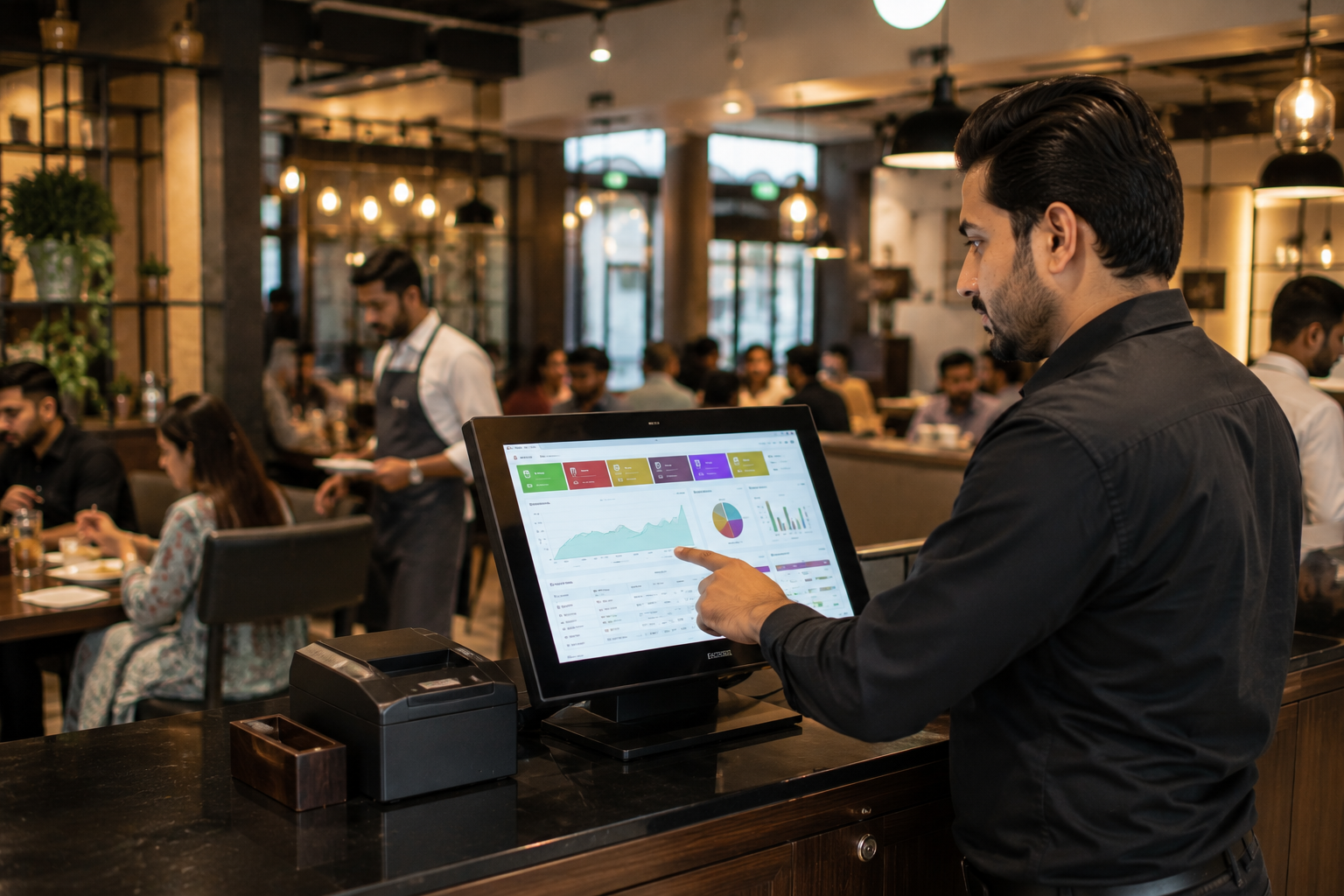
7. Reporting and Analytics
Restaurant owners need visibility into business performance.
A POS system provides reports such as:
- Daily sales reports
- Product performance reports
- Revenue trends
- Staff performance reports
- Inventory reports
- Peak-hour analysis
These insights support smarter business decisions.
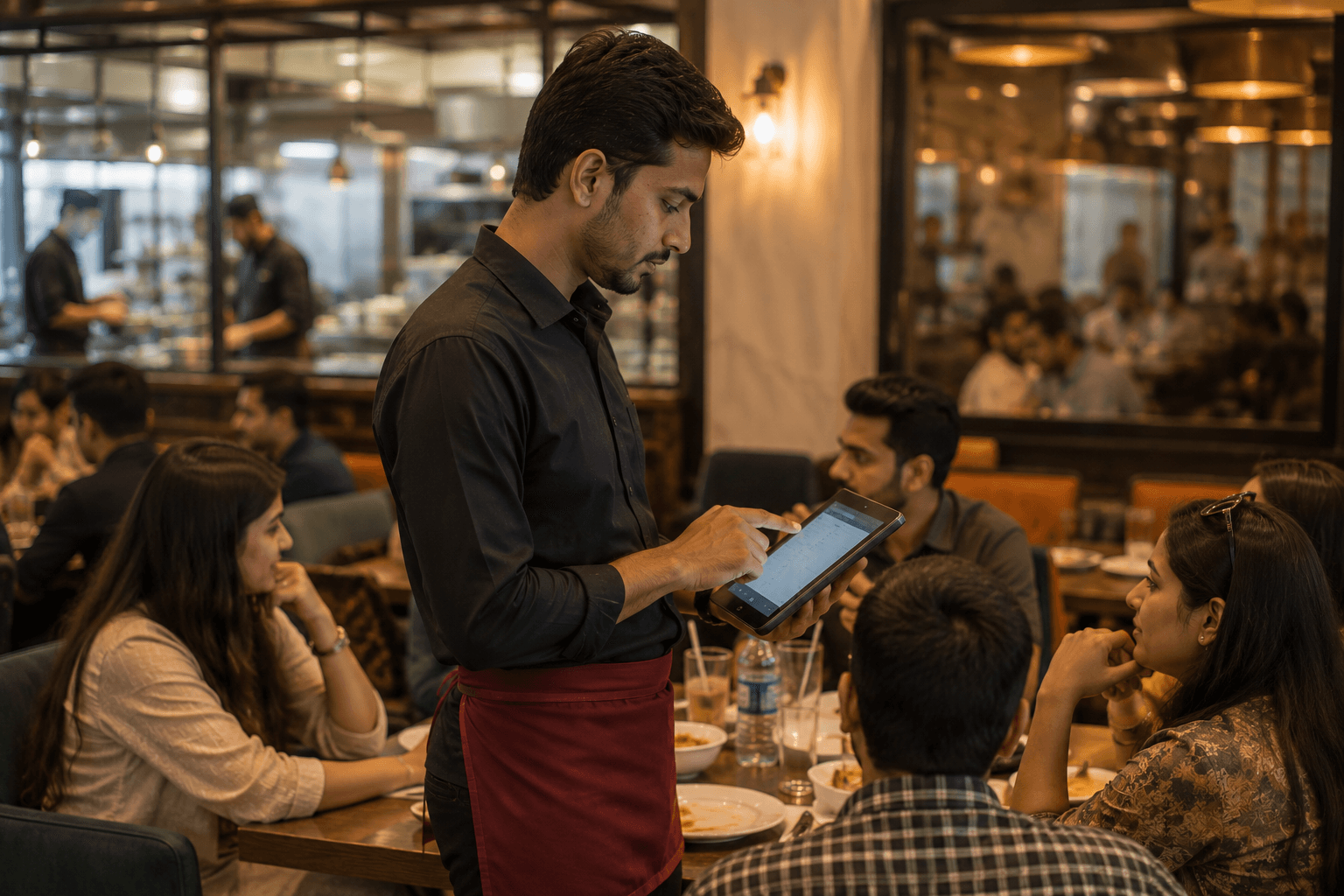
How a POS Handles Orders and Billing
Understanding the workflow helps explain why restaurant POS systems are so valuable.
Step 1: Customer Places an Order
A customer arrives and places an order.
The cashier or server enters the order into the restaurant POS system.
For dine-in POS operations, the order is linked to a specific table.
Step 2: Order Is Sent to the Kitchen
Once submitted, the POS automatically sends the order to:
- Kitchen Display System (KDS)
- Kitchen printer
- Relevant preparation station
For example:
- Drinks go to the beverage counter
- Burgers go to the grill station
- Desserts go to the dessert section
This reduces communication delays.
Step 3: Kitchen Prepares the Order
Kitchen staff can view:
- Order details
- Special instructions
- Preparation priority
- Order status
As items are prepared, statuses can be updated in the system.
Step 4: Food Is Served
Once ready, servers receive notification that the order is complete.
This improves service speed and ensures accurate delivery.
Step 5: Bill Generation
When the customer is ready to pay, the POS automatically generates the bill.
The system calculates:
- Item totals
- Taxes
- Discounts
- Service charges
- Promotions
This eliminates manual calculation errors.
Step 6: Payment Processing
Customers choose their preferred payment method.
The POS records the payment and updates financial records instantly.
Step 7: Reporting and Inventory Updates
After the sale:
- Inventory levels are updated
- Sales reports are generated
- Revenue records are stored
- Customer information may be saved for loyalty programs
Everything happens automatically in the background.
FBR Compliance for Restaurants
Tax compliance has become increasingly important for businesses in Pakistan.
Restaurants should ensure their POS system supports FBR invoicing and integration requirements where applicable.
An FBR-compliant restaurant POS can help businesses:
- Generate compliant invoices
- Record transactions accurately
- Maintain digital records
- Simplify audits
- Reduce compliance risks
Depending on business size and regulatory requirements, integration with the Federal Board of Revenue may be necessary.
Restaurant owners should stay informed about current regulations and compliance obligations.
For more details, read: FBR POS Integration and Tier-1 Retailers.
Cloud-Based Restaurant POS vs Traditional POS
Many restaurants are replacing traditional systems with cloud-based solutions.
Traditional POS
Advantages:
- Local data storage
- Works without internet
Limitations:
- Limited remote access
- Higher maintenance requirements
- More difficult software updates
Cloud-Based Restaurant POS
Advantages:
- Real-time reporting
- Remote access from anywhere
- Automatic updates
- Better scalability
- Easier multi-branch management
For growing restaurant businesses, cloud-based POS systems typically provide greater flexibility and visibility.
How to Choose the Right Restaurant POS in Pakistan
The ideal restaurant POS system depends on operational needs and growth plans.
1. Look for Restaurant-Specific Features
General retail POS systems may not include:
- Table management
- Kitchen display system
- Menu modifiers
- Split billing
- Dine-in POS workflows
Choose a platform built specifically for restaurants.
2. Consider FBR Compliance
As regulations continue evolving, selecting a POS system that supports FBR invoicing and compliance requirements can help avoid future complications.
3. Evaluate Ease of Use
Restaurant environments are fast-paced.
Staff should be able to learn the system quickly without extensive training.
4. Check Reporting Capabilities
Strong analytics help owners understand:
- Best-selling menu items
- Revenue trends
- Food costs
- Staff productivity
Reporting should be available in real time.
5. Ensure Scalability
If expansion is planned, the POS system should support:
- Multiple branches
- Centralized reporting
- Cloud access
- Multi-location inventory management
6. Review Customer Support
Reliable support is essential when restaurant operations depend on technology.
Choose a vendor that provides:
- Local support
- Training assistance
- System updates
- Technical troubleshooting
Why Many Restaurants in Pakistan Are Adopting Modern POS Systems
Consumer expectations continue to rise.
Customers expect:
- Faster service
- Accurate billing
- Multiple payment options
- Better dining experiences
At the same time, restaurant owners need stronger control over operations, inventory, and profitability.
A modern restaurant POS system brings these requirements together by automating daily processes and providing real-time business visibility.
Whether operating a small café or a growing restaurant chain, investing in the right POS system can improve efficiency, reduce errors, and support long-term growth.
See How Oscar's Restaurant POS Works
Restaurants need more than a billing system—they need a complete operational platform.
Oscar's restaurant POS helps businesses manage:
- Order management
- Table management
- Kitchen Display System integration
- Inventory tracking
- Reporting and analytics
- Multi-branch operations
- FBR invoicing support
See how Oscar's restaurant POS works — book a free demo today.