POS System Price in Pakistan: Costs, Hidden Fees, and How to Choose the Right Solution
October 21, 2026
.Blog
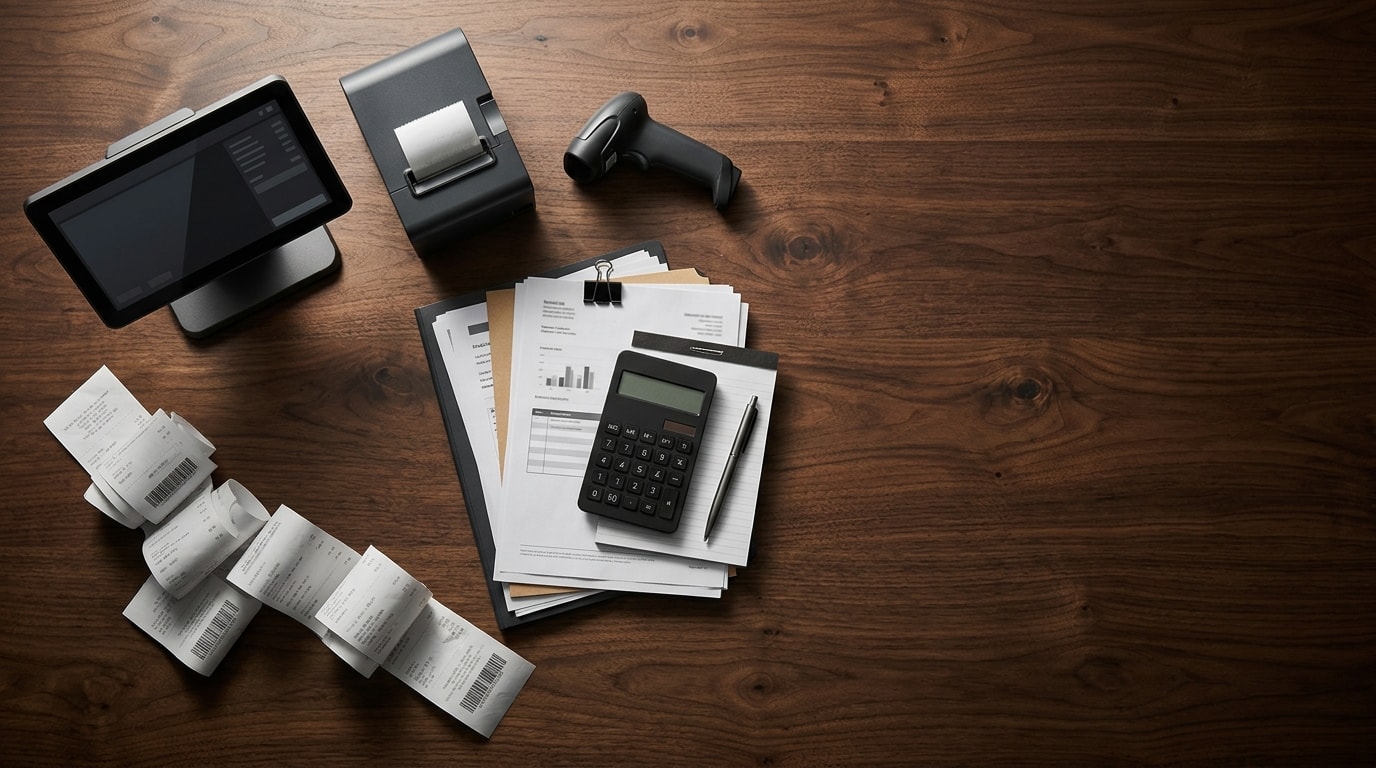
Choosing a POS system is about more than finding an affordable machine. Your actual investment includes hardware, software, installation, support, and the features your business needs to operate efficiently.
A system with a low upfront price may become more expensive when additional terminals, integrations, maintenance, and subscription fees are included.
This guide explains POS system prices in Pakistan, the costs businesses often overlook, how to calculate total ownership costs, and what to consider before investing in a solution such as Oscar.
Hidden Costs of POS Systems Every Business Should Know
The advertised POS price is only the starting point. Understanding the complete cost helps you compare providers accurately and avoid unexpected expenses.
These are indicative estimates from the supplied research, not verified market averages. Some providers include several services in their packages, while others charge separately.
1. Installation and Setup
Setting up a POS system may involve importing product lists, configuring taxes, connecting printers and scanners, creating employee accounts, and preparing reports.
A small shop may require minimal configuration, while a retailer with thousands of products or multiple branches may need more extensive implementation.
Confirm whether installation, hardware configuration, and product data entry are included in the quotation.
2. Training and Technical Support
Employees need to know how to process sales, handle returns, update inventory, and generate reports. Without adequate training, a POS system can slow down operations instead of improving them.
Ask whether training is included, when technical support is available, and what response times you can expect if problems arise during business hours.
3. Maintenance and Recurring Expenses
A one-time software licence may involve separate upgrade or maintenance fees. A cloud-based POS subscription may include some of these services, depending on the provider.
Remember to budget for receipt paper, hardware repairs, replacement peripherals, and other routine expenses.
5. Additional Terminals and Branches
Some providers charge per terminal, user, or outlet. Others offer packages with different usage limits.
If you plan to expand, confirm how adding checkout counters, employees, or branches will affect your subscription and implementation costs.
Cloud-Based POS vs Locally Installed POS: Which Is More Cost-Effective?
The deployment model affects your initial investment, maintenance requirements, data access, and recurring expenses.
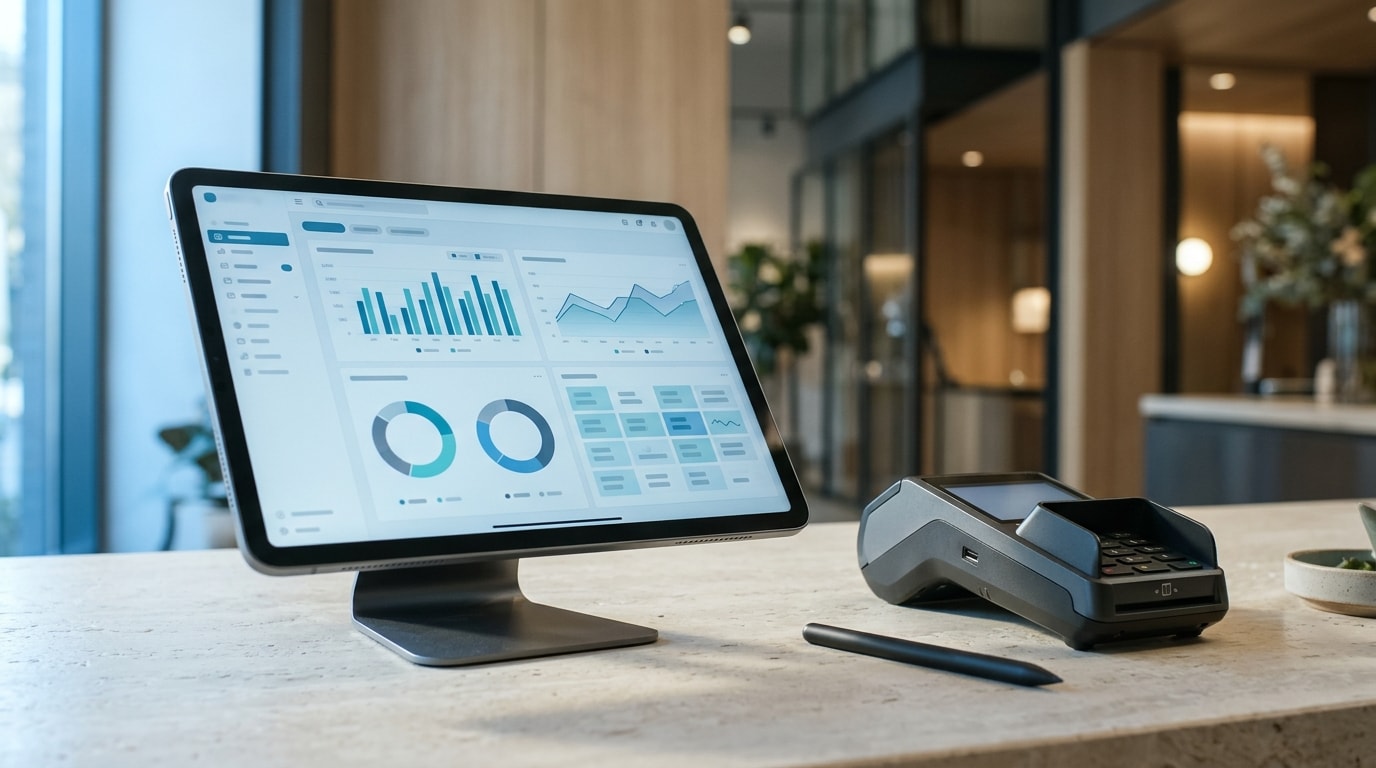
Can a POS System Work Without Internet?
Some systems support offline billing and synchronize stored transactions when connectivity returns. Others depend more heavily on an active connection.
Confirm whether billing, inventory updates, payment processing, and data synchronization remain available during an outage. Offline billing does not necessarily mean every feature will work without internet.
Which Option Costs Less Over Time?
Neither model is automatically cheaper. A locally installed system may have a higher initial cost but lower recurring licence expenses. A cloud-based solution may reduce infrastructure costs while requiring regular subscription payments.
Compare the complete cost over three to five years, including hardware, software, support, maintenance, and upgrades.
How to Calculate the Total Cost of Ownership of a POS System
Total cost of ownership, or TCO, represents the full expense of purchasing, implementing, operating, and maintaining a POS system over a chosen period.
Total cost of ownership = Initial hardware and setup + Software fees + Maintenance and support + Integration charges + Other operating expenses
Consider a clothing store investing Rs. 150,000 in initial hardware and setup, with a software subscription of Rs. 6,000 per month.
This example assumes the subscription fee remains unchanged. It excludes maintenance, additional terminals, taxes, and other potential expenses.
The calculation shows why comparing the initial POS machine price alone can produce a misleading result.
How Can a POS System Deliver a Return on Investment?
A POS system can create value through reduced administrative work, better stock visibility, faster checkout, and more useful sales reporting.
Suppose a store estimates that avoidable stock discrepancies, excess inventory, and inefficient billing cost it Rs. 15,000 per month. If a suitable system eliminates those losses, the potential benefit would be Rs. 180,000 annually.
This is an illustration, not a guaranteed saving. Actual results depend on the problems being addressed and the cost of operating the system.
Compare measurable benefits against the complete cost of ownership, using realistic estimates rather than assuming every potential improvement will generate savings.
How to Choose the Right POS System Without Overpaying
The right POS system balances affordability, functionality, reliability, and future growth.
1. Identify Essential Features
List the capabilities your business actually needs, such as billing, inventory management, barcode scanning, sales reporting, customer management, tax integration, offline functionality, or multi-branch control.
Prioritize useful features over unnecessary extras.
2. Compare Equivalent Pricing Plans
Compare hardware, software fees, users, terminals, branches, installation, support, integrations, and renewal terms. Request itemized quotations to identify additional charges.
3. Check Scalability
Understand how adding products, employees, checkout counters, or branches will affect your costs. A system that supports expansion may help you avoid an expensive migration later.
4. Verify Payment and Tax Requirements
Businesses in Pakistan may need to consider FBR integration, provincial tax requirements, card payments, and digital payment services such as JazzCash, Easypaisa, and Raast.
Confirm which integrations are supported and whether additional fees apply.
5. Evaluate Reliability and Support
Ask about technical support, data backups, recovery procedures, software updates, and offline functionality if your business experiences unreliable internet access.
6. Request a Live Demonstration
Test product entry, billing, stock updates, reports, and relevant integrations. Before signing an agreement, obtain a written quotation separating one-time expenses, recurring charges, optional services, and applicable taxes.
Why Consider Oscar When Comparing POS System Prices?
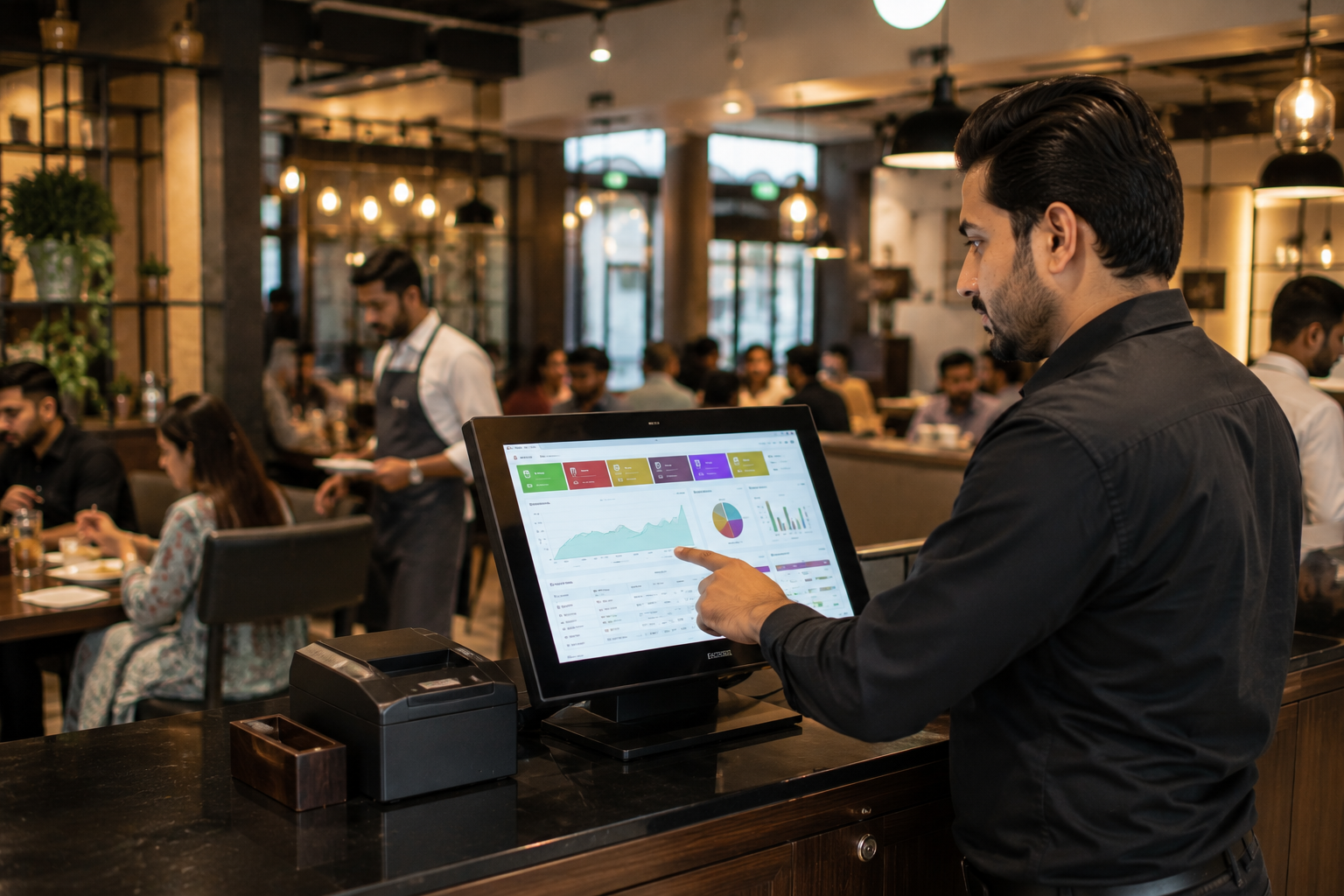
The right POS solution should do more than process transactions. It should help your business manage daily operations, improve visibility, and support growth.
Oscar offers POS and business management solutions for retailers, restaurants, and other businesses in Pakistan. Its published product information highlights billing, inventory management, reporting, multi-location operations, and tax-compliant invoicing, depending on the solution and configuration.
Manage Billing and Inventory
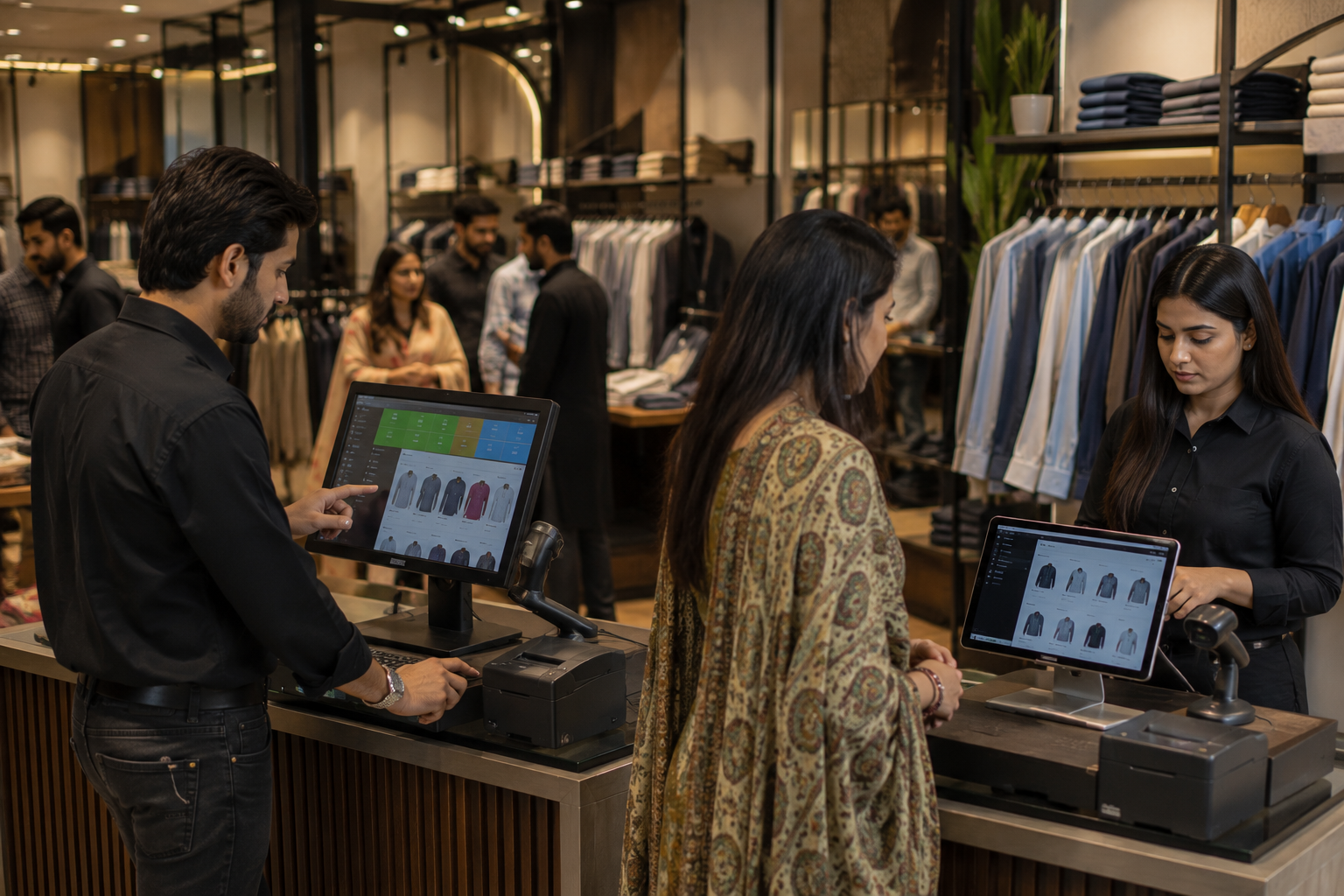
Oscar's retail solution supports billing, stock tracking, barcode scanning, and product variant management.
A clothing retailer, for example, may need to organize products by size and colour, while a grocery business may prioritize fast billing and stock visibility.
Manage Multiple Branches
Oscar's multi-location capabilities include centralized management, branch-level reporting, and inventory visibility across outlets. These features can help businesses coordinate operations as they expand.
Confirm which capabilities are included in your proposed package and how pricing changes as you add locations or terminals.
Consider Tax and Payment Requirements
Oscar's published solutions highlight tax-compliant invoicing capabilities associated with FBR, SRB, and PRA, where applicable. Its product information also covers payment functionality and integrations.
Verify the specific integrations available for your business, their requirements, and any additional charges before committing.
Understand the Complete Investment
When evaluating Oscar, request a breakdown of software fees, hardware requirements, installation, number of outlets, support, and integration charges.
This makes it easier to compare Oscar with other POS providers on equivalent terms and determine whether the solution fits your budget and operational requirements.
See How Oscar Fits Your Business
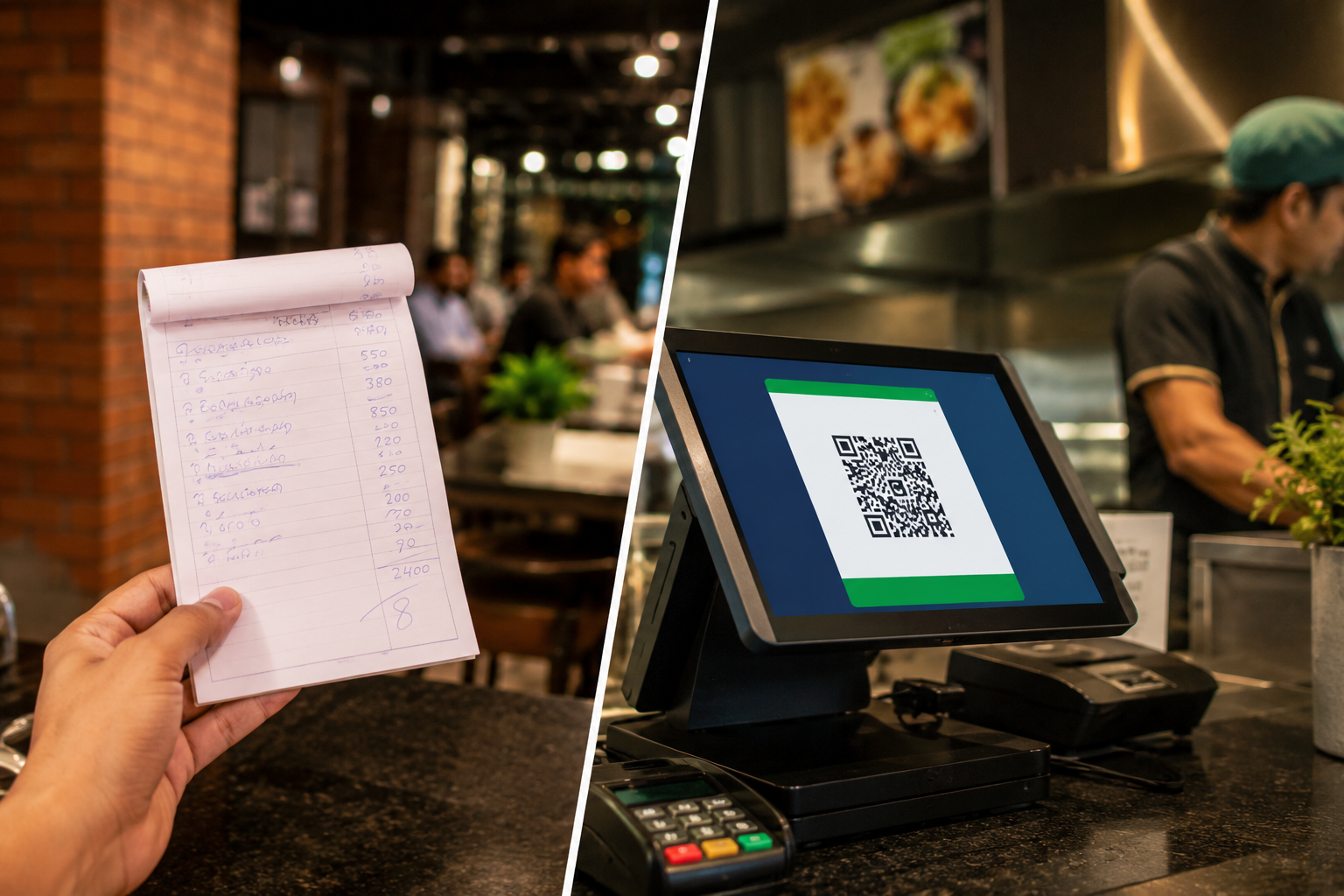
Whether you are replacing manual billing, improving inventory control, or preparing to manage multiple outlets, your POS system should fit your workflow and budget.
A free Oscar demo gives you an opportunity to explore the platform, review relevant features, discuss your requirements, and clarify the pricing options available for your setup.
Ready to understand what a POS system will cost your business? Book a free Oscar demo to explore the features, discuss your requirements, and clarify the investment before committing.
Frequently Asked Questions
1. What Is the POS Machine Price in Pakistan?
The supplied research estimates Rs. 35,000 to Rs. 90,000 for certain handheld or Android devices and Rs. 60,000 to Rs. 200,000 for dedicated touchscreen terminals. These figures require current market verification. Printers, scanners, software, and installation can increase the total cost.
2. How Much Does a POS System Cost for a Small Business in Pakistan?
The supplied estimates suggest Rs. 40,000 to Rs. 90,000 upfront for a basic setup, plus Rs. 2,000 to Rs. 5,000 monthly for software. These are indicative figures, not verified market averages.
3. What Is the Monthly Cost of POS Software in Pakistan?
The supplied research gives an indicative range of Rs. 2,000 to Rs. 15,000 per terminal per month for cloud-based software. Actual pricing depends on features, users, branches, and the provider's pricing model.
4. How Much Does POS Software Cost Compared With Hardware?
Software may involve monthly or annual subscriptions or a one-time licence. Hardware is generally purchased separately unless bundled. Compare the equipment, setup, and software costs over your intended period of use.
5. What Is Included in the Price of a POS System?
Packages may include billing, inventory management, and reporting. Hardware, installation, training, integrations, and advanced features may cost extra. Request an itemized quotation.
6. Are Installation and Training Included?
Some providers include them, while others charge separately for configuration, data migration, hardware setup, and employee training. Confirm what your package covers.
7. Can I Use POS Software Without Buying a Dedicated Machine?
Yes, if the software supports your existing computer, laptop, or tablet. Compatible printers and scanners may still be necessary.
8. Is Free POS Software in Pakistan a Good Option?
Free software may suit basic billing or initial testing. Evaluate its inventory features, support, integrations, and compliance capabilities before relying on it for daily operations.
9. Is FBR Integration Mandatory for Every Business?
Requirements depend on applicable legislation, registration status, business category, and official notifications. Check current FBR guidance or consult a qualified tax professional.
10. Does FBR Integration Increase POS Costs?
It can if the provider charges for configuration or integration. Confirm provider fees separately from regulatory charges and verify applicable requirements.
11. Can a POS System Work Without Internet?
Some systems support offline billing and later synchronization. Confirm which transactions, inventory functions, and payment methods remain available during an outage.
12. Is a Card Payment Machine the Same as a POS System?
No. A card terminal processes supported card transactions, while a complete POS system manages billing, inventory, and sales records. They can work together when compatible integrations are available.
13. Which POS System Is Best for a Small Business in Pakistan?
Compare ease of use, billing speed, inventory features, support, integrations, and total cost. Oscar is one option worth evaluating through a product demonstration.
14. How Much Does a Multi-Branch POS System Cost?
Pricing depends on outlets, terminals, users, and management features. Confirm whether centralized reporting, inventory management, and additional locations are included in the package.
15. Is Cloud-Based POS Cheaper Than Locally Installed Software?
Not necessarily. Cloud-based systems generally involve recurring subscriptions, while locally installed systems may require higher initial investment and separate maintenance. Compare the total cost over several years.
16. How Can I Calculate POS System ROI?
Compare the complete system cost with measurable benefits such as reduced administrative work, fewer billing errors, improved stock control, and faster checkout. Use realistic estimates rather than treating potential savings as guaranteed.