Slow Orders, Billing Mistakes & Kitchen Delays: How Restaurant POS Software Solves Them
May 8, 2026
.Blog
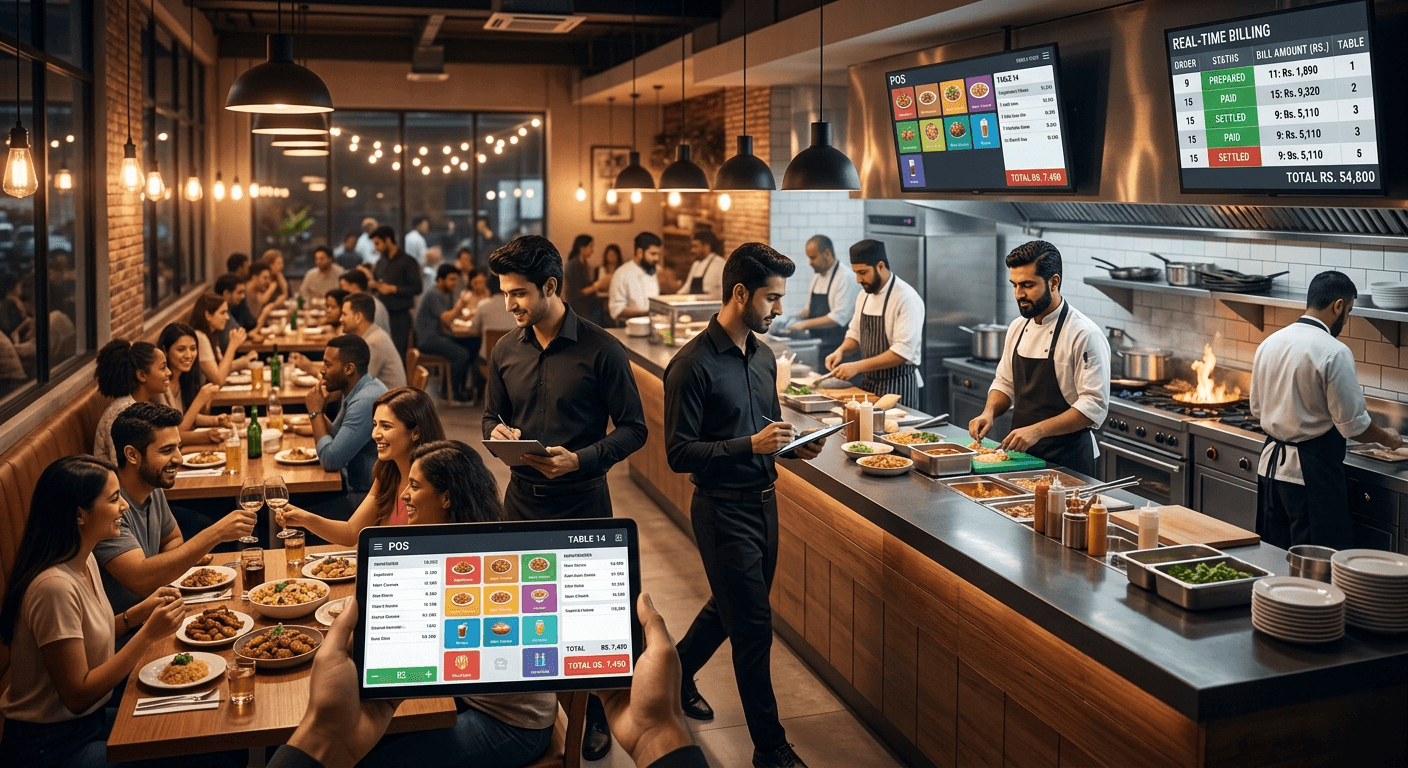
Running a restaurant smoothly during peak hours is harder than ever. A few delayed orders, billing mistakes, or communication gaps between the counter and kitchen can quickly turn a busy shift into operational chaos. Customers become frustrated, staff feel overwhelmed, and restaurant owners start losing revenue without realizing how much inefficiency is costing them every day.
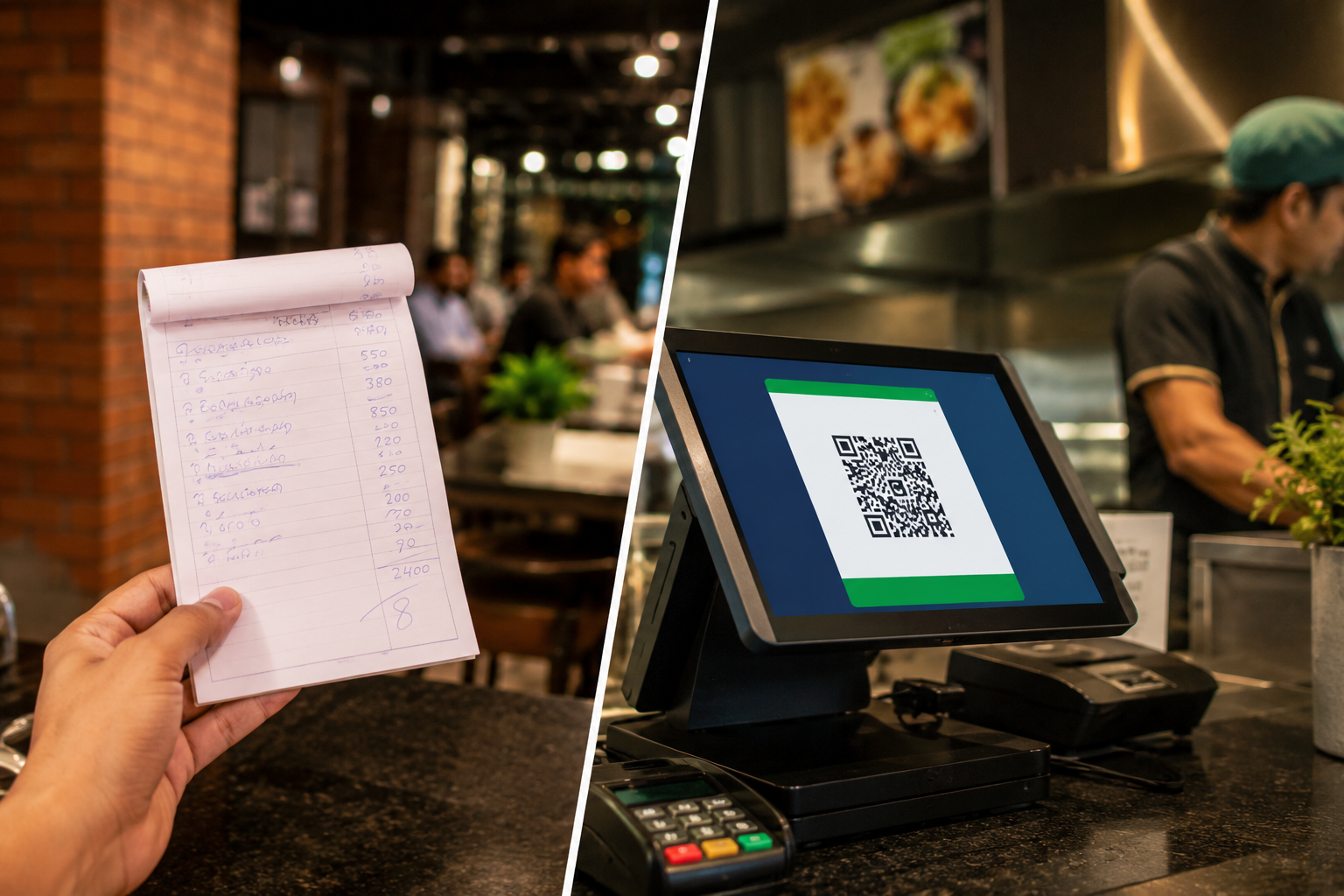
Many restaurants still rely on manual billing methods, handwritten kitchen order tickets, disconnected systems, or outdated software that slows operations instead of improving them. As customer expectations continue to rise, restaurants need faster service, better coordination, and accurate billing to stay competitive.
This is where restaurant POS software becomes essential.
A modern restaurant POS system helps restaurants automate billing, speed up order processing, improve kitchen coordination, manage inventory, and create a smoother customer experience from order placement to payment.
For restaurants looking to scale operations, reduce delays, and improve service quality, the right restaurant POS software can completely transform daily workflows.
Why Restaurants Struggle With Slow Orders and Billing Errors
Restaurant operations involve multiple moving parts working together at the same time. Orders must reach the kitchen instantly, staff need real-time updates, bills must remain accurate, and tables should turn over efficiently during busy hours.
Without a proper restaurant management system, even small issues create major operational bottlenecks.
Some of the most common restaurant challenges include:
- Slow billing during rush hours
- Incorrect orders reaching customers
- Delayed kitchen communication
- Manual billing mistakes
- Missing inventory updates
- Staff coordination problems
- Long customer wait times
- Confusion between dine-in, takeaway, and delivery orders
- Difficulty managing multiple branches
- Lack of real-time reporting
These operational inefficiencies directly affect customer satisfaction and restaurant profitability.
The Hidden Cost of Manual Restaurant Operations
Many restaurant owners underestimate how much money operational delays actually cost.
A few extra minutes per table may not seem serious initially, but over weeks and months, slow operations reduce table turnover, increase customer complaints, and limit revenue potential.
Manual systems also create several long-term problems:
1. Billing Leakage
Manual calculations and disconnected billing processes increase the chances of incorrect totals, missing items, and cash handling mistakes.
2. Kitchen Delays
Handwritten kitchen order tickets often create confusion during busy hours. Orders can be missed, delayed, or prepared incorrectly.
3. Inventory Wastage
Without real-time inventory management, restaurants struggle to track ingredient usage, stock shortages, and wastage patterns.
4. Staff Dependency
Restaurants that depend heavily on specific employees for operations face serious challenges when experienced staff members are absent.
5. Poor Customer Experience
Slow service and billing delays frustrate customers and reduce repeat visits.
Modern restaurant POS software solves these operational issues by centralizing restaurant management into one connected system.
What Is Restaurant POS Software?
Restaurant POS software is a digital system that helps restaurants manage billing, order processing, kitchen coordination, inventory tracking, payments, reporting, and customer operations from a single platform.
Instead of handling multiple tasks manually, restaurant staff can manage operations through a centralized POS system that improves speed, accuracy, and workflow efficiency.
A modern restaurant POS system typically includes:
- Fast billing and checkout
- Kitchen order ticket management
- Table management
- Inventory tracking
- Sales reporting
- Staff management
- Customer order tracking
- Online and offline order management
- Multi-branch management
- Payment integration
Restaurants using cloud-based restaurant POS software can also monitor operations remotely and access real-time business data anytime.
How Restaurant POS Software Speeds Up Orders
One of the biggest operational advantages of restaurant POS software is faster order management.
In traditional setups, waiters manually write orders and pass them to the kitchen. This creates delays, miscommunication, and order confusion.
With a restaurant POS system, orders are entered digitally and sent instantly to the kitchen.
Faster Order Flow
A modern restaurant workflow typically works like this:
- Staff enters customer orders into the POS system
- Kitchen receives the order instantly through KOT software or kitchen display systems
- Billing updates automatically
- Inventory adjusts in real time
- Completed orders move quickly to payment and checkout
This reduces waiting times significantly and improves kitchen coordination during rush hours.
How Restaurant Billing Software Reduces Billing Mistakes
Manual billing creates unnecessary risks for restaurants.
Small billing errors can lead to revenue leakage, customer disputes, and inaccurate reporting.
Restaurant billing software automates calculations and streamlines the payment process.
Key Billing Benefits of POS Software
1. Faster Checkout
Digital billing reduces long queues and speeds up customer payments.
2. Improved Accuracy
Automated calculations eliminate pricing mistakes and missing order items.
3. Multiple Payment Options
Modern POS systems support cash, cards, digital wallets, and online payments.
4. Real-Time Sales Tracking
Restaurant owners can monitor sales performance instantly without waiting for manual reports.
Tax and Invoice Management
Restaurant POS systems simplify invoice generation and tax calculations.
This creates a smoother experience for both staff and customers.
How Restaurant POS Software Improves Kitchen Efficiency
Kitchen delays often happen because communication between servers and kitchen staff is inconsistent.
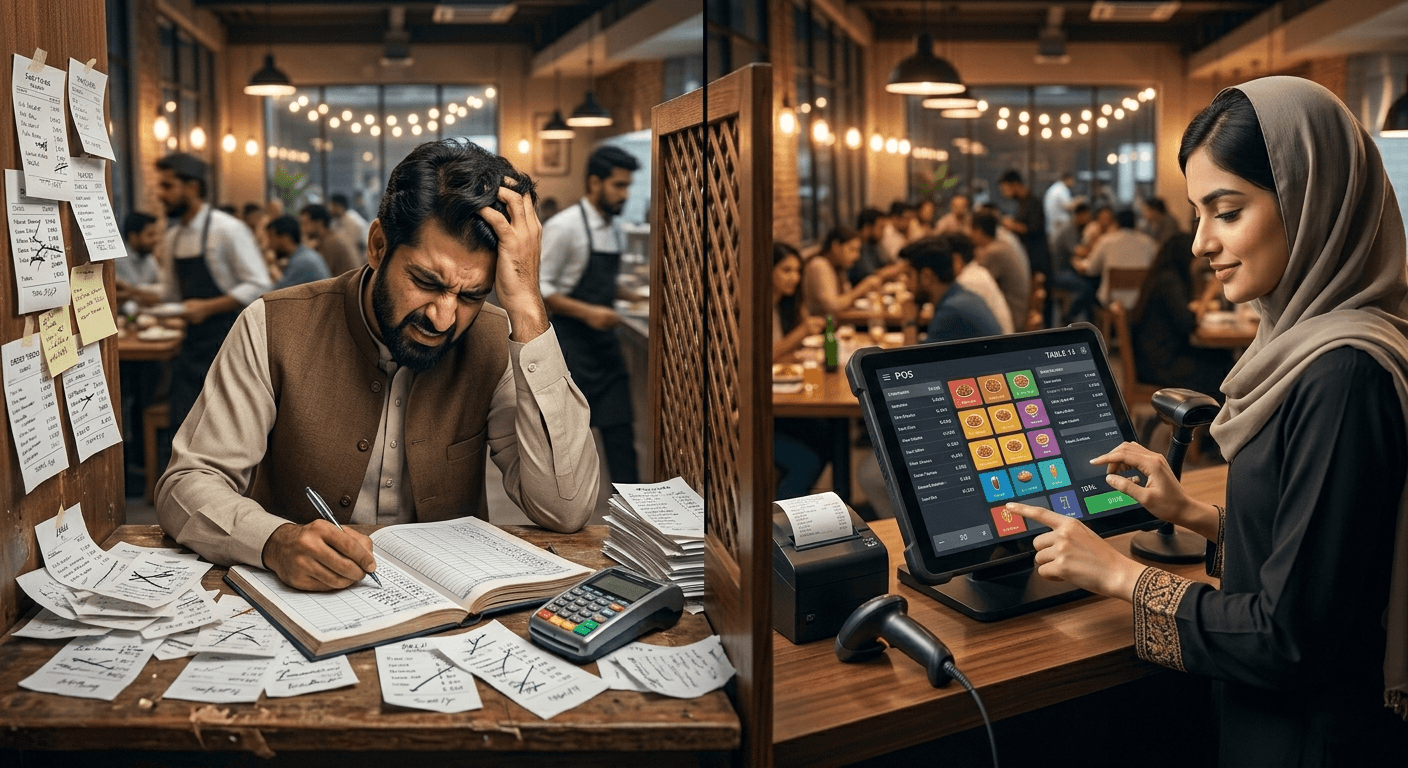
Restaurant POS software improves coordination by creating a connected workflow between front-end and back-end operations.
1. Kitchen Order Ticket Automation
KOT software sends orders directly to the kitchen, reducing confusion and delays.
2. Better Order Accuracy
Kitchen staff receive clear digital instructions instead of handwritten notes.
3. Faster Preparation Time
Organized kitchen workflows help restaurants prepare and deliver orders faster.
4. Real-Time Status Updates
Staff can track order status instantly and provide accurate wait time estimates to customers.
This improves operational speed and customer satisfaction simultaneously.
Why Cloud-Based Restaurant POS Systems Are Becoming Essential
Modern restaurants increasingly prefer cloud-based restaurant POS systems because they offer greater flexibility and scalability.
Unlike traditional systems, cloud POS software allows restaurant owners to manage operations remotely and access real-time business insights from anywhere.
Benefits of Cloud Restaurant POS Software
- Real-time reporting
- Remote access
- Easier multi-branch management
- Automatic software updates
- Centralized operations
- Better data backup and security
- Faster scalability
- Online order integration
For growing restaurants and franchises, cloud-based POS systems provide much better operational visibility.
Restaurant POS Features That Actually Improve Operations
Not every POS feature delivers operational value. The best restaurant POS systems focus on solving real restaurant problems.
1. Fast Billing System
Quick billing reduces customer wait times and improves table turnover.
2. Table Management
Restaurants can track occupied tables, reservations, and customer flow more efficiently.
3. Inventory Management
Real-time inventory tracking helps restaurants reduce wastage and avoid stock shortages.
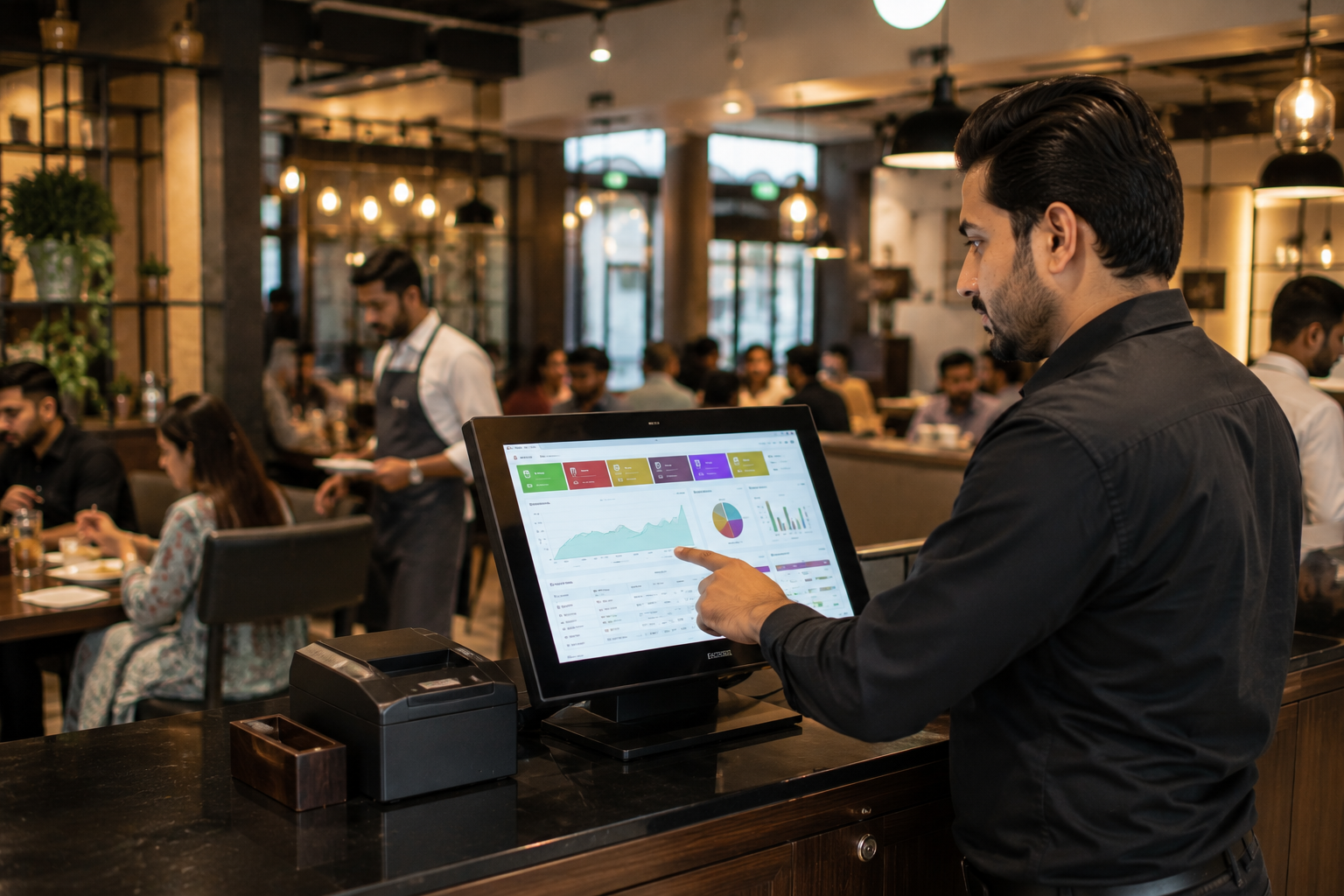
4. Sales Reporting and Analytics
Restaurant owners gain visibility into sales trends, peak hours, top selling items, and staff performance.
5. Multi-Branch Management
Centralized dashboards simplify operations for restaurants with multiple locations.
6. Online and Offline Order Integration
Restaurants can manage dine-in, takeaway, delivery, and online orders from one system.
7. Staff Management
POS systems help track employee performance, attendance, and shift operations.
Signs a Restaurant Needs Better POS Software
Many restaurants continue operating inefficiently without realizing the root cause is outdated systems.
Here are common signs a restaurant needs modern restaurant POS software:
- Frequent billing mistakes
- Slow checkout process
- Delayed kitchen orders
- Customer complaints about service speed
- Inventory mismatches
- Difficulty handling rush hours
- Staff communication issues
- Lack of real-time reports
- Manual calculations and paperwork
- Trouble managing multiple branches
Restaurants experiencing these problems often see major improvements after implementing a modern POS system.
How Oscar Helps Restaurants Run Faster and More Efficiently
For restaurants looking to simplify operations and improve service quality, Oscar provides a modern restaurant POS solution designed for growing businesses.
Oscar helps restaurants manage billing, inventory, kitchen coordination, and sales operations from one centralized platform.
Restaurants can use Oscar to:
- Speed up restaurant billing
- Reduce order mistakes
- Improve kitchen communication
- Track inventory in real time
- Manage online and offline orders
- Access real-time sales reports
- Handle multi-branch operations
- Improve staff efficiency
- Simplify restaurant workflows
Because operations stay connected in one system, restaurants can serve customers faster while maintaining better operational control.
Restaurants that want to modernize operations without unnecessary complexity often benefit from using a centralized POS platform like Oscar.
How Restaurant POS Software Improves Customer Experience
Customer experience directly impacts restaurant growth.
Fast service, accurate billing, and smooth operations increase repeat visits and positive reviews.
Restaurant POS systems improve customer satisfaction by:
- Reducing waiting times
- Improving billing accuracy
- Delivering orders faster
- Reducing order confusion
- Supporting faster payments
- Improving dine-in efficiency
- Handling peak hours more effectively
Customers notice operational efficiency immediately, especially during busy dining hours.
Choosing the Right Restaurant POS System
Not every POS system fits every restaurant.
Before selecting restaurant POS software, businesses should evaluate:
1. Ease of Use
The system should be simple for staff to learn and operate.
2. Scalability
Restaurants should choose software that supports future business growth.
3. Cloud Accessibility
Remote access improves operational flexibility.
4. Inventory Features
Strong inventory management helps reduce wastage and stock problems.
5. Reporting Capabilities
Real-time analytics improve business decision-making.
6. Multi Order Support
The system should manage dine-in, takeaway, delivery, and online orders smoothly.
7. Customer Support
Reliable technical support is essential for uninterrupted operations.
Choosing the right restaurant POS software is an operational investment, not just a software purchase.
The Future of Restaurant Management Is Digital
Restaurants are no longer competing only on food quality. Operational speed, billing efficiency, customer experience, and service consistency now play a major role in business success.
Modern restaurant POS systems help restaurants operate faster, reduce errors, improve coordination, and scale more efficiently.
As restaurants continue adopting digital workflows, businesses using outdated manual systems will struggle to keep up with customer expectations.
Restaurants that invest in efficient restaurant management software position themselves for smoother operations and long-term growth.
FAQs
1. What is restaurant POS software?
Restaurant POS software is a system that helps restaurants manage billing, orders, kitchen coordination, inventory, payments, and reporting from one platform.
2. How does restaurant POS software reduce billing mistakes?
Restaurant billing software automates calculations, tracks orders accurately, and reduces manual errors during checkout.
3. Can restaurant POS software improve kitchen operations?
Yes. Restaurant POS systems send orders directly to the kitchen, improving communication and reducing delays.
4. What are the benefits of cloud-based restaurant POS systems?
Cloud-based restaurant POS software offers remote access, real-time reporting, automatic updates, and easier multi-branch management.
5. Can restaurant POS software manage inventory?
Yes. Many restaurant POS systems include inventory management features that track ingredient usage and stock levels in real time.
6. Is restaurant POS software suitable for small restaurants?
Yes. Small restaurants, cafes, fast food businesses, and growing restaurant chains can all benefit from using restaurant POS software.
7. How does restaurant POS software improve customer experience?
Restaurant POS systems reduce waiting times, improve billing accuracy, speed up service, and create smoother restaurant operations.
8. What features should a restaurant POS system include?
A good restaurant POS system should include billing, inventory management, kitchen order tickets, reporting, table management, and online order integration.
Final Thoughts
Restaurant delays, billing mistakes, and operational confusion are not just minor inconveniences. They directly affect revenue, customer retention, and business growth.
Modern restaurant POS software helps restaurants streamline operations, improve speed, reduce errors, and create a better customer experience across every stage of service.
For restaurants looking to simplify operations and improve efficiency, trying a modern solution like Oscar can provide a clear picture of how much smoother restaurant management can become.
Before committing to any system, it is always worth exploring a live demo to understand how the software fits real restaurant workflows. Trying an Oscar POS demo can help restaurant owners see how faster billing, better kitchen coordination, and centralized operations work in practice before making a decision.