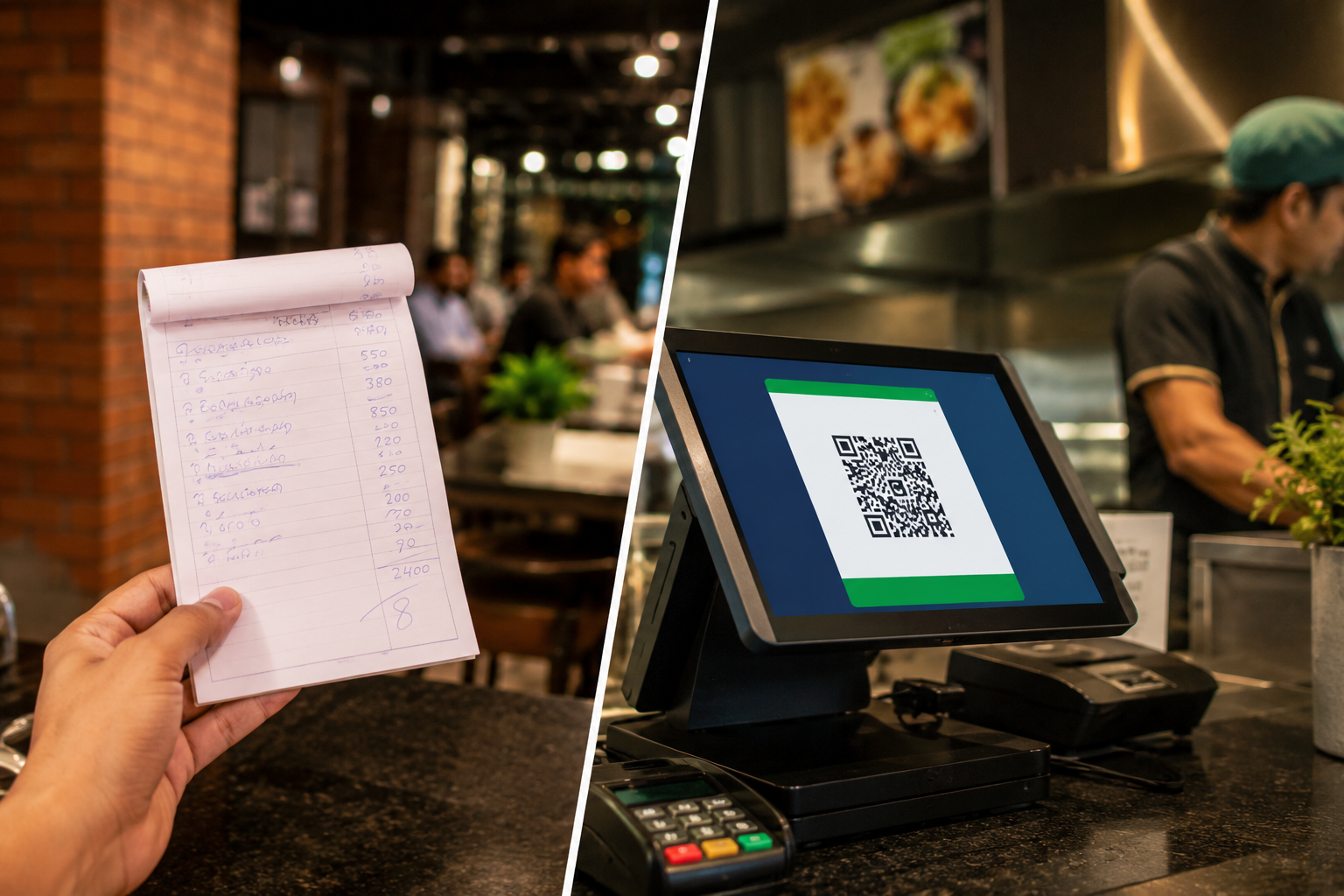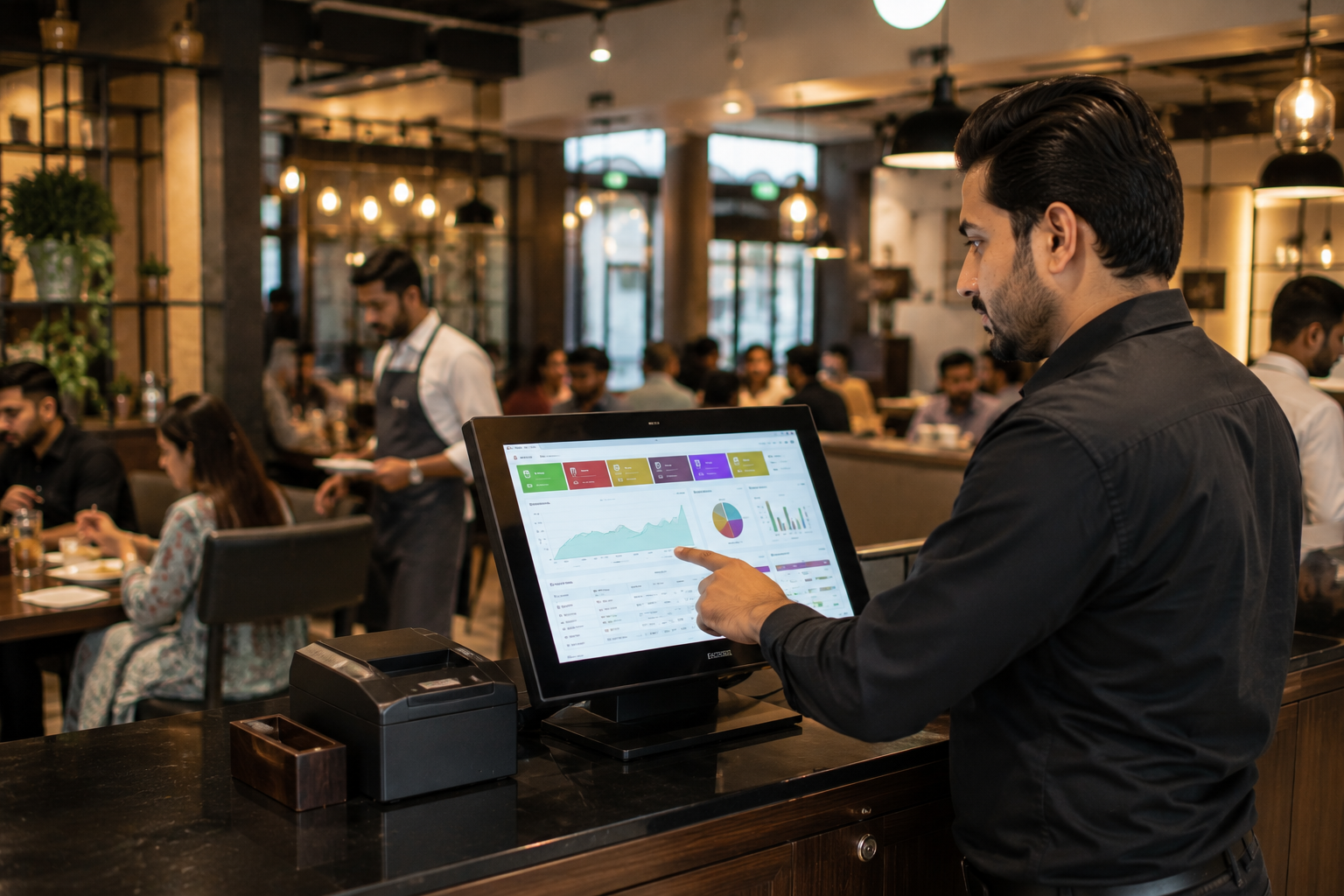
FBR POS Integration in Pakistan: Complete Guide for Businesses
October 5, 2026
.Blog
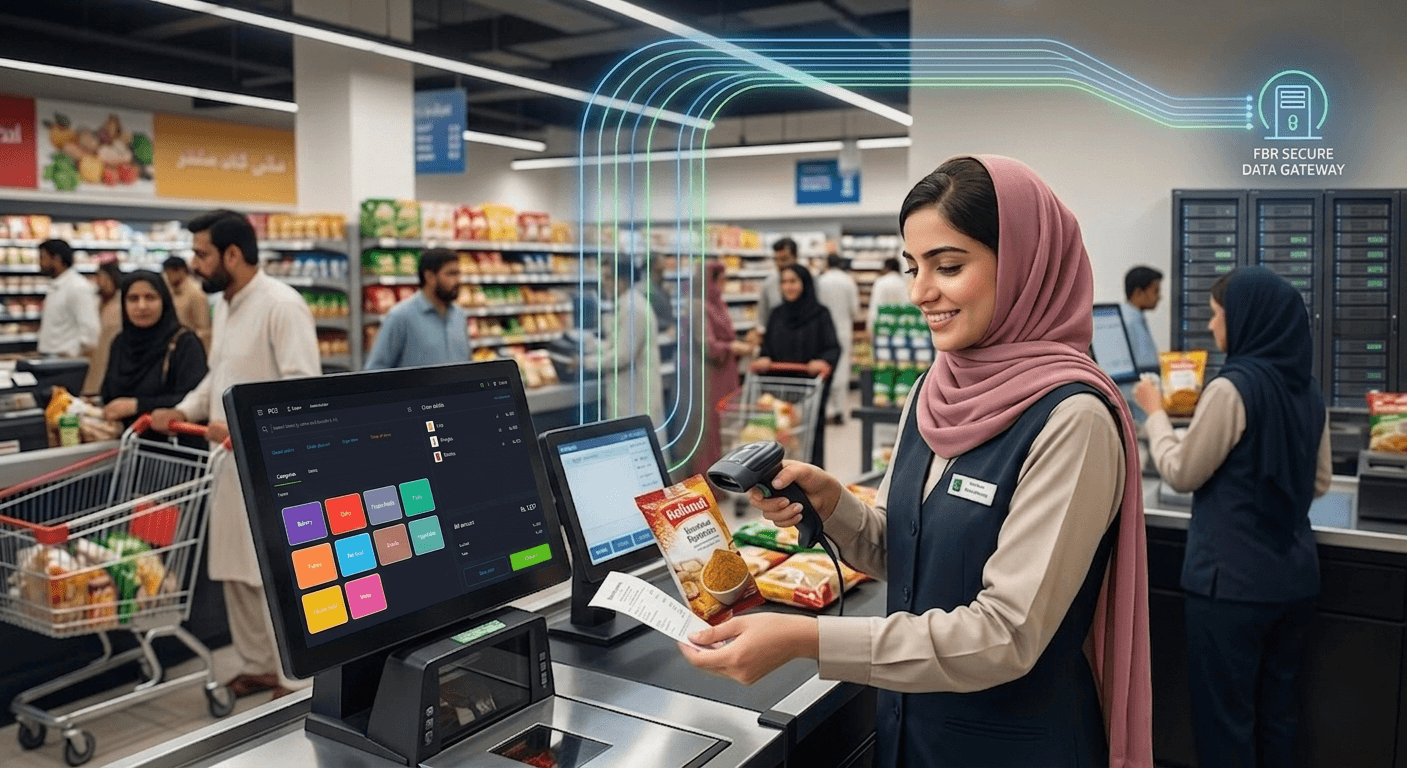
FBR POS integration is now an important part of digital tax compliance for many businesses in Pakistan. A properly integrated point of sale system connects business transactions with the Federal Board of Revenue's digital invoicing and reporting infrastructure, allowing eligible sales information to be transmitted electronically and invoices to be generated according to applicable requirements.
For businesses, the challenge is not simply choosing a POS system. The system must also support the relevant FBR requirements, invoice data structure, integration process, verification mechanisms, and ongoing reporting obligations.
This guide explains FBR POS integration in Pakistan, who may need it, how the integration process works, what the FBR API requires, how customers can verify FBR invoices, how the FBR POS prize scheme works, and what businesses operating in Sindh need to know about SRB POS integration.
What Is FBR POS Integration?
FBR POS integration is the process of connecting a business's point of sale or electronic invoicing software with the Federal Board of Revenue's digital invoicing infrastructure.
Instead of maintaining sales information only inside the business's own POS system, an integrated setup transmits the required invoice information to the relevant FBR system through an approved integration mechanism.
At a basic level, the workflow is:
- A customer purchases a product or service.
- The transaction is recorded in the POS system.
- The required invoice information is prepared according to FBR specifications.
- The information is transmitted to the FBR system.
- FBR processes and validates the submitted information.
- The system returns the relevant invoice response.
- The invoice is issued to the customer with the required information.
FBR's current technical documentation includes dedicated digital invoicing APIs for submitting and validating invoice information. The documentation also specifies reference APIs, invoice scenarios, error codes, and requirements for invoice QR codes and digital invoicing identification.
Common search terms around this topic include:
- FBR POS integration
- FBR POS system
- FBR POS software
- FBR digital invoicing Pakistan
- FBR API integration
- FBR invoice verification
- FBR integrated POS software Pakistan
- FBR compliant POS system
Who Needs FBR POS Integration in Pakistan?
FBR integration requirements depend on the applicable tax rules, business classification, sector, and notifications issued by the authorities.
Tier 1 retailers have historically been a major focus of FBR's POS integration framework. FBR's current published integration data shows thousands of integrated businesses across Tier 1 retail, textile and leather retail, and restaurants. As of August 31, 2026, FBR reported 13,731 integrations covering 37,770 branches.
Businesses that may fall within relevant compliance requirements can include:
- Large retail businesses
- National and international retail chains
- Businesses operating multiple outlets
- Restaurants and food businesses
- Retailers operating in major commercial locations
- Textile and leather retailers
- Other businesses covered by applicable FBR rules or notifications
The exact obligation should always be checked against the latest FBR rules and the business's specific classification. Businesses should not assume that every POS user has exactly the same integration requirements.
How Does FBR POS Integration Work?
The integration connects the business's billing software with the relevant FBR infrastructure.
A simplified transaction flow looks like this:
Customer purchase → POS transaction → Invoice data preparation → FBR API submission → FBR response → Invoice generation → Customer verification
The technical implementation can be more complex because the POS must prepare information in accordance with the applicable invoice structure and business scenario.
FBR's current Digital Invoicing API documentation includes a web method to post invoice data and another to validate invoice information. The documentation also provides reference APIs for information such as province codes, document types, item codes, transaction types, units of measurement, rates, HS codes, and other required data.
This means FBR POS integration is not simply a matter of sending a total sales amount. The POS or ERP system must be capable of producing structured invoice information that matches the applicable technical requirements.

Step-by-Step FBR POS Integration Process
Businesses planning to integrate their own POS system should treat integration as both a regulatory and technical project.
1. Determine Your Applicable FBR Requirement
Start by determining whether your business falls within a category that is required to use an FBR-integrated POS or digital invoicing system.
Review the applicable FBR notifications, sales tax rules, business classification, and sector requirements before beginning technical implementation.
This is important because integration requirements can vary depending on the nature of the business and the applicable invoice scenarios.
Suggested screenshot 1: FBR official POS integration or technical assistance page showing the available POS resources.
2. Complete the Required FBR Registration
The business must complete the applicable registration process and provide the information required by FBR.
Depending on the integration framework being used, this can include information relating to:
- Business registration
- NTN or relevant registration information
- Business location
- Branch or outlet information
- POS or software details
- Business sector
- Applicable integration category
The exact registration workflow should be confirmed against the current FBR process because the authority's digital invoicing infrastructure and documentation can change.
Suggested screenshot 2: FBR registration or IRIS screen showing the relevant business registration workflow.
3. Register the POS or Software System
The business's POS or ERP software must be capable of communicating with the FBR infrastructure.
For businesses developing their own integration, the software team needs to work with the technical documentation and implement the required API functionality.
For businesses using an already integrated POS, much of the technical work can be handled by the software provider.
4. Configure the API Authentication
FBR's technical documentation provides security mechanisms for API communication. The current Digital Invoicing documentation uses security tokens to distinguish the applicable environment and route requests accordingly.
The FBR documentation also provides separate sandbox and production workflows for testing and live operations.
Suggested screenshot 3: FBR Digital Invoicing technical documentation showing the API authentication or sandbox section.
5. Map Your Invoice Data
The POS needs to prepare invoice information in the structure required by FBR.
Depending on the applicable scenario, invoice information can include:
- Invoice type
- Invoice date
- Seller information
- Buyer information where applicable
- Seller registration information
- Product or service information
- Quantity
- Unit of measurement
- Tax information
- HS code
- Applicable SRO information
- Invoice reference information
- Transaction information
FBR's technical documentation provides sample JSON structures and scenario-based requirements that developers can use when implementing the integration.
6. Test the Integration in the Sandbox
FBR's Digital Invoicing User Manual provides a sandbox environment for testing.
Developers can access API details, sample JSON formats, and sample code through the sandbox environment. Businesses are expected to submit scenario-based invoices that correspond to their selected business nature and sector. Successful test submissions result in invoice numbers and can lead to production access according to the documented process.
Suggested screenshot 4: FBR Digital Invoicing sandbox environment showing API details or sample JSON options.
7. Test Different Invoice Scenarios
Testing should not be limited to one successful sale.
The POS should be tested against the scenarios applicable to the business, including relevant transaction types, tax treatment and correction workflows.
This is important because a POS system that successfully submits one ordinary invoice may still encounter problems with other transaction types.
8. Move the Integration to Production
Once the required testing has been completed, the business can proceed with the production integration according to FBR's current procedures.
The production environment should be monitored closely during the initial rollout.
Businesses should check:
- Successful invoice submission
- FBR response status
- Invoice number generation
- Invoice printing
- QR code generation
- Failed transactions
- Corrective workflows
- Sales reconciliation
9. Continue Monitoring the Integration
FBR integration is not a one time technical task.
Businesses should regularly monitor transaction responses and ensure that their POS continues to operate according to current requirements.
Software vendors should also keep their integrations updated when FBR changes technical specifications, scenarios or reporting requirements.
FBR API Requirements and Technical Documentation Explained
Businesses searching for FBR API integration POS often assume that they need to build a simple connection between their POS and FBR.
The actual process is more structured.
FBR's current Digital Invoicing API documentation includes:
Digital Invoicing API
The technical specification includes an API method for posting invoice data and another for validating invoice information. The documented post method is designed for real time invoice submission.
Authentication
The API uses security tokens for authorized communication. The documentation explains that the same API URL structure can support sandbox and production routing based on the security token being used.
Structured Invoice Data
The POS sends structured invoice information rather than unformatted sales text.
The technical documentation provides sample JSON data containing fields such as invoice type, invoice date, seller information, buyer information and scenario identification.
Reference APIs
The documentation includes reference APIs for information such as:
- Province codes
- Document type IDs
- Item codes
- Transaction type IDs
- Units of measurement
- Rates
- HS codes
- SRO information
These reference values help the POS system submit information in the format expected by the FBR system.
Sandbox Testing
Developers can test their implementation before production deployment through the FBR sandbox environment. The official user manual provides access to API information, sample JSON and sample code for testing.
Invoice QR Code
FBR's technical documentation specifies QR code requirements for digitally invoiced receipts. The current documentation specifies QR Code Version 2.0 with a 25 by 25 structure and dimensions of 1 inch by 1 inch for printing.
Businesses implementing their own integration should always use the latest official FBR technical documentation rather than relying on an older API guide.
FBR POS Invoice Verification
FBR POS integration also provides customers with a way to verify electronically generated invoices.
According to FBR, customers can verify invoices from integrated retailers through the Tax Asaan App or by sending the required invoice information through SMS to 9966. The Tax Asaan verification process allows customers to enter an FBR invoice number or scan the QR code printed on the receipt.
This creates an important distinction between an ordinary POS receipt and an electronically verifiable FBR invoice.
For a customer, the process can be as simple as:
- Receive the invoice.
- Locate the FBR invoice number or QR code.
- Open the applicable FBR verification facility.
- Enter the invoice number or scan the QR code.
- Check whether the invoice is verified.
Businesses should therefore ensure that their invoice printing process preserves all required FBR information.
FBR POS Prize Scheme
The FBR POS prize scheme was introduced as an incentive mechanism connected with electronically generated invoices from integrated retailers.
FBR maintains dedicated pages for the POS prize scheme, prize draws and prize winners. Historical FBR prize draw records include major cash prizes, including a reported Rs. 1 million bumper prize.
The important point for businesses and customers is that POS integration is connected not only with tax reporting but also with FBR's invoice based customer engagement initiatives.
However, businesses should not treat the prize scheme as the primary reason to integrate. Compliance with applicable FBR requirements remains the central consideration.
SRB POS Integration for Businesses in Sindh
Businesses operating in Sindh may have an additional compliance consideration: Sindh Revenue Board POS integration.
FBR and SRB are separate authorities with different areas of responsibility. An FBR integrated POS should therefore not automatically be assumed to satisfy every SRB requirement.
The Sindh Revenue Board has its own Point of Sale system and integration framework.
SRB describes its POS system as an electronic invoicing system designed for certain sectors, including hospitality, health and beauty. SRB also provides technical documentation for both offline and cloud based POS integration.
Who Needs SRB POS Integration?
SRB's published FAQ identifies categories of restaurants required to integrate their POS systems for live sales reporting.
These include:
- Restaurants located in hotels
- International restaurants operating as franchisers or franchisees
- Restaurants with more than one branch in Sindh
- Restaurant outlets located in air conditioned shopping malls
- Restaurants operating through online marketplace platforms
- Restaurants whose turnover exceeded Rs. 5 million during the immediately preceding twelve tax periods
SRB states that restaurants falling within the applicable Sindh sales tax special procedure are required to integrate with the SRB POS system.
How SRB POS Integration Works
SRB's integration framework uses a Sales Data Controller, commonly referred to as the SDC.
The POS integration process allows the business system to communicate with the SRB system, submit sales transaction information and receive an SRB invoice number.
SRB's integration guide describes the process as one in which the POS SDC receives and validates sales transaction data and generates or transmits the SRB invoice number to the POS system.
Businesses in Sindh should therefore evaluate both FBR and SRB requirements where applicable.
This is particularly important for restaurants, hospitality businesses and other service businesses operating in Karachi and across Sindh.
Businesses should determine which authority requirements apply to their specific activities rather than assuming that one integration automatically covers the other.
Benefits of Using an FBR Integrated POS
1. Automated Transaction Reporting
An integrated POS can connect normal billing activity with the required reporting workflow, reducing the need for manual transaction submission.
2. Better Invoice Accuracy
When the invoice is generated directly from the POS, the system can apply the configured product, tax, and transaction information consistently.
3. Easier Invoice Verification
FBR-integrated invoices can include the information required for customer verification, including the relevant invoice number and QR code.
4. Centralised Sales Records
Businesses can maintain transaction records in the same system used to operate their daily sales.
5. Easier Multi-Outlet Management
Businesses operating several locations can manage their sales activity through a central POS environment while maintaining outlet-level records.
6. Lower Administrative Work
Automating the connection between sales processing and reporting can reduce repetitive manual work for staff.
Common FBR POS Integration Problems
Even technically capable businesses can encounter problems during implementation.
Common issues include:
1. Incorrect Invoice Data
Missing or incorrectly formatted invoice fields can cause submissions to fail.
2. Incorrect Tax Configuration
The POS must be configured correctly for the applicable tax treatment and business scenario.
3. API Errors
The POS can receive errors when required data is missing, invalid or inconsistent with the applicable FBR scenario.
4. Poor Internet Connectivity
Where live communication with the tax system is required, connectivity problems can affect transaction processing and reporting workflows.
5. Outdated Integration
FBR technical requirements can change. A POS integration that was built around an older specification may require updates.
6. Invoice Printing Problems
The physical or digital invoice must preserve the required information, including applicable FBR identification and QR code requirements.
How to Choose an FBR Integrated POS in Pakistan
Businesses should evaluate more than just the basic claim that a POS is FBR-integrated.
Before selecting software, check whether it provides:
- FBR integration support
- Digital invoice generation
- FBR invoice number handling
- QR code support
- Tax configuration
- Sales reporting
- Inventory management
- Multi-outlet support
- Transaction history
- Error monitoring
- Offline operational capability where applicable
- Ongoing software updates
- Technical support
The most important question is whether the POS can support the business's actual compliance requirements rather than simply displaying an FBR integration label.
Oscar for FBR Integrated POS Operations
Oscar provides a cloud-based POS platform that integrates sales, inventory, and business operations into a single system.
Oscar's published FBR integration material states that the platform can automatically record sales, generate digital invoices, and transmit relevant sales information to FBR as part of its integration workflow.
For businesses, this can remove much of the technical burden associated with building and maintaining an FBR connection independently.
Instead of building an integration from scratch, a business can use a POS environment where the sales workflow and FBR integration are designed to work together.
This can be particularly useful for businesses that need to manage:
- Daily sales
- Inventory
- Multiple branches
- Digital invoicing
- FBR reporting
- Transaction records
- Business reporting
The exact compliance requirements still depend on the business's applicable tax obligations and configuration.
Why an Integrated POS Is Better Than Manual FBR Reporting
Manual reporting creates additional opportunities for errors.
A disconnected process may require staff to:
- Complete the sale.
- Record the transaction.
- Prepare the required tax information.
- Enter information into another system.
- Reconcile the records later.
With an integrated POS workflow, the transaction can be captured once and connected to the applicable reporting process.
The result is a more structured workflow with fewer disconnected steps.
Frequently Asked Questions
1. How to integrate POS with FBR?
To integrate a POS with FBR, a business first needs to determine the applicable FBR requirements, complete the relevant registration process, configure the POS integration, authenticate the API connection, map invoice data to FBR's required structure, test applicable scenarios in the sandbox and then move the approved implementation to production. FBR provides technical documentation covering API methods, security, reference APIs, scenarios and error codes.
2. What is FBR POS integration in Pakistan?
FBR POS integration connects a business's POS or electronic invoicing system with FBR's digital invoicing infrastructure so that applicable invoice information can be transmitted electronically and processed according to FBR requirements.
3. Is FBR POS integration mandatory in Pakistan?
FBR POS requirements depend on the applicable business category, sector, tax rules and notifications. Tier 1 retailers have been a major category within the POS integration framework, while other sectors and businesses may also fall under applicable digital invoicing or integration requirements. Businesses should verify their current obligation against the latest FBR requirements rather than assuming that the same rule applies to every business.
4. What is FBR POS invoice verification?
FBR POS invoice verification allows customers to check whether an electronically generated invoice is verified. FBR currently provides verification through the Tax Asaan App, where customers can enter the FBR invoice number or scan the QR code on the receipt. FBR also provides an SMS based verification method through 9966.
5. Does FBR POS integration require an API?
For businesses implementing the digital invoicing integration directly, FBR provides API based technical documentation. The current documentation includes methods for posting invoice information and validating invoice information, together with security requirements, reference APIs and scenario based testing.
6. What information is required in an FBR digital invoice?
Depending on the applicable invoice scenario, FBR requirements can include seller information, buyer information where applicable, invoice date, invoice type, product or service information, quantity, tax information, HS code, unit of measurement and other prescribed information. The exact requirements depend on the applicable technical scenario and current FBR rules.
7. Do businesses in Sindh need SRB POS integration?
Some businesses in Sindh may need SRB POS integration in addition to any applicable federal requirements. SRB identifies specific categories of restaurants and other businesses that must integrate for live sales reporting. Businesses should assess their SRB obligations separately from their FBR obligations.
8. Can one POS handle both FBR and SRB integration?
A POS can support integrations with multiple tax authorities if the software has the required technical capabilities and the relevant integrations are properly configured. Businesses in Sindh should specifically confirm that their selected POS supports the applicable SRB workflow rather than assuming that FBR integration automatically covers SRB.
9. How much does FBR POS integration cost?
The cost depends on the business's POS software, hardware, integration method, number of outlets, technical requirements and ongoing support needs. Businesses developing a custom integration may incur development and maintenance costs, while an already integrated POS can reduce the technical workload involved in implementation.
Oscar Handles FBR Integration Automatically
Oscar handles FBR integration automatically, allowing businesses to connect their everyday sales operations with the applicable FBR reporting workflow without building the entire integration themselves.
For businesses that want to simplify compliance, centralise sales management and reduce the technical burden of FBR integration, Oscar provides a ready POS environment designed around day-to-day business operations.
Oscar handles FBR integration automatically. Book a demo.
Final Word
FBR POS integration is more than connecting a cash register to a government system.
A complete implementation involves business registration, software configuration, API authentication, structured invoice data, scenario-based testing, invoice generation, QR code requirements, verification, and ongoing monitoring.
For businesses in Sindh, there can also be a separate SRB POS requirement depending on the business activity and applicable rules.
The safest approach is to use a POS system that supports the relevant regulatory requirements while also managing the actual business operations behind every transaction.
For businesses that do not want to build and maintain the technical integration themselves, an already integrated platform such as Oscar can simplify the process by bringing sales processing, invoicing, reporting, and FBR integration into one operational workflow.