What Is a Point-of-Sale (POS) System and How Does It Work?
October 1, 2026
.Blog
What Is a POS System and How Does It Work?
A point of sale (POS) system is the combination of software and, where required, hardware that businesses use to process sales, record transactions and manage checkout activities. Depending on its capabilities, a POS system can also support inventory management, sales reporting, product management and other business operations.
Businesses use POS systems in physical stores, restaurants, pharmacies and other retail environments. Online businesses can use related checkout and payment systems to process orders digitally.
For businesses in Pakistan, a POS system can help organise everyday sales operations, maintain transaction records and provide visibility into business performance. The right solution depends on the business type, transaction volume, operational requirements and any applicable tax or reporting obligations.
What Is a POS System?
A point of sale system is the setup a business uses to complete a customer transaction. It records the items or services being sold, calculates the amount payable, supports the payment process, and stores the transaction details.
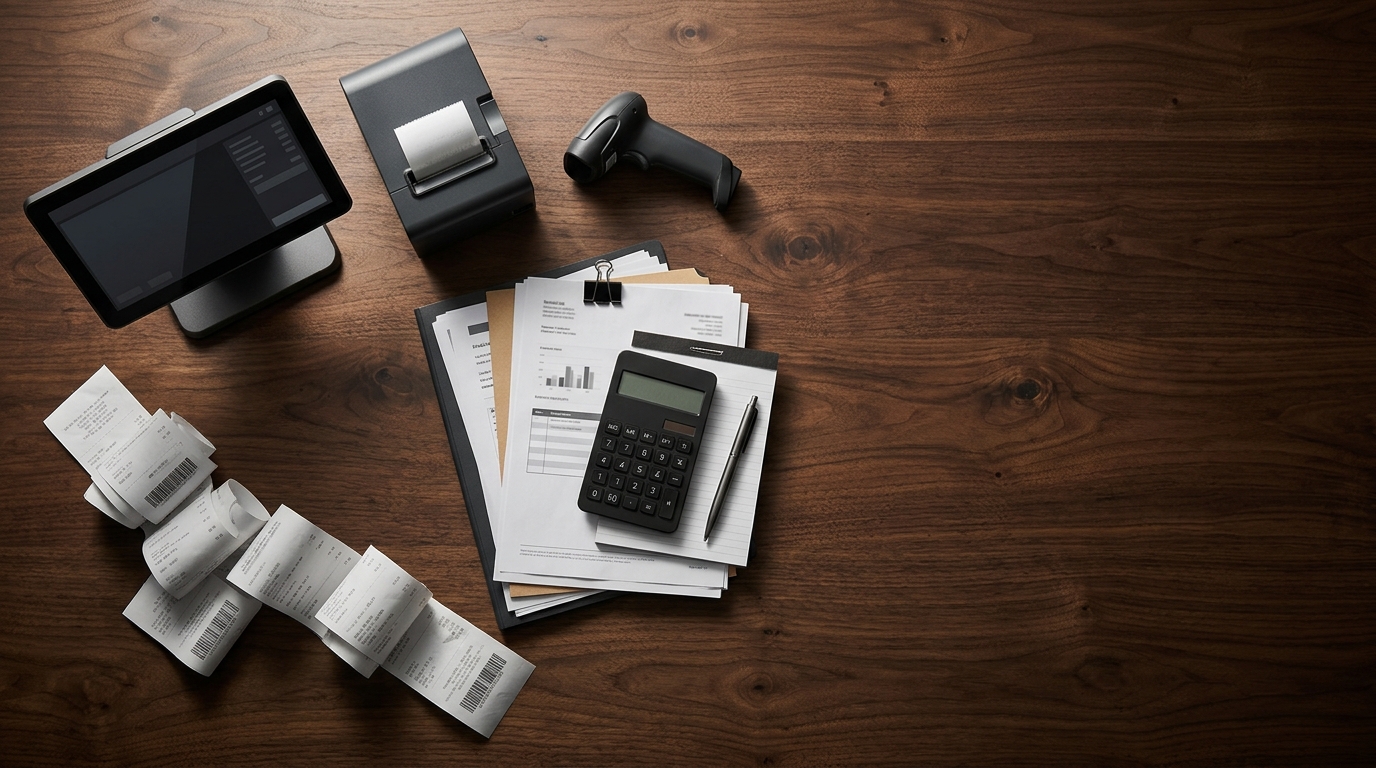
A traditional checkout setup might use a cash register to calculate totals and handle cash. A modern digital POS system can combine sales software with devices such as a computer, tablet, smartphone, barcode scanner, receipt printer or payment terminal.
The exact setup varies by business. A small retailer may need only a device and POS software, while a larger business may require additional hardware, inventory tools, user permissions, reporting capabilities or integration with other systems.
A POS system is therefore more than a way to accept payments. Depending on the software, it can help businesses maintain consistent sales records and coordinate related retail activities.
How Does a POS System Work?
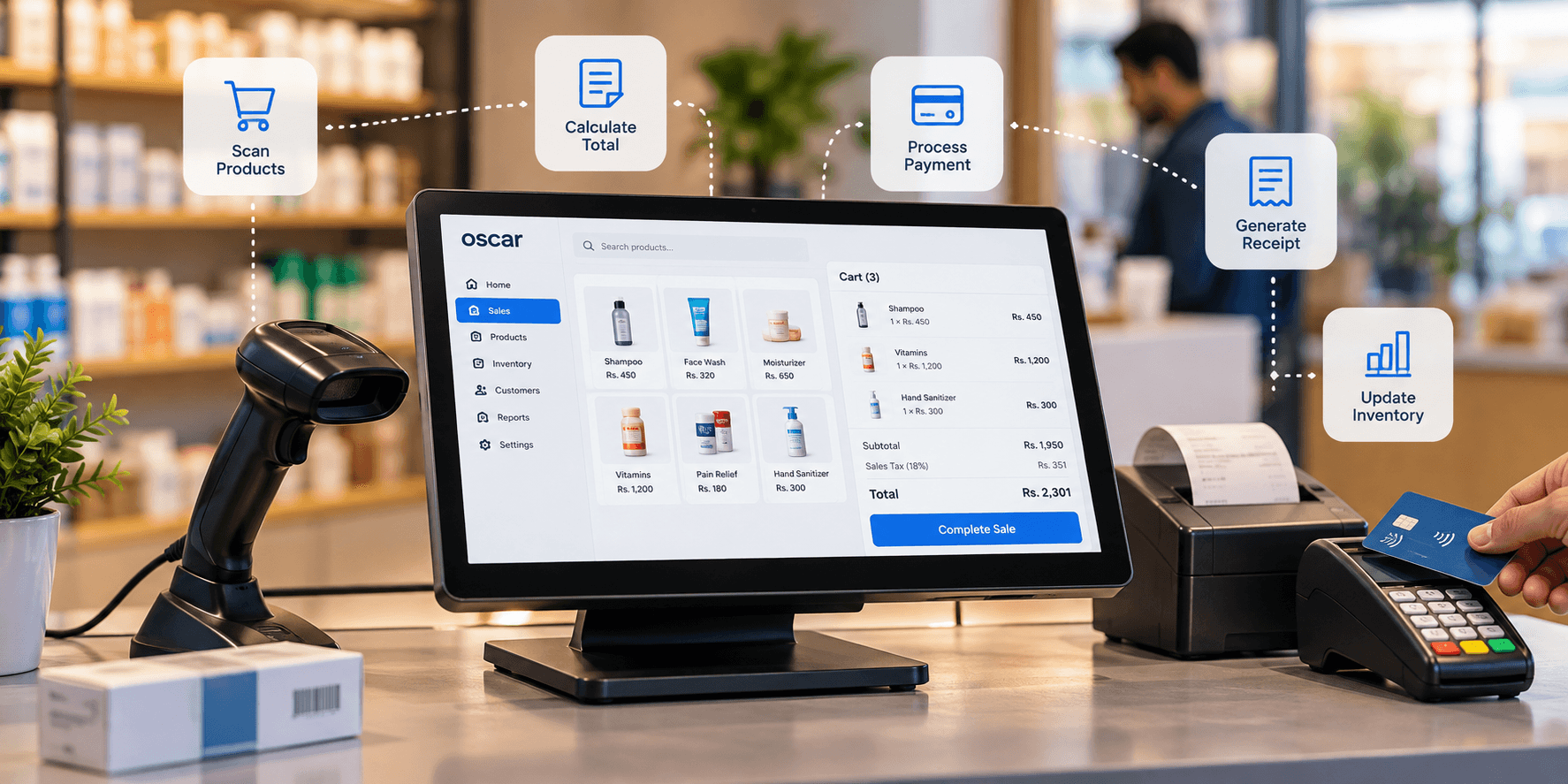
A POS system works by recording a sale, calculating the amount due, supporting payment processing and saving the transaction information. Other actions, such as updating inventory or generating reports, depend on the system's available features and configuration.
Here is how a typical transaction works.
1. Select the products or services
The cashier selects the products being purchased or scans their barcodes. The system retrieves the relevant product information and prices when these records are available in the POS software.
For an online business, the customer usually selects products through the website and proceeds to checkout.
2. Calculate the total amount
The POS system calculates the transaction total using the recorded prices, quantities and applicable discounts. Taxes or other charges may also be calculated when the system is configured to handle them.
Accurate results depend on maintaining correct product prices, tax settings and transaction information.
3. Process the customer's payment
The customer pays using a supported payment method. Depending on the business and its setup, this could include cash, a card, a digital wallet or another supported payment option.
Electronic payments may require authorisation from the relevant payment provider or financial institution. Payment options and processing arrangements vary between POS systems.
4. Record the completed transaction
Once the transaction is completed according to the system's workflow, the sale is recorded. The business may generate a printed or digital receipt, depending on the available options.
The transaction record can then be used for reviewing sales, handling customer queries and maintaining business records.
5. Update inventory and sales records
If inventory management is connected to the sales workflow, the system can update stock records to reflect the items sold. Sales reporting tools may also include the transaction in relevant summaries.
These updates depend on the POS system's capabilities and configuration. A basic checkout system may not include the same inventory and reporting functions as a broader retail management solution.
What Are the Main Components of a POS System?
A POS system can include several hardware and software components. The equipment a business needs depends on how it processes sales and which functions it wants to manage.
POS hardware
Hardware may include a computer, tablet, smartphone, barcode scanner, receipt printer, cash drawer or payment terminal. Not every business needs every device.
POS software
The software records sales, calculates totals and stores transaction information. Depending on the product, it may also provide inventory management, reporting, product records and user access controls.
Payment processing
Supported payment methods allow businesses to collect customer payments. Card and digital payment processing may require a compatible terminal, payment provider or integration.
Business records and reporting
Depending on the software, transaction records and reports can help business owners review sales activity, monitor stock movement and assess business performance.
What Are the Different Types of POS Systems?
POS systems vary according to how they are deployed, the devices they use and the needs of the business.
What Are the Different Types of POS Systems?
POS systems vary according to how they are deployed, the devices they use and the needs of the business.
Traditional POS systems
Traditional POS setups commonly use fixed checkout equipment such as a desktop computer, cash drawer, barcode scanner and receipt printer. They are suited to businesses that process transactions at a dedicated counter.
Cloud-based POS systems
Cloud-based POS software stores or processes business data through cloud infrastructure. Depending on the product, authorised users may be able to access business information across devices or locations. Internet requirements, offline functionality and data access arrangements vary by provider.
Mobile POS systems
Mobile POS systems allow supported sales activities through a smartphone or tablet. They can be useful for market stalls, pop-up shops, service businesses, and retailers who need flexibility beyond a fixed checkout counter.
Tablet based POS systems
Tablet based systems use a tablet as the primary checkout device. Additional equipment can be connected where supported, making this setup suitable for businesses that prefer a compact checkout arrangement.
Online businesses use digital checkout systems to record orders and collect payments. Some businesses use separate online and in store systems, while others use connected tools to coordinate sales and inventory across channels.
These categories can overlap. For example, a cloud based POS system may also support mobile devices and connect with an ecommerce platform.
Why Does Your Business Need a POS System?
A POS system can help businesses organise transactions and reduce reliance on disconnected manual processes. Whether it is necessary depends on the complexity of the business and the problems its current setup creates.
1. Faster and more consistent checkout
A structured checkout process can help staff identify products, calculate totals and record transactions consistently. Barcode scanning and automated calculations can reduce repetitive manual entry when these features are supported.
2. More organised sales records
Digital transaction records make it easier to retrieve sales information, review previous transactions and maintain a consistent record of business activity.
3. Better inventory visibility
When inventory management is integrated with sales, the system can update stock records as products are sold. This can help businesses review stock availability and identify replenishment requirements.
4. Access to business reports
Sales reports can help owners review transaction volumes, sales totals and product performance. The value of these reports depends on the accuracy of the recorded data and the reporting tools available.
5. Consistent processes across employees
A POS system can help standardise how transactions are recorded. Where supported, user permissions and activity records can also help businesses manage access to sensitive functions.
6. Support for expansion
Businesses adding more employees, products or locations may need more structured sales and inventory management. A POS system with suitable capabilities can help support these operational requirements.
A POS system does not automatically eliminate errors or improve profitability. Results depend on the selected software, implementation, staff training, data quality and the business processes built around it.
POS System vs Cash Register: What Is the Difference?
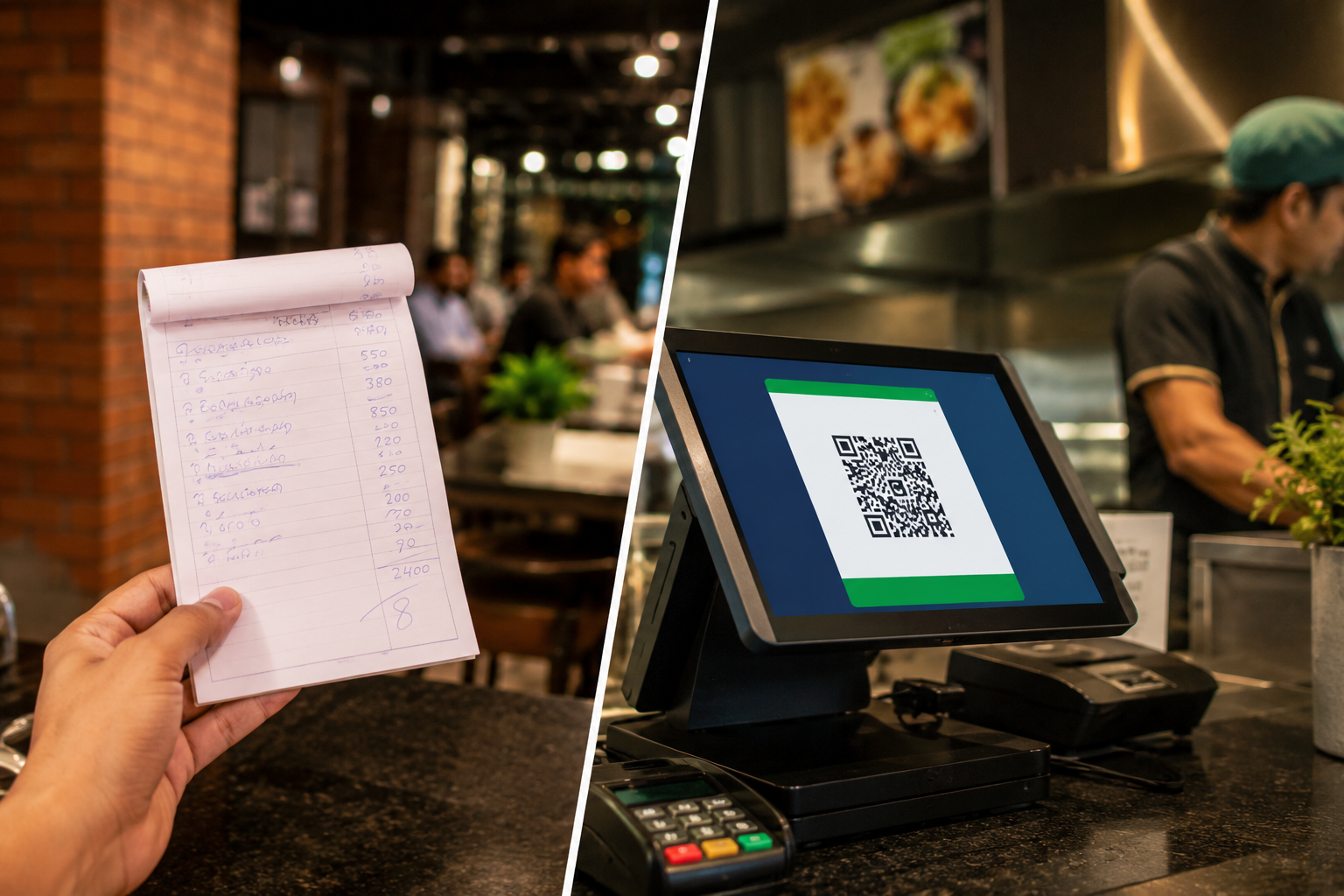
A cash register is primarily designed to calculate sales, record transactions and handle cash at checkout. A POS system can offer a broader set of functions, depending on its software and configuration.
The distinction is not absolute. Some modern cash registers offer digital reporting and inventory functions, while some basic POS systems focus mainly on checkout. Businesses should compare actual capabilities rather than relying on the product label alone.
For businesses that need more than basic checkout, a POS system with the relevant reporting and inventory capabilities may be worth evaluating.
How Does a POS System Work in Pakistan?
In Pakistan, businesses use POS systems to record sales, manage checkout activities, and maintain business records. The appropriate setup depends on the business type, the payment methods it accepts, and its operational and regulatory requirements.
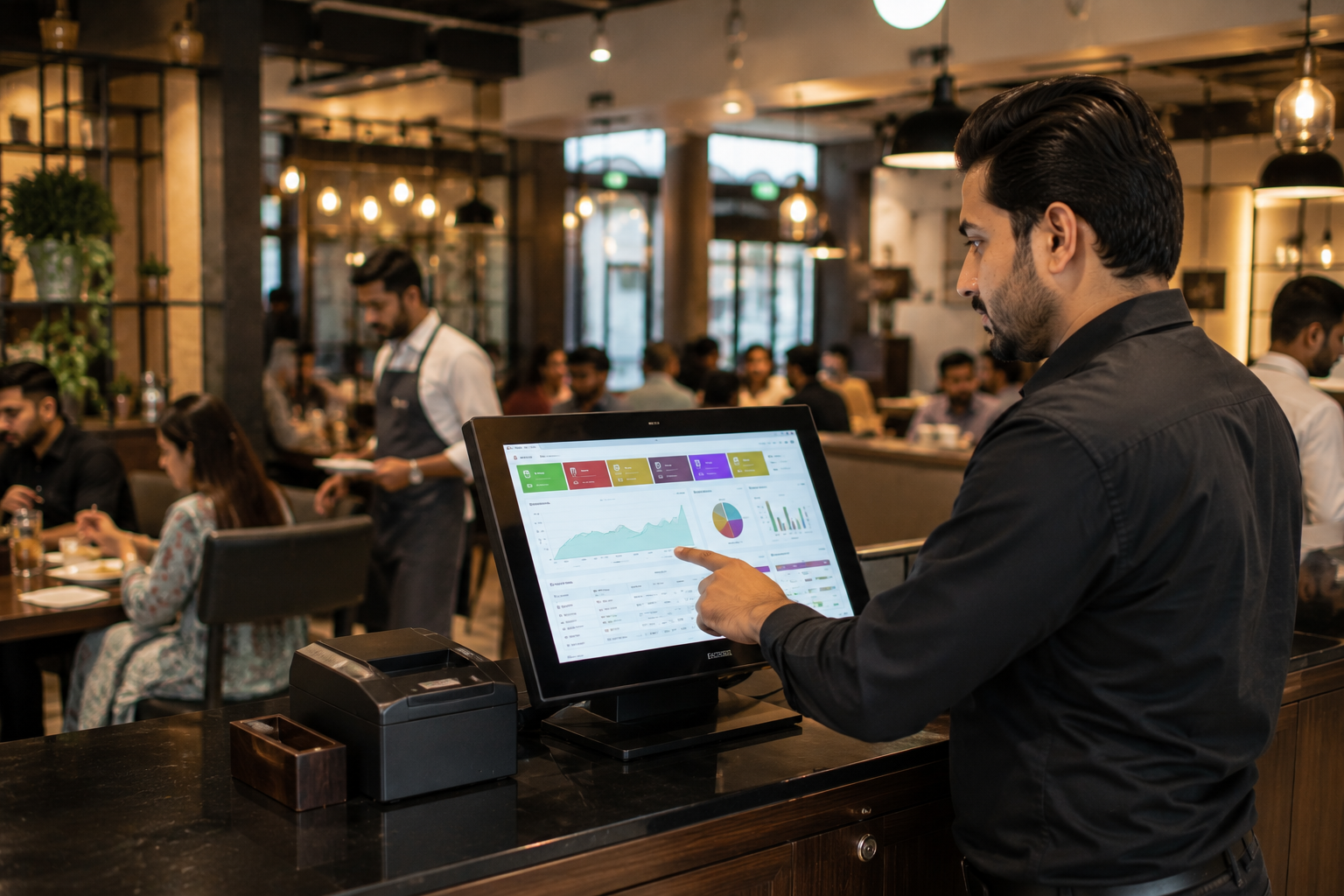
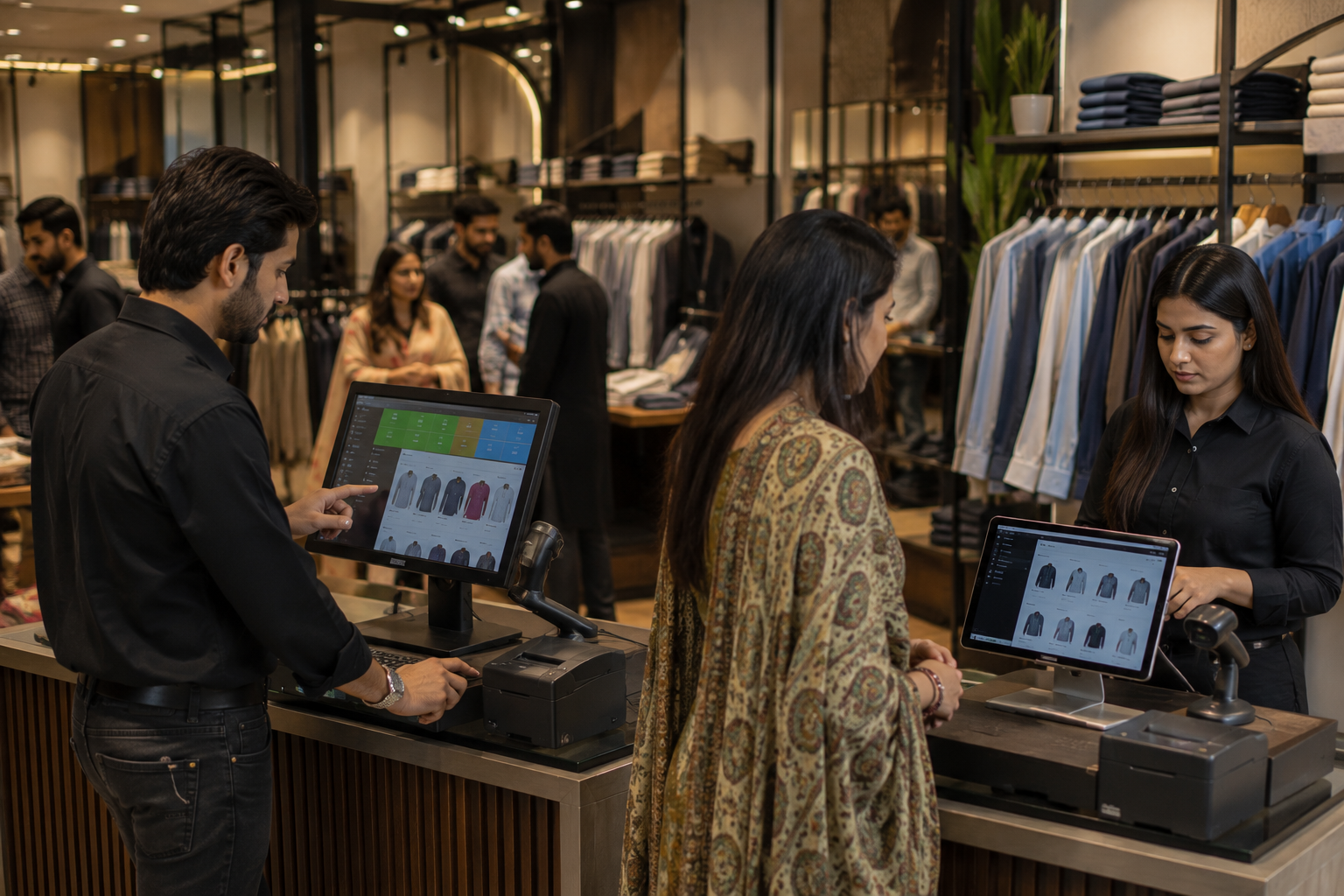
For example, a retailer may use POS software to record product sales and review daily revenue. A pharmacy may need additional inventory and product management capabilities. A restaurant may require order management and billing workflows suited to table service or takeaway orders.
Businesses should also distinguish between general POS functionality and regulatory integration.
1. Payment acceptance
A POS system may support cash, cards, digital wallets or other payment methods, depending on its configuration and available integrations. Businesses should confirm which payment methods are supported and whether additional equipment or provider agreements are required.
2. Sales records and reporting
POS software can maintain transaction records and provide sales reports. These functions can help businesses review activity and organise their records, but the system's capabilities and configuration determine what information is available.
3. FBR and other applicable requirements
Some businesses may be subject to specific tax registration, POS integration, invoice or transaction reporting requirements. Applicability depends on the business and the regulations in force.
A system that records sales or prints receipts should not automatically be considered FBR-compliant. Businesses should verify their obligations and confirm that the selected software supports the specific integration or reporting requirements that apply to them.
For current requirements, consult the relevant authority or a qualified tax professional before making compliance decisions.
How to Choose a POS System for Your Business
The right POS system should fit your business's daily workflow rather than simply offering the most features.
Consider the following factors before making a decision.
Before committing to a system, request a demonstration using realistic business scenarios. Confirm which functions are included, which require additional charges and what support is available after implementation.
How Oscar POS Fits Into Business Operations
Businesses evaluating POS software in Pakistan can consider Oscar POS as part of their software assessment. The appropriate solution should be selected according to the business's billing, reporting, inventory, and operational requirements.
When assessing Oscar POS, business owners should verify the available functionality, supported hardware, payment arrangements, reporting options, and any integrations they require. Businesses with specific inventory, multi-location, or regulatory needs should confirm those capabilities directly before making a decision.
The goal is to choose a system that supports the business's actual workflows and can accommodate its requirements as operations evolve.
Next step: Explore Oscar POS to assess whether its available capabilities fit your business requirements.
Frequently Asked Questions
1. What does POS stand for?
POS stands for point of sale. It refers to the place or process where a customer completes a purchase. A POS system is the software and equipment used to process sales and record transactions.
2. What is the main purpose of a POS system?
The main purpose of a POS system is to process transactions and maintain sales records. Depending on its capabilities, it can also support inventory management, sales reporting, product management and other business workflows.
3. How does a POS system work step by step?
A typical POS transaction involves selecting or scanning products, calculating the total, processing payment, recording the sale and generating a receipt. If the system includes inventory management, it may also update stock records after the sale.
4. What is the difference between a POS system and a cash register?
A cash register primarily handles checkout and sales recording. A POS system can provide additional functions such as inventory tracking, digital reporting and integrations. Actual capabilities vary by device and software.
5. Do small businesses need a POS system?
Not every small business needs one. A business with simple transactions may manage with basic tools, while a business experiencing billing errors, difficult record keeping or limited sales visibility may benefit from a suitable POS system.
6. Can a POS system work without the internet?
Some POS systems support offline transactions or selected offline functions, while others depend on an internet connection for essential operations. Businesses should verify offline capabilities, data synchronisation and payment processing limitations with their provider.
7. Can a POS system manage inventory?
Yes, many POS systems include inventory management or integrate with separate inventory software. Depending on the solution, they may support stock updates, product records, stock adjustments and replenishment alerts.
8. Is a POS system mandatory in Pakistan?
POS requirements depend on the business's circumstances and the regulations applicable to it. Certain businesses may have specific tax integration or reporting obligations. Businesses should confirm their current requirements with the relevant authority or a qualified tax professional.
9. How much does a POS system cost in Pakistan?
The cost varies according to the software package, number of users or locations, hardware requirements, integrations, setup and support arrangements. Businesses should request a current quotation and compare the total ongoing cost rather than considering only the initial price.
10. Which POS system should a business choose in Pakistan?
The appropriate system depends on the business type, transaction volume, inventory requirements, reporting needs and budget. Businesses evaluating Oscar POS should compare its verified capabilities with these requirements and confirm any necessary integrations before purchasing.
Conclusion
A POS system helps businesses process sales and maintain transaction records, with additional capabilities available depending on the software. For businesses in Pakistan, choosing the right system means evaluating everyday operational needs alongside payment requirements, reporting capabilities, and applicable regulations.
Before investing in a POS system, identify the problems you need to solve, compare relevant capabilities and verify the features included in the solution. A system that fits your actual workflow is more useful than one selected solely on the basis of its feature list.