Restaurant POS vs Cash Register: What's Better for Pakistani Restaurants?
June 16, 2026
.Blog
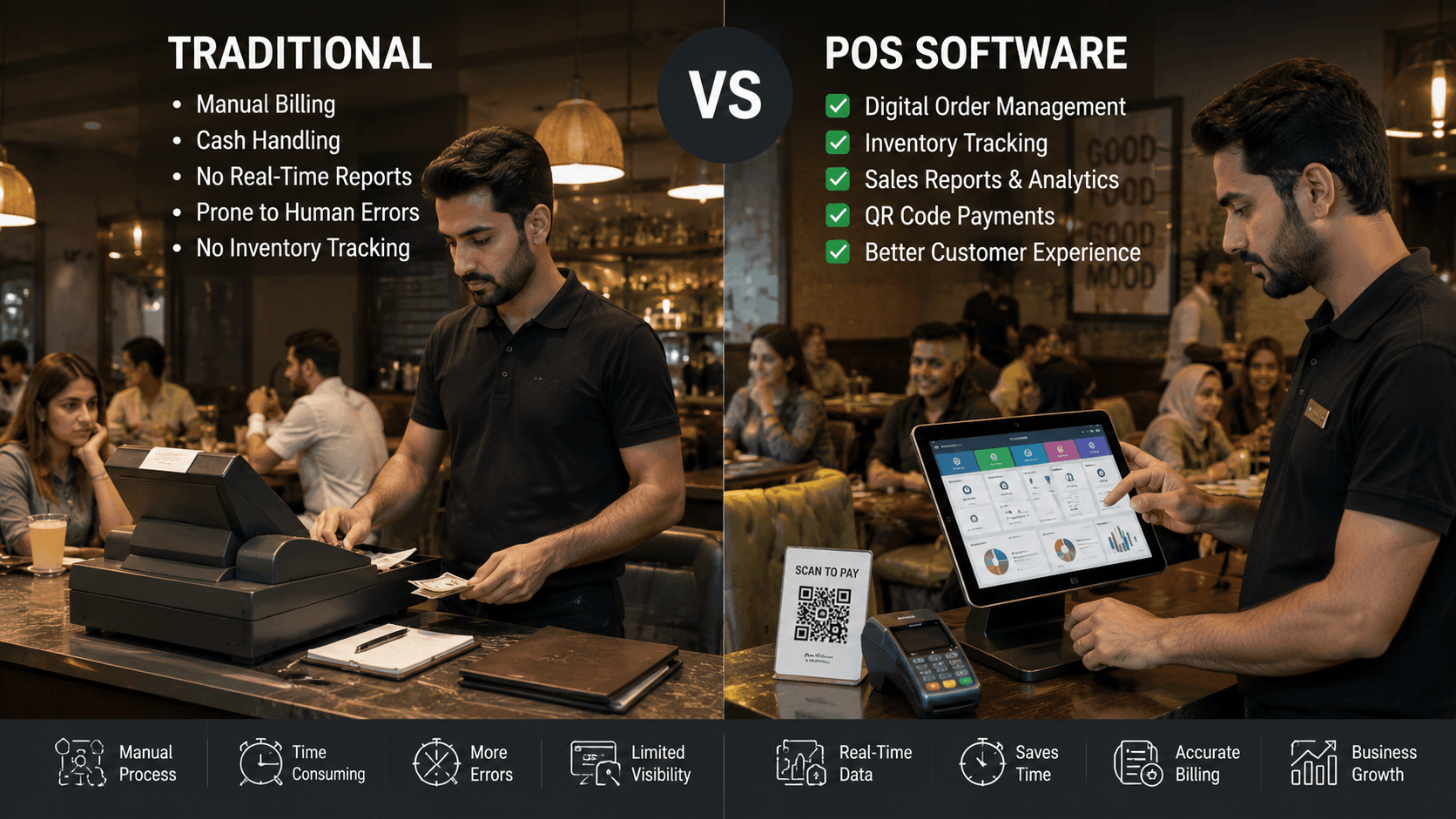
Many restaurants in Pakistan start with a simple cash register to handle billing and daily sales. It is affordable, easy to use, and gets the job done during the early stages of a business.
However, as order volumes increase, delivery channels expand, and operations become more complex, restaurant owners often face an important question:
Should they continue using a traditional cash register or switch to restaurant POS software?
The answer depends on the restaurant's size, goals, and operational needs. While both systems help process customer payments, they offer very different levels of control, visibility, and efficiency.
This guide compares restaurant POS software and cash registers in detail to help restaurant owners choose the right solution for their business.
What Is a Cash Register?
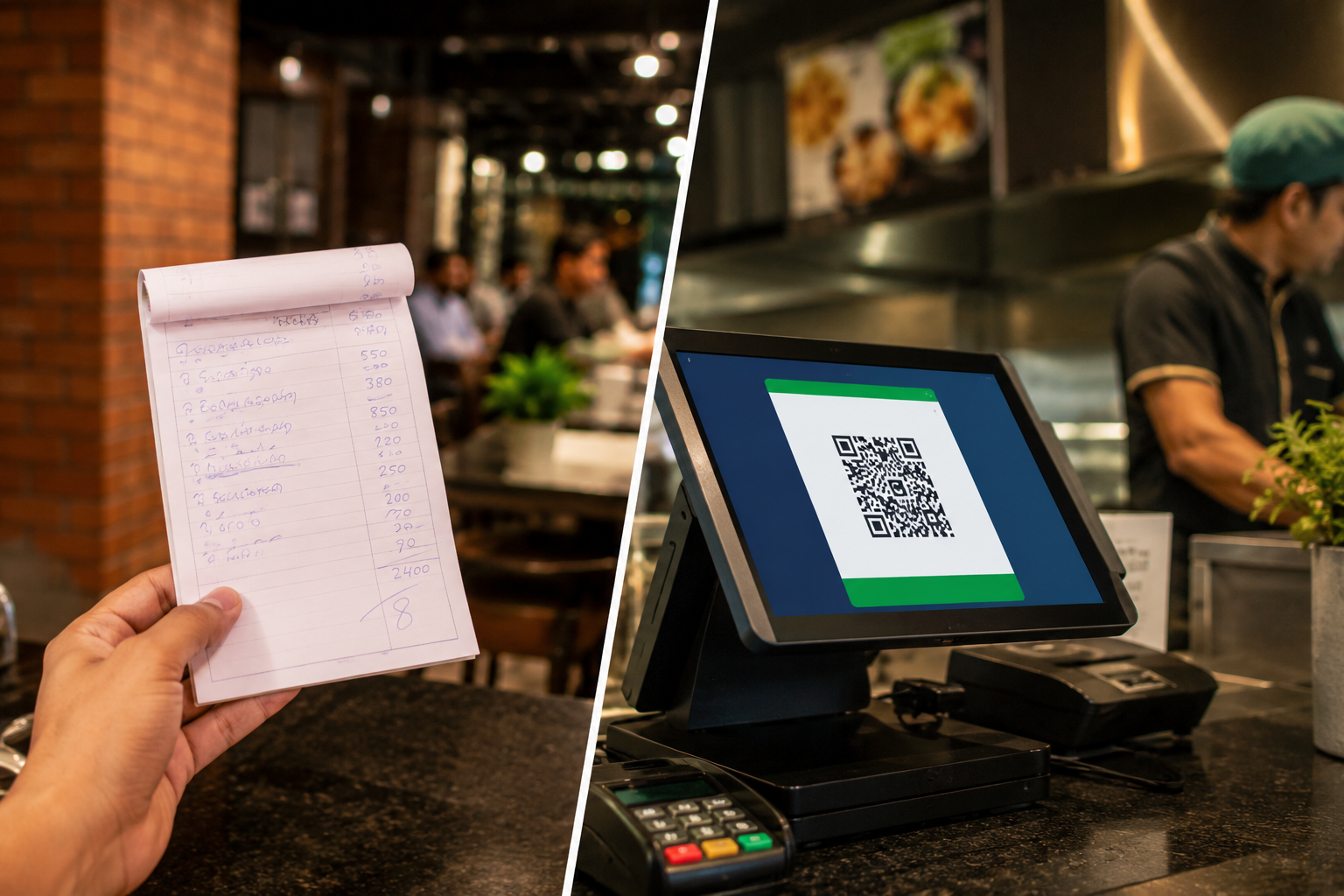
A cash register is a device used to record sales transactions and store cash securely. Traditional cash registers typically include a keypad, receipt printer, display screen, and cash drawer.
For decades, cash registers have been the standard billing solution for restaurants, cafes, bakeries, and retail stores.
A cash register can help restaurants:
- Process customer payments
- Print receipts
- Store cash securely
- Track basic daily sales
While these functions are useful, modern restaurant operations often require much more than simple billing.
What Is Restaurant POS Software?
Restaurant POS software is a complete restaurant management solution that combines billing, order management, inventory tracking, reporting, staff management, and payment processing into a single system.
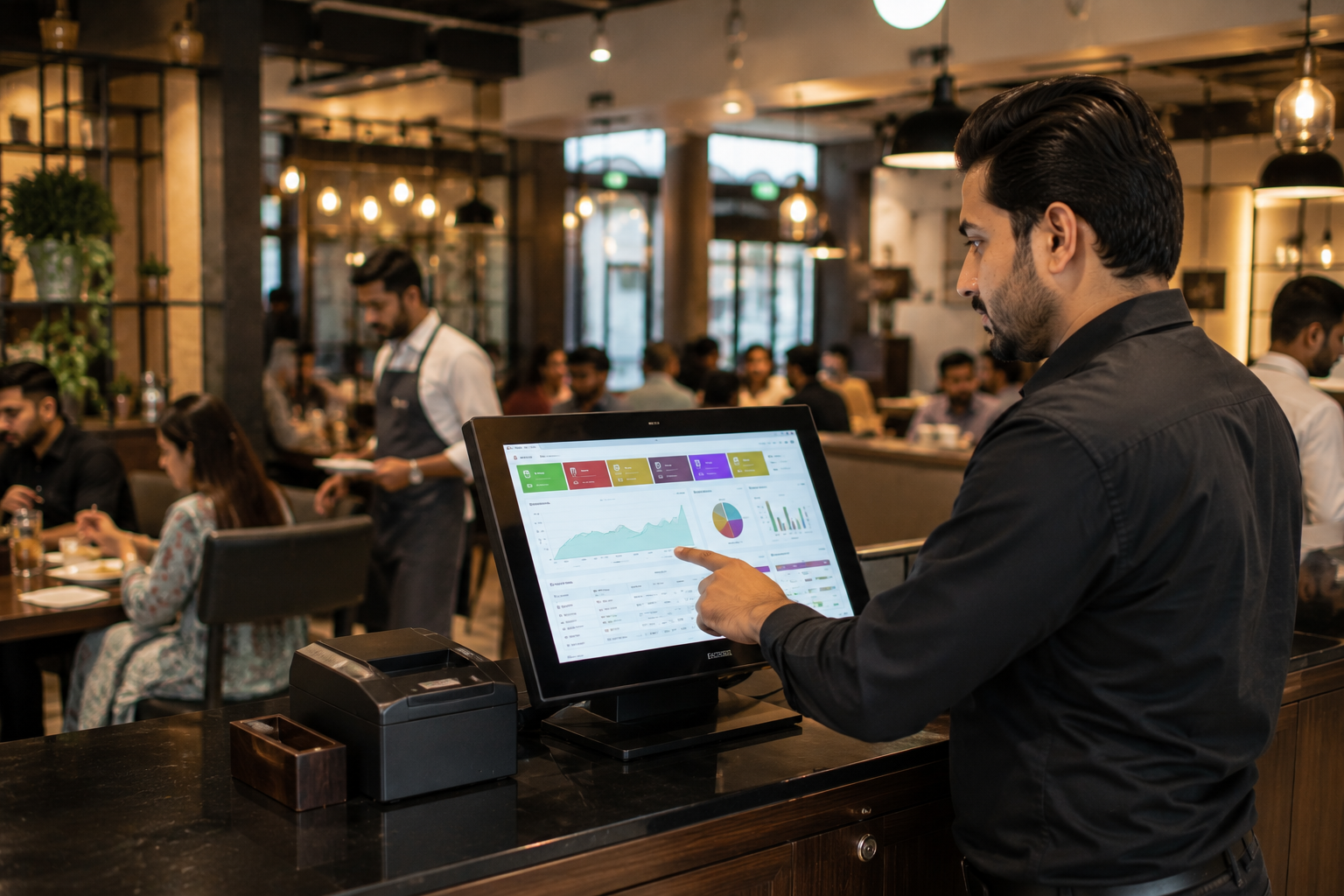
Unlike a cash register, a restaurant POS system helps businesses manage daily operations from one dashboard.
Modern restaurant POS software can help restaurants:
- Take dine-in, takeaway, and delivery orders
- Manage tables
- Track inventory in real time
- Monitor staff performance
- Accept multiple payment methods
- Generate sales reports
- Manage multiple branches
- Analyze business performance
For growing restaurants, a POS system becomes a central operational tool rather than just a billing machine.
Restaurant POS vs Cash Register: Key Differences
Although both systems handle transactions, the capabilities differ significantly.
1. Billing and Order Management
A cash register records sales after an order is completed.
Restaurant POS software manages the entire ordering process from order placement to payment collection.
With a POS system, staff can:
- Enter orders directly into the system
- Send orders to the kitchen instantly
- Split bills
- Apply discounts
- Manage takeaway and delivery orders
This reduces manual work and speeds up service during busy hours.
2. Inventory Tracking
Inventory control is one of the biggest differences between the two systems.
Cash registers do not track ingredients or stock levels.
Restaurant POS software automatically updates inventory whenever an item is sold.
For example, if a customer orders a burger, the system can deduct buns, patties, sauces, and other ingredients from inventory.
This helps restaurants:
- Reduce wastage
- Prevent stock shortages
- Identify inventory leakage
- Improve purchasing decisions
3. Sales Reporting
A traditional cash register may provide basic sales totals.
Restaurant POS software provides detailed business insights such as:
- Daily sales reports
- Best-selling menu items
- Peak business hours
- Payment method breakdowns
- Branch-wise performance
- Product profitability reports
These insights help restaurant owners make informed business decisions.
4. Staff Management
A cash register offers little visibility into employee performance.
Restaurant management software can track:
- Cashier activity
- Employee sales
- Shift performance
- Refunds and discounts
- Attendance records
This increases accountability and reduces operational risks.
5. Multi-Branch Management
Managing multiple locations with cash registers can be difficult.
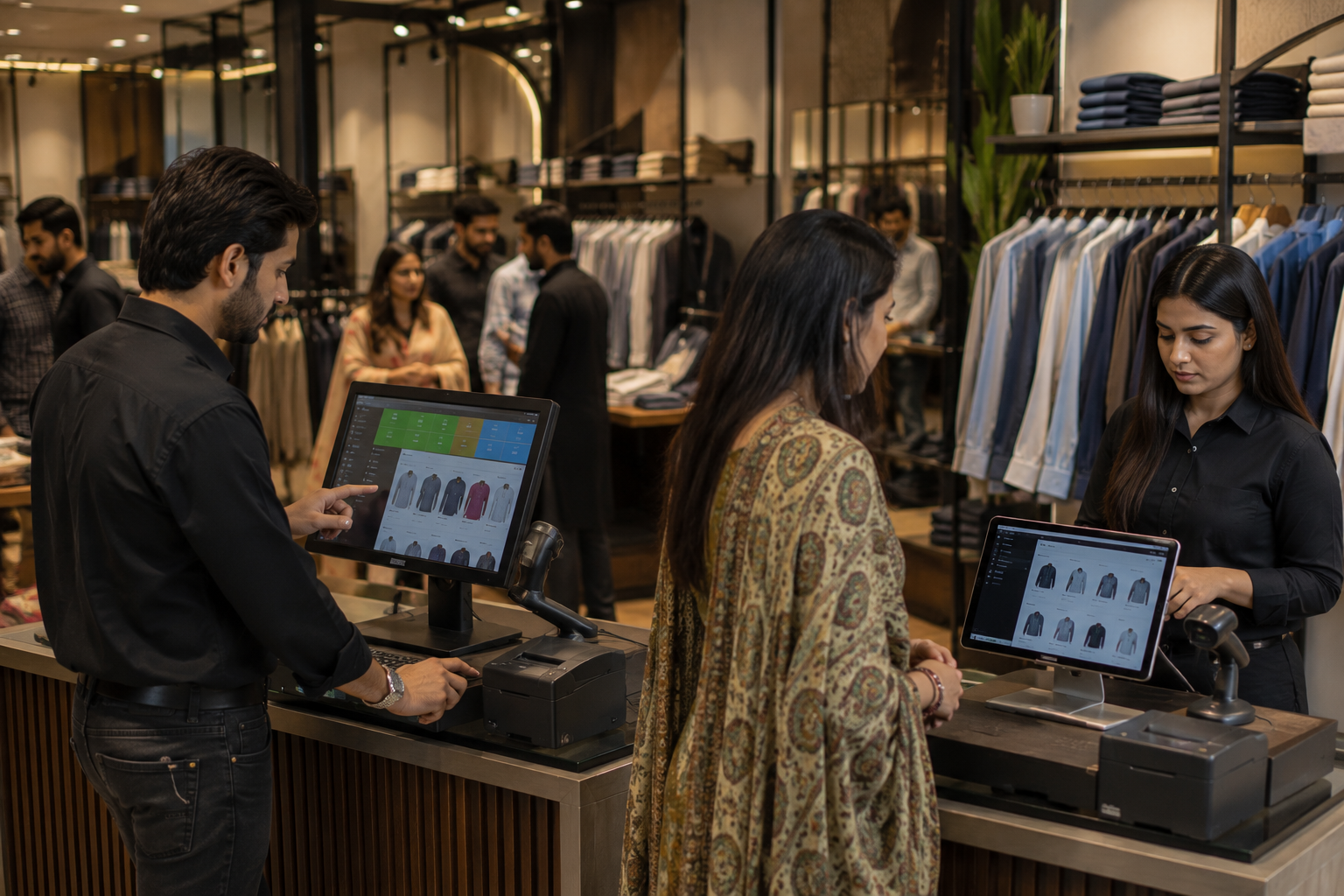
Restaurant POS software allows owners to monitor all branches from a centralized dashboard.
They can view:
- Sales across locations
- Inventory levels
- Staff performance
- Business trends
Without visiting each branch physically.
6. Payment Flexibility
Consumer payment preferences in Pakistan are changing rapidly.
Customers increasingly prefer:
- Debit cards
- Credit cards
- Mobile wallets
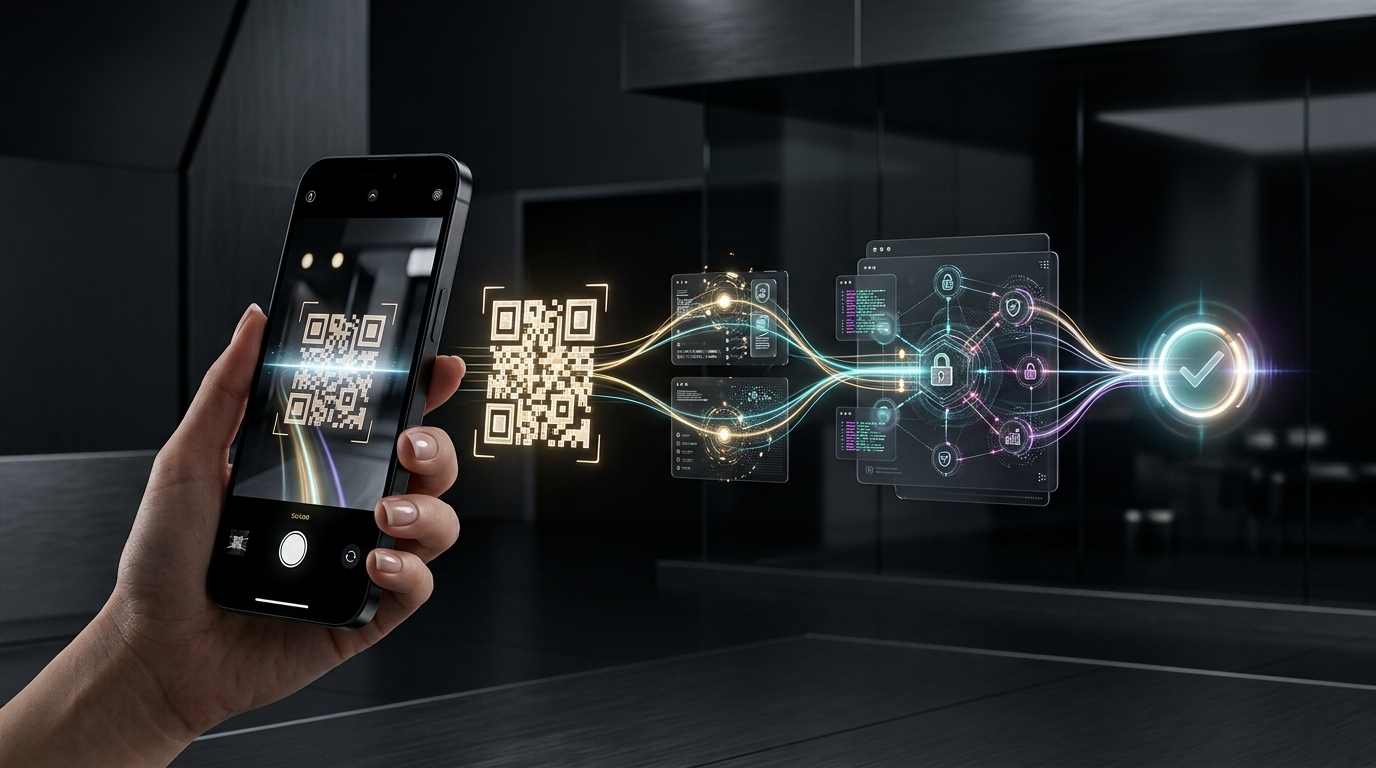
- QR payments
- Bank transfers
Most modern POS software solutions support multiple payment methods while traditional cash registers are often limited to cash transactions.
Cash Register vs Restaurant POS Software: Cost Comparison
At first glance, a cash register appears less expensive.
However, the actual comparison goes beyond the initial purchase price.
A cash register may cost less upfront but offers limited functionality.
Restaurant POS software may require a monthly subscription or software investment, but it helps restaurants improve efficiency, reduce losses, and increase profitability.
When evaluating costs, restaurant owners should consider:
- Inventory losses
- Billing errors
- Time spent on manual reporting
- Staff inefficiencies
- Lost sales opportunities
In many cases, the operational savings generated by a POS system outweigh its cost.
When Is a Cash Register Enough?
A cash register may still be suitable for:
- Small food stalls
- Home-based food businesses
- Restaurants with very low daily order volumes
- Businesses with a limited menu
- Single-location operations with simple workflows
If operations remain straightforward, a cash register can continue serving the business adequately.
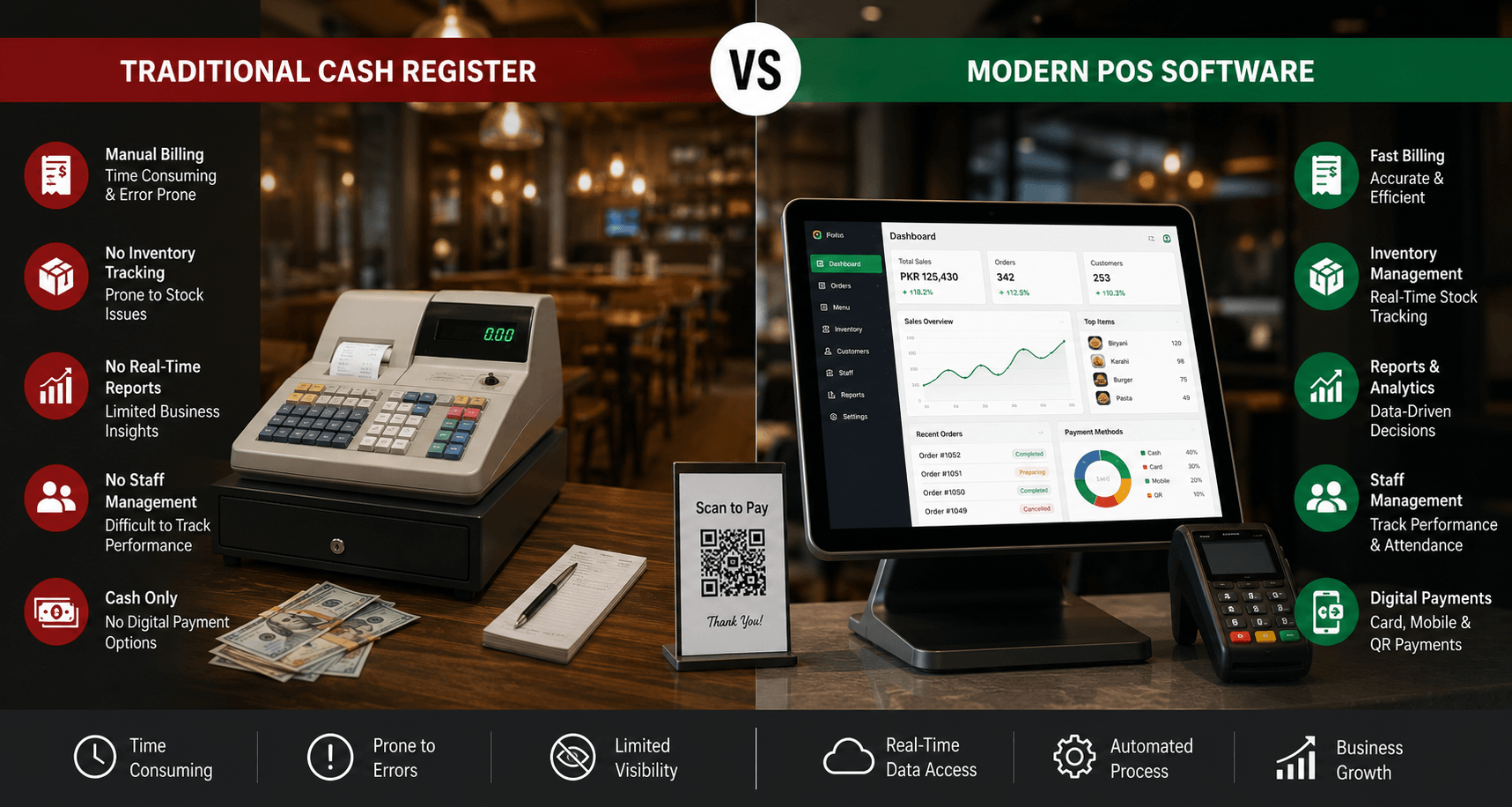
Signs Your Restaurant Needs POS Software
Many restaurants reach a point where manual processes begin slowing growth.
Common signs include:
1. Order Mistakes Are Increasing
Manual order handling can result in billing errors, missed items, and customer complaints.
2. Inventory Is Difficult to Control
Frequent stock shortages or unexplained inventory losses often indicate the need for automated tracking.
3. Business Reporting Takes Too Long
If sales reports require manual calculations or spreadsheets, a POS system can save significant time.
4. Multiple Payment Methods Are Required
Restaurants that accept digital payments benefit from integrated payment processing.
5. The Restaurant Is Expanding
As order volume increases or additional branches open, operational complexity rises quickly.
Restaurant POS software helps businesses scale without losing control.
Real Restaurant Scenarios
1. Scenario 1: Small Burger Stall
A small burger stall processing a limited number of orders daily may find a cash register sufficient for basic operations.
2. Scenario 2: Busy Cafe
A cafe handling dine-in customers, takeaway orders, and food delivery apps will benefit from restaurant POS software for faster order processing and better inventory control.
3. Scenario 3: Multi-Branch Restaurant Chain
A growing restaurant chain requires centralized reporting, branch monitoring, and inventory visibility.
In this situation, restaurant POS software becomes essential.
Why More Pakistani Restaurants Are Switching to Restaurant POS Software
The restaurant industry in Pakistan has become increasingly competitive.
Restaurant owners are expected to deliver:
- Faster service
- Accurate billing
- Consistent customer experiences
- Better inventory management
- Digital payment options
A traditional cash register cannot provide the operational visibility needed to meet these expectations.
Restaurant POS software helps businesses modernize operations while improving efficiency and profitability.
How Oscar POS Supports Growing Restaurants
For restaurants looking to move beyond traditional cash registers, Oscar POS provides a complete restaurant management solution designed for modern food businesses.
Oscar helps restaurants manage:
- Billing and order processing
- Dine-in, takeaway, and delivery operations
- Inventory tracking
- Staff management
- Sales reporting
- Multiple branches
- Digital payments
Instead of relying on disconnected tools and manual processes, restaurants can manage operations through a single platform.
Whether running a small cafe or a growing restaurant chain, Oscar provides the visibility and control needed to make better business decisions.
Final Verdict: Which Is Better for Pakistani Restaurants?
A cash register can still work for small businesses with simple operations.
However, restaurants focused on growth, efficiency, and long-term profitability will benefit significantly from restaurant POS software.
The ability to track inventory, monitor sales, manage staff, process digital payments, and access real-time business insights gives restaurant owners far greater control over their operations.
For most growing restaurants in Pakistan, restaurant POS software is no longer a luxury. It is becoming a necessity.
If a restaurant owner is still relying on a traditional cash register, now may be the right time to explore what a modern POS system can do.
A practical first step is to experience the software firsthand. Request an Oscar POS demo and see how restaurant operations, billing, inventory management, and reporting can be managed from one platform before making a decision.
FAQs
1. What is the difference between a cash register and restaurant POS software?
A cash register primarily handles billing and payment collection. Restaurant POS software manages billing, inventory, staff, reporting, order processing, and overall restaurant operations through a centralized system.
2. Is restaurant POS software worth it for small restaurants?
Yes. Even small restaurants can benefit from faster billing, inventory tracking, sales reporting, and improved operational efficiency. The value depends on the restaurant's order volume and growth plans.
3. Can restaurant POS software work without the internet?
Many modern restaurant POS systems offer offline functionality and automatically sync data when the internet connection is restored.
4. Does restaurant POS software help reduce inventory losses?
Yes. POS systems track ingredient usage and stock levels in real time, helping restaurants identify wastage, theft, and inventory discrepancies.
5. Can a POS system manage multiple restaurant branches?
Yes. Most advanced restaurant POS software solutions allow owners to monitor sales, inventory, and performance across multiple locations from a single dashboard.
6. Does restaurant POS software support digital payments in Pakistan?
Yes. Modern restaurant POS systems typically support cash, cards, mobile wallets, QR payments, and other digital payment methods.
7. When should a restaurant upgrade from a cash register to a POS system?
A restaurant should consider upgrading when order volumes increase, inventory becomes difficult to manage, digital payments are required, or the business begins expanding to multiple locations.
8. What should restaurants look for when choosing restaurant POS software?
Restaurants should evaluate billing features, inventory management, reporting capabilities, staff management tools, payment integrations, multi-branch support, and ease of use before selecting a POS solution.