What is a Cloud POS System? Benefits, Features and Why Businesses Are Switching in 2026
April 30, 2026
.Blog
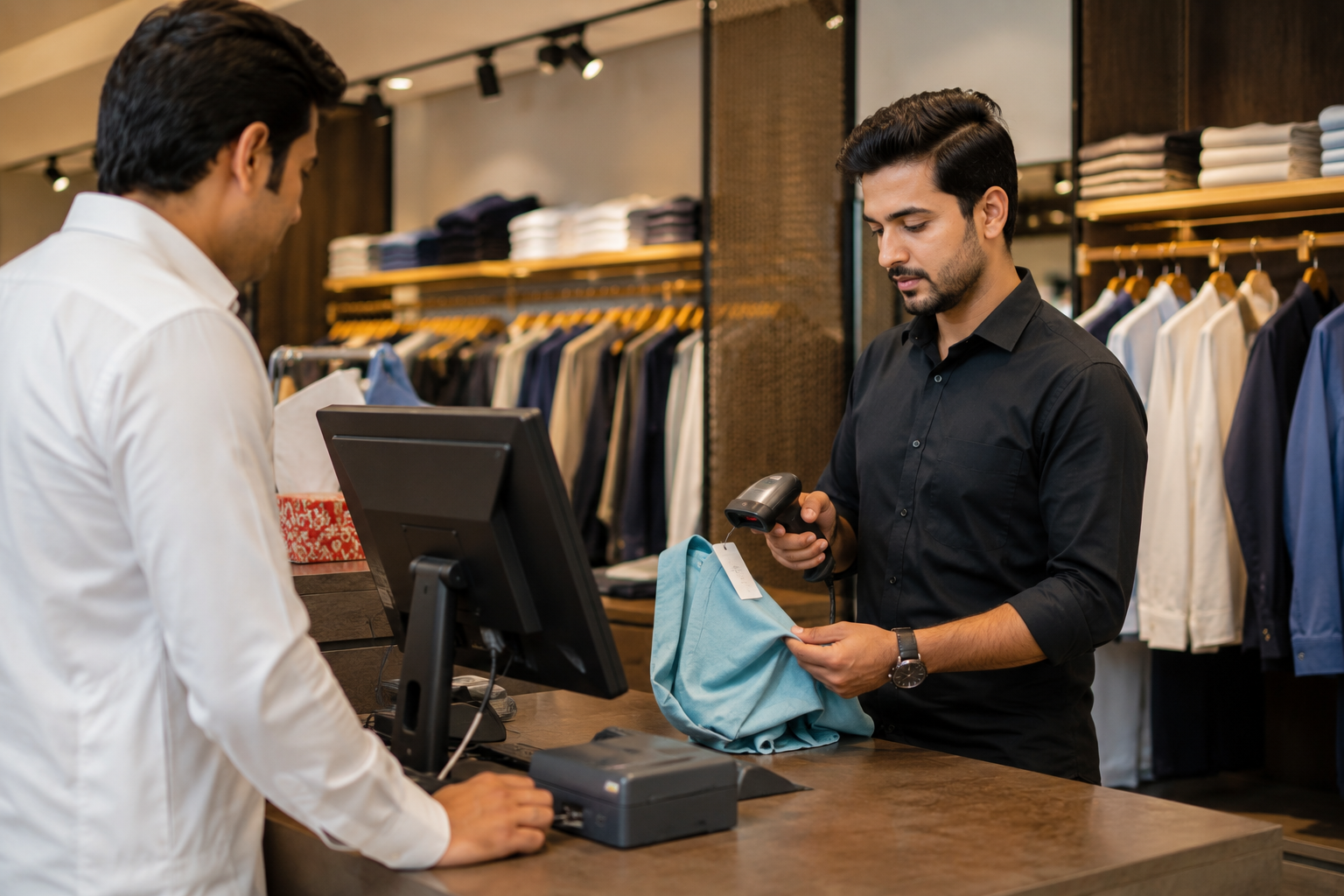
Retail and restaurant businesses are moving fast toward digital operations. In 2026, the shift is no longer optional. Businesses that still rely on outdated, offline billing systems are struggling to keep up with real-time data, multi-branch operations, and compliance requirements.
This is where a cloud POS system changes everything. It is not just a billing tool. It is a complete business management system that connects sales, inventory, customers, and reporting into one centralized platform.
This article breaks down what a cloud POS system is, how it works, how it compares to traditional POS, and why businesses are actively switching.
What is a Cloud POS System
A cloud POS system, also known as a cloud-based POS or online POS system, is a point of sale solution that stores data on remote servers instead of local machines.
Unlike traditional POS systems that operate on installed software and local databases, a cloud point of sale runs through the internet. Business owners can access it from anywhere using a browser, mobile device, or tablet.
This means all sales, inventory, and customer data are updated in real time and can be accessed across multiple locations.
Key Characteristics of a Cloud POS
- Hosted on the cloud instead of local servers
- Accessible from any device with internet
- Real-time syncing of sales and inventory
- Automatic updates without manual installation
- Subscription-based pricing model
How Does a Cloud-Based POS System Work
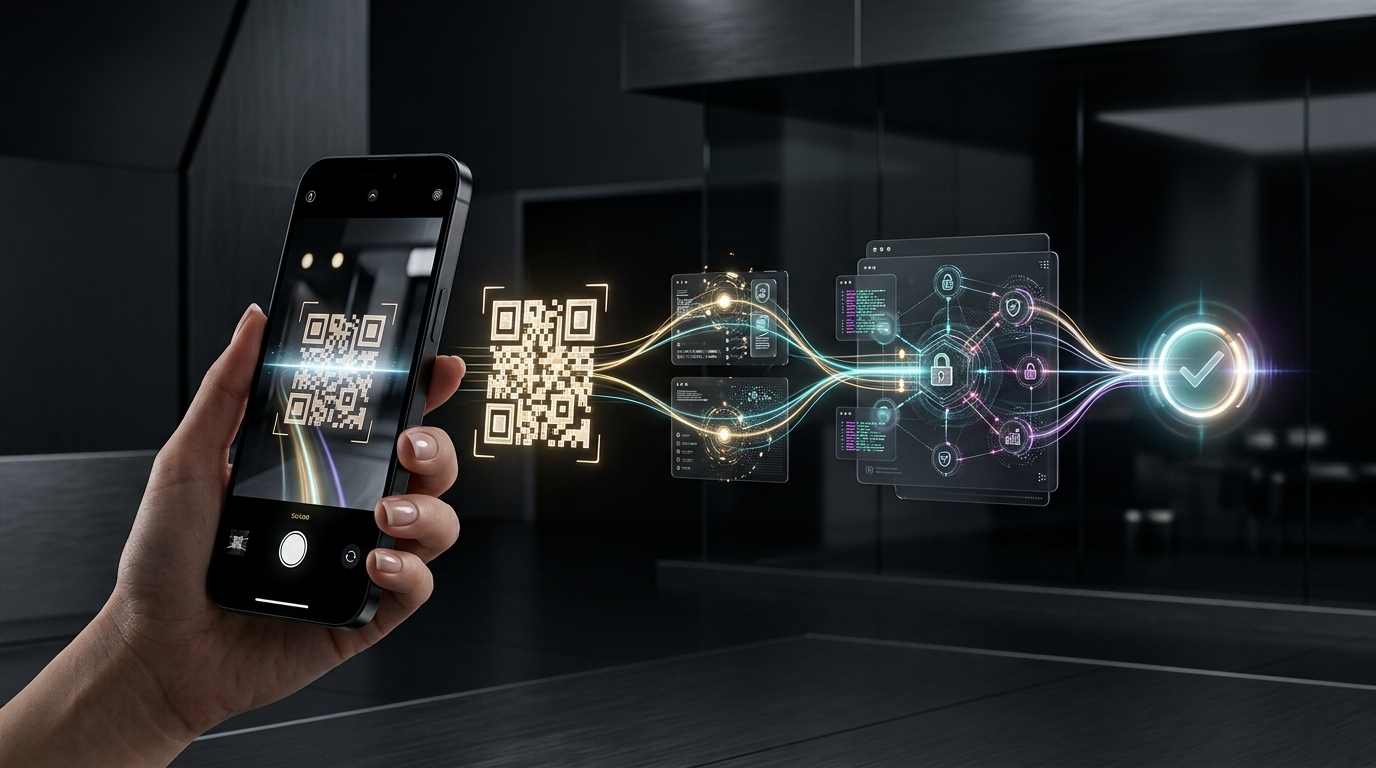
A cloud POS system processes transactions just like a traditional POS, but stores and manages all data online.
When a sale is made:
- The transaction is recorded instantly
- Inventory is updated automatically
- Data is synced to the cloud server
- Reports are updated in real time
Even if internet connectivity drops, most modern systems offer offline mode, allowing transactions to continue and sync later.
This makes cloud POS systems reliable for both small businesses and large multi-location operations.
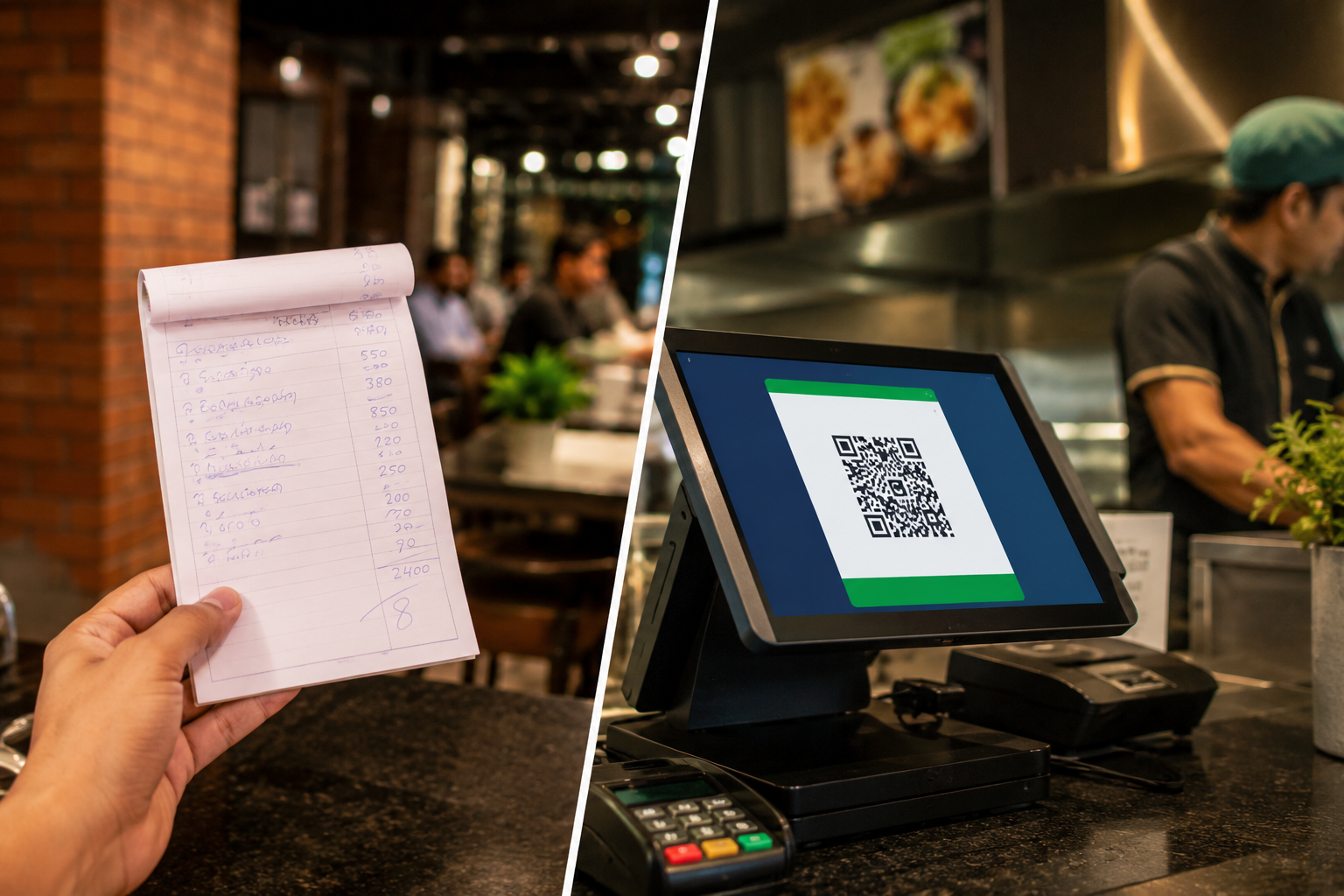
Cloud POS vs Traditional POS System
Understanding the difference between cloud based pos system and a traditional POS is critical for businesses planning to upgrade.
1. Deployment
Traditional POS systems require installation on specific machines. Cloud POS systems are web-based and accessible from anywhere.
2. Data Access
Offline POS stores data locally. Cloud-based POS offers real-time access to business data from any location.
3. Cost Structure
Traditional POS usually involves high upfront costs for hardware and licensing. Cloud-based point of sale systems follow a subscription model with lower initial investment.
4. Maintenance
Legacy POS systems require manual updates and IT support. Cloud POS systems update automatically without downtime.
6. Scalability
Expanding a traditional POS across multiple locations is complex. Cloud POS systems are built for multi-store management from day one.
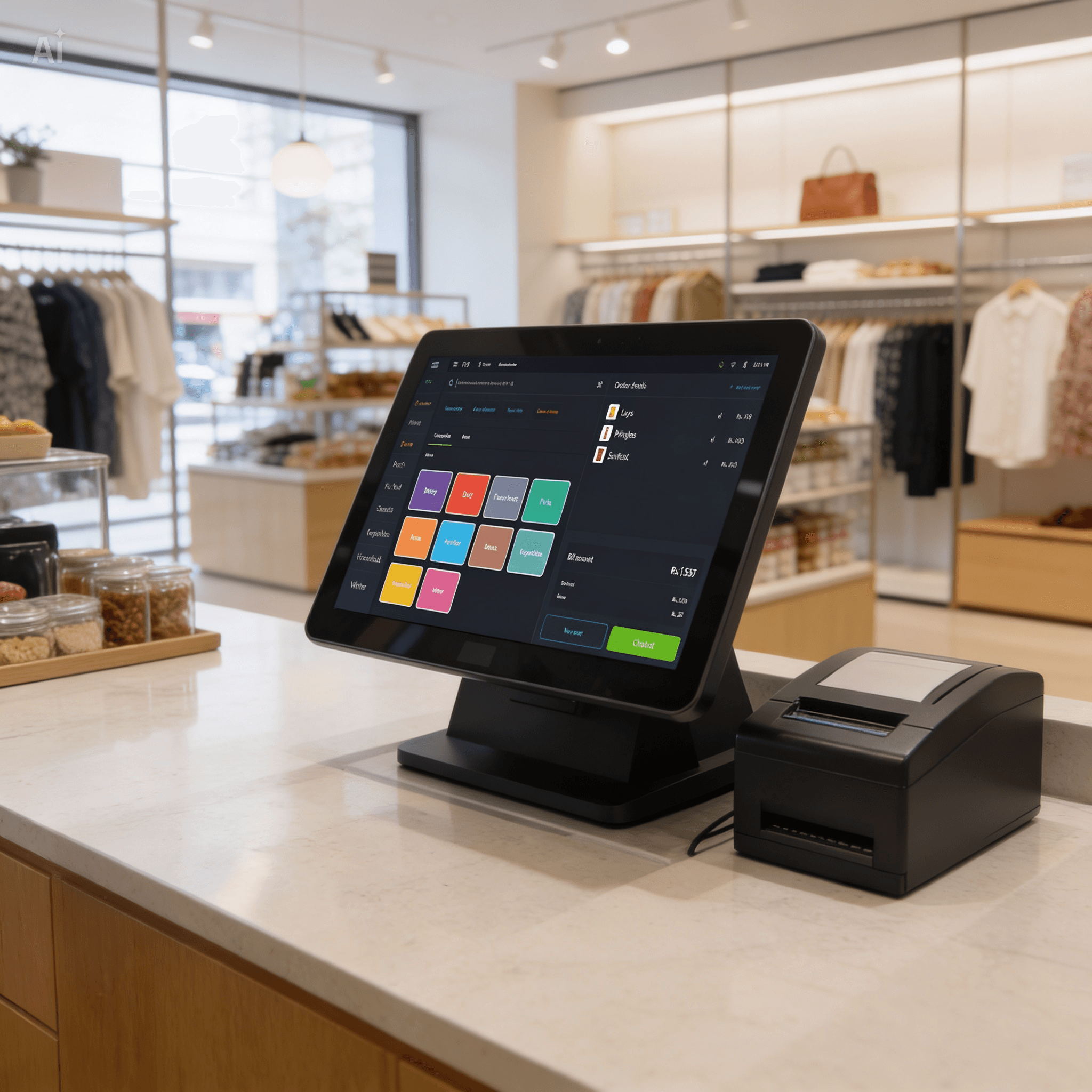
Benefits of Cloud POS for Modern Businesses
1. Real-Time Data Access
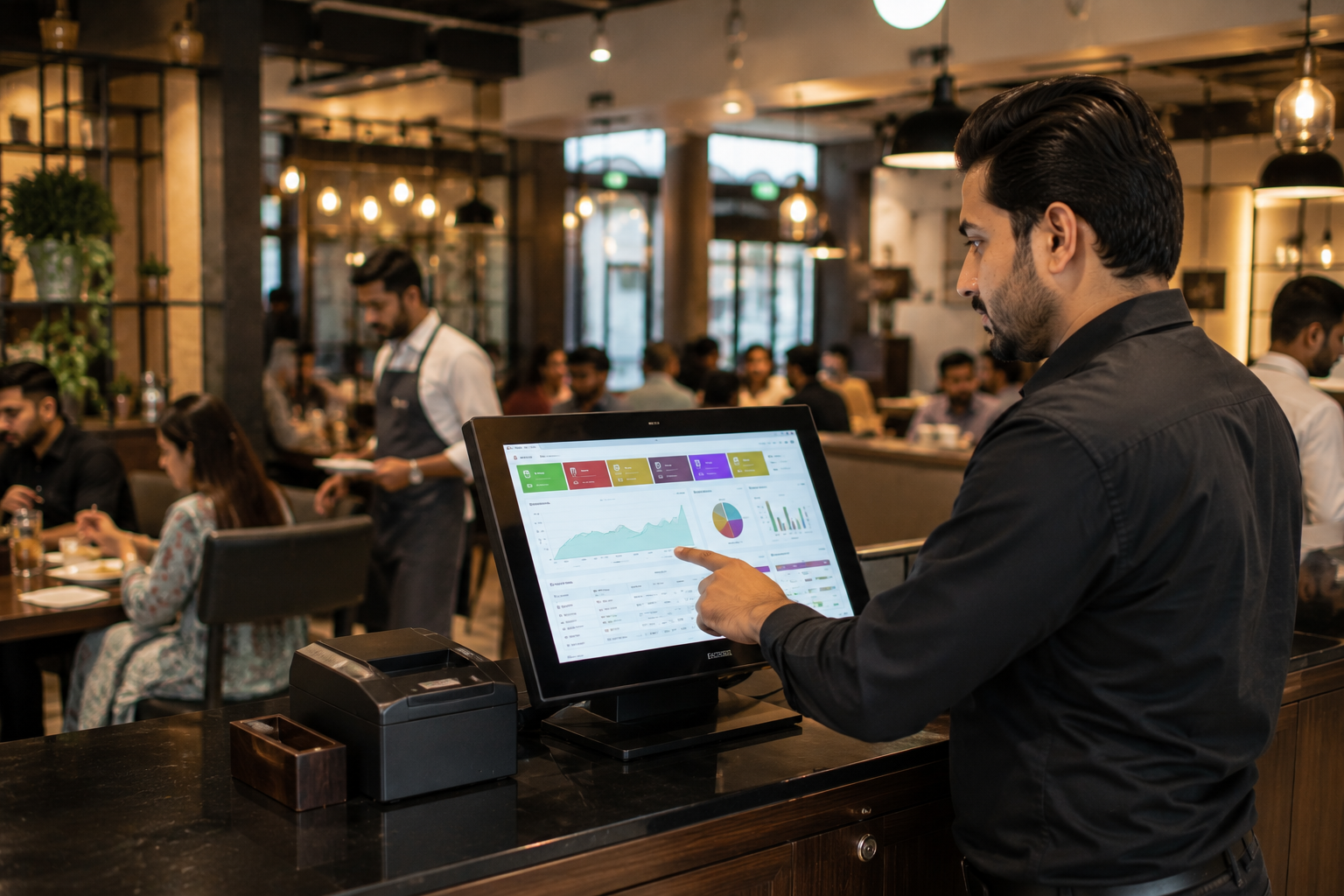
Business owners can track sales, inventory, and performance instantly. This helps in making faster and more informed decisions.
2. Remote Business Management
With an online POS system, businesses can operate and monitor performance from anywhere, whether they are in the store or not.
3. Lower Upfront Costs
Cloud POS eliminates the need for heavy infrastructure investment. Businesses can start with minimal setup.
4. Multi-Store Management
Managing multiple branches becomes seamless with centralized reporting and control.
5. Automatic Updates
No need for manual upgrades. The system stays updated with the latest features and security patches.
6. Better Customer Insights
Customer data, purchase history, and preferences are stored and analyzed to improve retention and marketing strategies.
Key Features of a Cloud POS System
A modern cloud-based POS system goes beyond billing and includes:
1. Inventory Management
Track stock levels in real time, manage variants, and reduce stockouts or overstocking.
2. Sales Tracking and Reporting
Get detailed analytics on daily, weekly, and monthly performance.
3. Customer Management (CRM)
Store customer data, track purchase behavior, and run loyalty programs.
4. Employee Management
Monitor staff performance, manage shifts, and control access levels.
5. Multi-Location Support
Control all branches from a single dashboard with centralized visibility.
6. Mobile POS (mPOS)
Use smartphones or tablets for billing, ideal for restaurants and retail stores.
7. Integrations
Connect with accounting software, eCommerce platforms, and payment systems for a unified business workflow.
Cloud POS for Different Business Types
1. Retail Stores
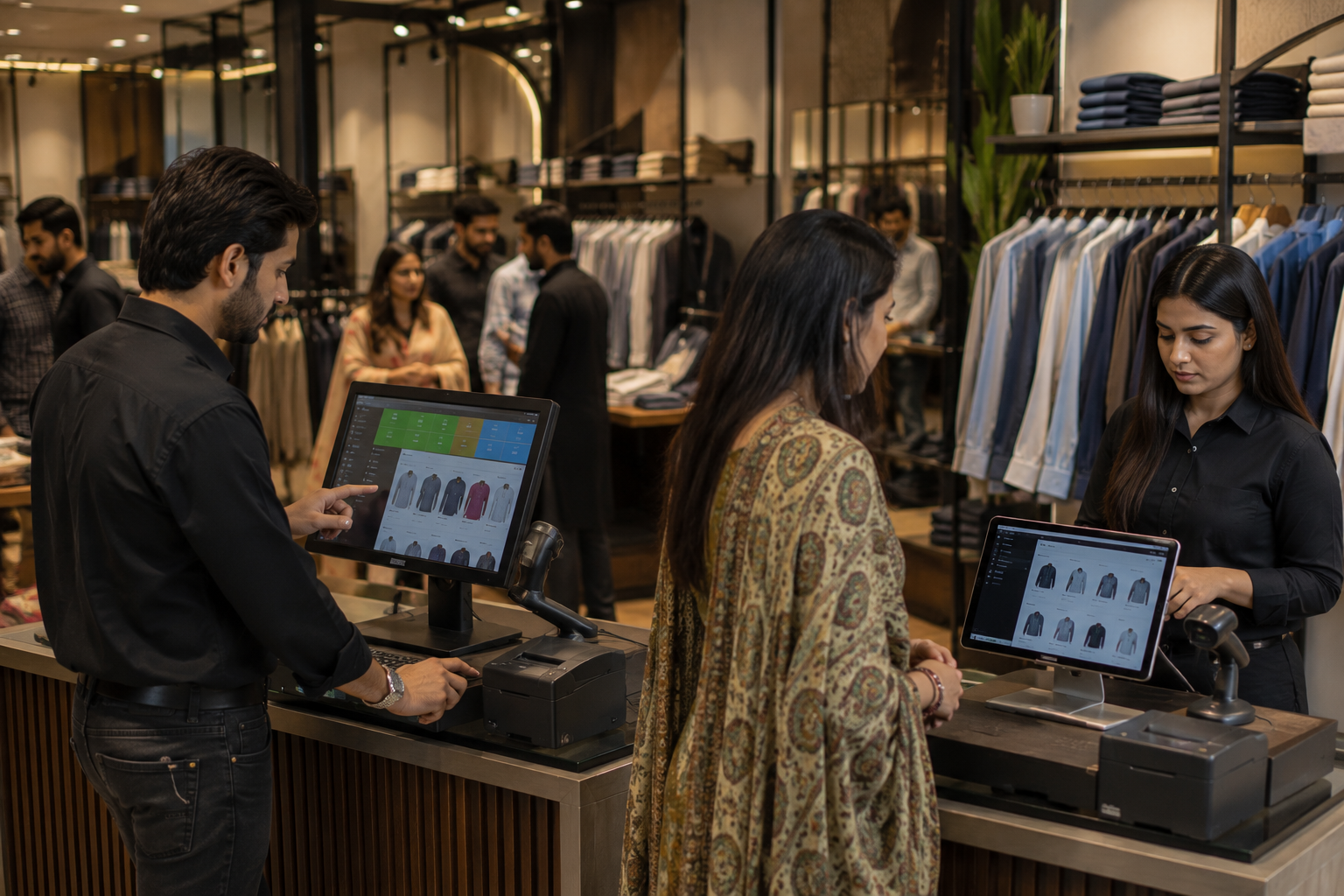
Retail businesses benefit from real-time inventory tracking, barcode scanning, and detailed sales reports.
2. Restaurants and Cafes
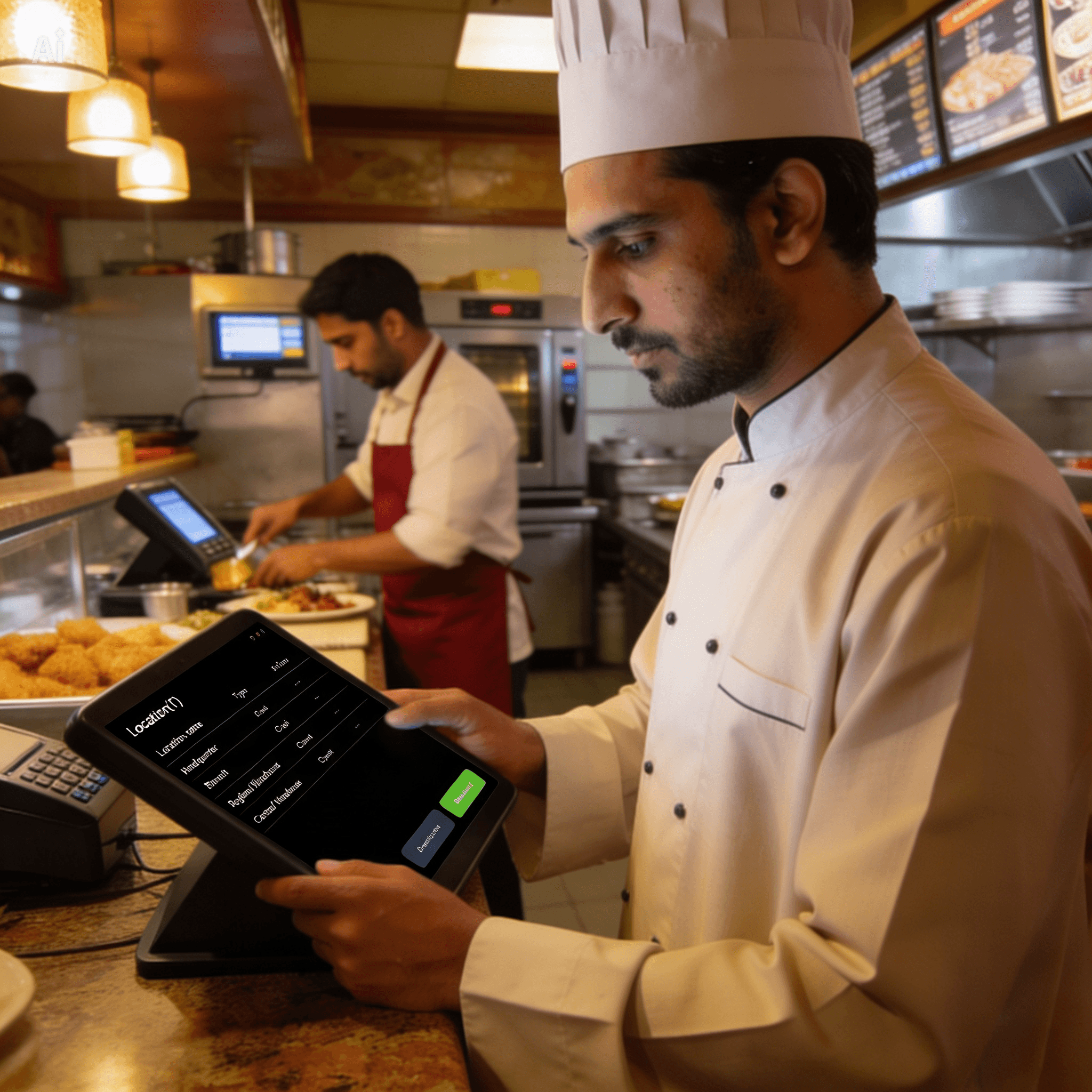
Cloud POS helps manage orders, kitchen workflows, and table service efficiently.
3. Grocery Stores
Handle large inventories, fast billing, and supplier management with ease.
4. Small Businesses
Affordable pricing and easy setup make cloud POS ideal for startups and growing businesses.
Cloud POS System in Pakistan
The demand for cloud POS systems in Pakistan is rising rapidly due to digital transformation and regulatory requirements.
Businesses are now looking for:
- FBR integrated POS systems
- Real-time reporting for tax compliance
- Digital invoicing solutions
- Scalable systems for multi-branch operations
A cloud-based POS helps businesses stay compliant while improving operational efficiency.
Cloud POS Security and Reliability
One common concern is whether cloud POS systems are safe.
Modern cloud POS solutions offer:
- Encrypted transactions
- Secure cloud storage
- Automatic data backup
- Disaster recovery systems
- High uptime reliability
This often makes cloud POS more secure than traditional systems that rely on local storage.
Cloud POS Pricing and ROI
Cloud POS systems typically follow a subscription model.
Cost Advantages
- No heavy upfront investment
- Predictable monthly pricing
- Reduced IT maintenance costs
ROI Benefits
- Increased efficiency
- Reduced errors
- Better inventory control
- Improved decision-making
Over time, businesses see a strong return on investment due to improved operations and profitability.
Why Businesses Are Switching to Cloud POS in 2026
The shift toward cloud POS is driven by several factors:
- Need for real-time insights
- Growth of multi-location businesses
- Increased demand for remote management
- Compliance with digital tax systems
- Integration with e-commerce and online sales
Businesses that continue using legacy POS systems risk falling behind in efficiency and scalability.
The Future of POS Systems
Cloud POS is not just a trend. It is the foundation of modern retail and restaurant operations.
Future advancements include:
- AI-driven sales insights
- Automation in inventory management
- Omnichannel retail integration
- Smarter customer engagement tools
Businesses adopting cloud-based POS today are positioning themselves for long-term growth.
How Oscar Aligns with Modern Cloud POS Needs
Oscar is built as a cloud-first POS solution designed specifically for modern businesses.
It combines:
- Real-time reporting
- FBR integration
- Multi-branch management
- Inventory and sales tracking
- Easy-to-use interface
Oscar helps businesses move away from outdated systems and adopt a smarter, more scalable way of operating.
Instead of just processing transactions, it enables complete business visibility and control from anywhere.
FAQs
1. What is a cloud POS system
A cloud POS system is an online point of sale solution that stores and manages data on remote servers, allowing access from anywhere.
2. How does cloud POS work
It processes transactions and syncs data like sales and inventory to the cloud in real time, making it accessible across devices.
3. Is cloud POS better than traditional POS
Yes, cloud POS offers real-time access, lower costs, easier scalability, and automatic updates compared to traditional systems.
4. Can cloud POS work offline
Most modern systems include offline mode, allowing transactions to continue and sync once the internet is restored.
5. Is cloud POS secure
Yes, cloud POS systems use encryption, secure servers, and regular backups to protect business data.
6. What businesses need a cloud POS system
Retail stores, restaurants, grocery shops, and multi-branch businesses benefit the most from cloud-based POS solutions.
7. How much does a cloud POS system cost
Costs vary depending on features and scale, but most systems use a monthly subscription model with lower upfront investment.
Ready to Upgrade to a Cloud POS System
Businesses that want better control, real-time visibility, and scalable growth are already making the shift.
Instead of committing blindly, the smarter move is to experience how a cloud POS actually works in real operations.
Oscar offers a practical way to explore this. Businesses can try the system, test features, and see how it fits into their workflow before making a decision.
Trying a demo is often the difference between understanding cloud POS in theory and seeing its real impact in action.