Boutique Inventory Management Made Simple: Best Tools, Free Software & POS Solutions
May 7, 2026
.Blog

Running a boutique looks exciting from the outside, but behind every well-organized clothing rack and curated collection is a constant battle with inventory. From tracking sizes and colors to managing seasonal stock and online orders, boutique inventory management can quickly become overwhelming without the right system in place.
Many boutique owners start with spreadsheets or manual stock tracking. That may work for a small setup in the beginning, but as sales grow, inventory mistakes become harder to control. Overselling products, losing track of stock, delayed restocking, and inaccurate billing can hurt both profits and customer experience.
This is why more fashion retailers and clothing stores are moving toward inventory management software and cloud POS systems that simplify daily operations.
This guide explains how boutique inventory management works, the best tools available, the limitations of free software, and when it makes sense to upgrade to a complete POS system.
Why Boutique Inventory Management Is Different From Other Retail Businesses
Boutiques face unique inventory challenges compared to general retail stores.
Unlike businesses that sell standardized products, boutiques usually deal with:
- Multiple sizes and color variants
- Seasonal collections
- Limited quantity items
- Fast-changing fashion trends
- Online and offline sales channels
- Frequent exchanges and returns
A single dress may have multiple SKUs based on size and color combinations. Managing these manually increases the chances of inventory errors.
Without proper inventory tracking, boutique owners often struggle with:
- Stock discrepancies
- Missing inventory
- Overselling online products
- Slow billing processes
- Dead stock accumulation
- Poor visibility into fast-selling items
- Delayed supplier reorders
This is where boutique inventory software becomes essential.
What Is Boutique Inventory Management?
Boutique inventory management is the process of tracking, organizing, and controlling stock across a fashion retail business.
It includes:
- Monitoring product quantities
- Tracking size and color variants
- Managing suppliers
- Creating purchase orders
- Updating inventory after sales
- Tracking returns and exchanges
- Forecasting restocking needs
- Managing inventory across online and offline stores
Modern boutique inventory management systems automate most of these tasks and reduce manual work significantly.
Common Ways Boutiques Manage Inventory
1. Spreadsheets and Manual Tracking
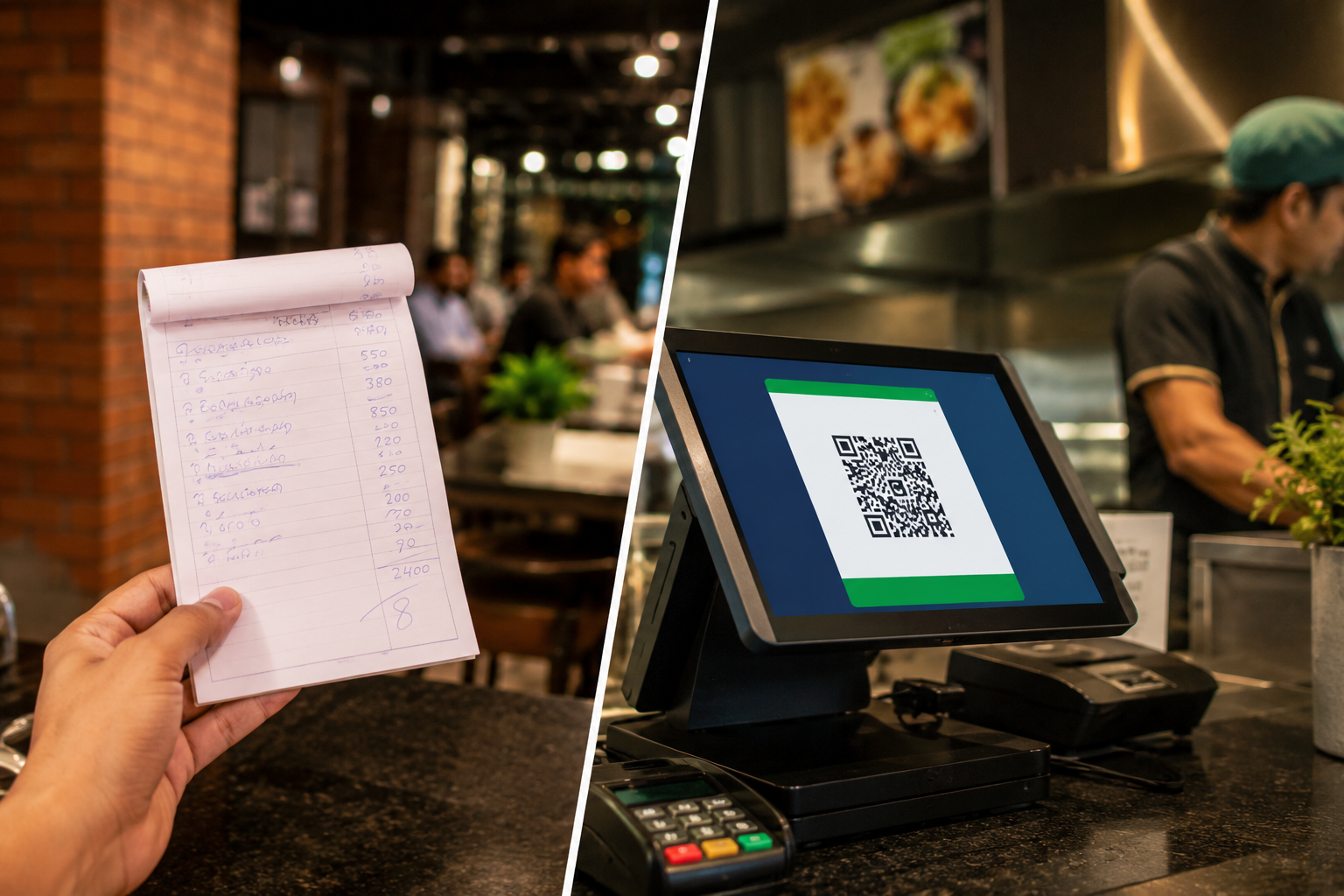
Many small boutiques begin with Excel sheets or handwritten stock records.
This method is inexpensive, but it creates problems as the business grows.
Common issues include:
- Duplicate entries
- Manual calculation mistakes
- No real-time inventory updates
- Difficult stock tracking across channels
- Time-consuming reporting
- No barcode support
Spreadsheet inventory management may work for very small stores with limited SKUs, but it becomes difficult to scale.
2. Free Inventory Management Software
Some boutique owners move to free inventory management software once spreadsheets become difficult to manage.
Free tools can help with:
- Basic stock tracking
- Product management
- Simple reporting
- Low stock alerts
However, most free inventory software solutions have limitations:
- Restricted features
- Limited integrations
- No e-commerce synchronization
- Weak reporting capabilities
- Limited scalability
- No advanced POS functionality
For growing boutiques, these limitations eventually create operational bottlenecks.
3. Boutique POS Systems
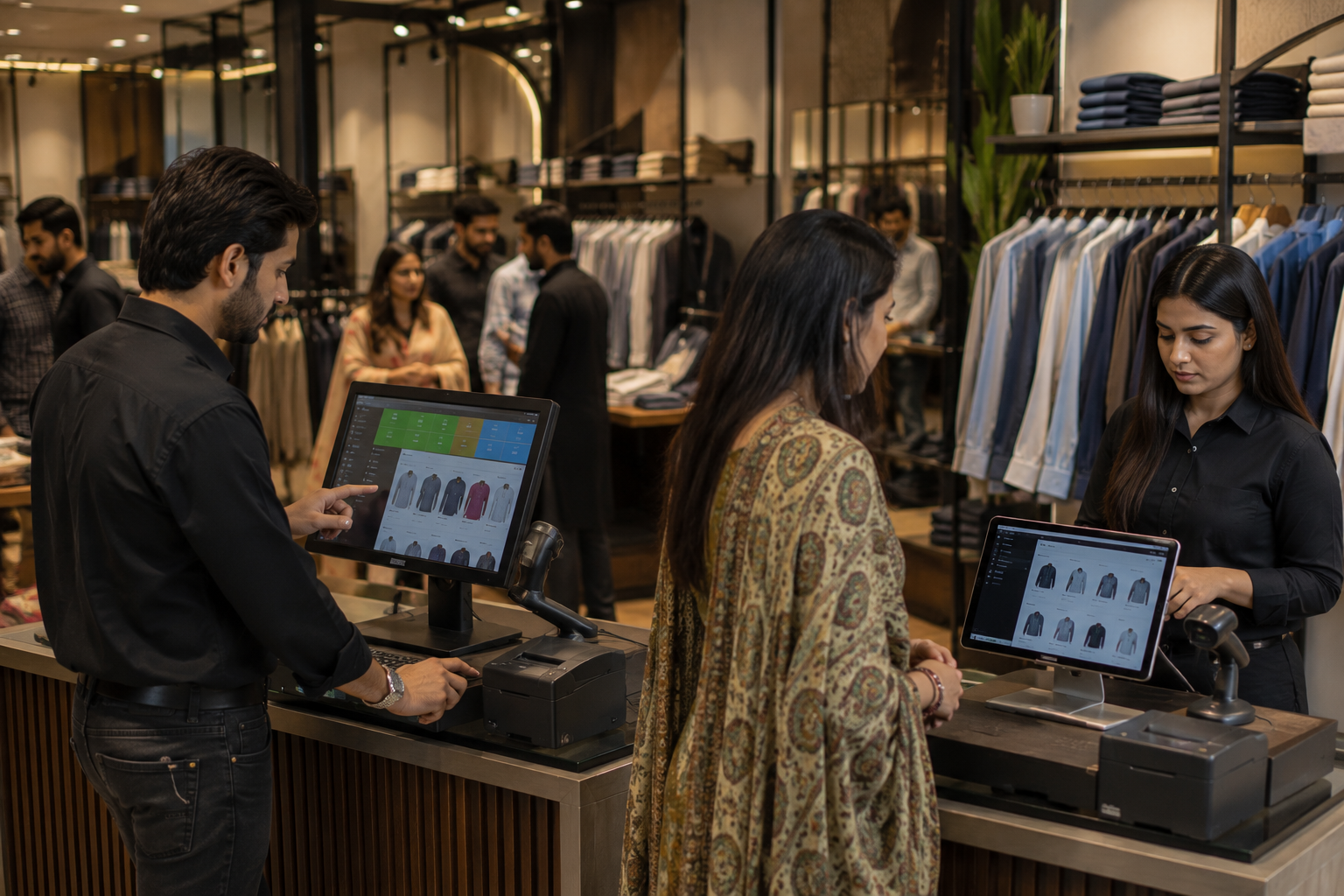
A boutique POS system combines inventory management, billing, sales tracking, and customer management into one platform.
Instead of managing separate tools for inventory and checkout, boutiques can centralize operations through a single dashboard.
Modern cloud POS software also supports:
- Barcode inventory systems
- Real-time stock updates
- E-commerce integration
- Multi-store inventory management
- Customer purchase tracking
- Supplier management
- Sales analytics
- Online and offline inventory synchronization
This helps boutique owners save time while reducing inventory errors.

Signs a Boutique Has Outgrown Spreadsheets
Many boutique owners continue using spreadsheets longer than they should. Eventually, inventory problems begin affecting customer experience and revenue.
Here are common signs it is time to upgrade:
1. Inventory Mismatches Happen Frequently
If physical stock counts rarely match inventory records, manual systems are no longer reliable.
2. Staff Constantly Checks Stock Manually
Employees should not need to search shelves or storage rooms to confirm product availability.
3. Online Orders Cause Overselling
Selling the same item online and in-store without synchronized inventory often leads to overselling issues.
4. Reporting Takes Too Much Time
Generating sales reports or identifying fast-moving products should not require hours of manual calculations.
5. Product Variants Become Hard to Manage
Tracking multiple sizes, colors, and styles manually becomes increasingly complicated.
6. The Boutique Expands to Multiple Sales Channels
Managing inventory across e-commerce stores, social media orders, marketplaces, and physical outlets requires centralized inventory management.
Essential Features in Boutique Inventory Management Software
Not all inventory software is designed for fashion retail businesses. Boutique owners should look for tools that support apparel-specific workflows.
1. Variant Management
Boutiques need systems that track sizes, colors, styles, and product variants accurately.
2. Barcode Inventory Tracking
Barcode scanning speeds up stock updates, product searches, and billing.
3. Real-Time Inventory Sync
Real-time synchronization prevents overselling and keeps stock accurate across channels.
4. E-commerce Integration
Modern boutiques often sell through websites and social commerce platforms. Inventory should update automatically after every sale.
5. Low Stock Alerts
Automated reorder notifications help avoid stockouts.
6. Purchase Order Management
Managing supplier orders from the same platform simplifies procurement.
7. Sales Analytics and Reporting
Reports help identify:
- Best-selling products
- Slow-moving inventory
- Seasonal demand patterns
- Revenue trends
- Customer buying behavior
8. Multi-Store Inventory Management
For boutiques with multiple branches or warehouses, centralized stock visibility becomes essential.
Boutique Inventory Software vs POS Systems
Many boutique owners wonder whether inventory software alone is enough or if a complete POS system is necessary.
The answer depends on business size and operational complexity.
Inventory Software Is Usually Enough For
- Small boutiques
- Single location stores
- Low sales volume
- Limited SKUs
- Manual billing operations
A POS System Becomes Necessary When
- The boutique handles online and offline sales
- Inventory errors become frequent
- Billing needs automation
- Multiple employees manage sales
- Customer management becomes important
- Multiple branches need centralized control
- Sales reporting becomes critical
A POS system does far more than process payments. It acts as a complete retail management solution.
How Modern Boutique POS Systems Improve Operations
Modern fashion retail software simplifies several operational areas simultaneously.
1. Faster Checkout Experience
Barcode billing reduces checkout time and improves customer experience.
2. Better Inventory Accuracy
Inventory automatically updates after every sale, return, or exchange.
3. Easier Stock Forecasting
Sales trends help boutiques predict demand and restocking needs.
4. Reduced Dead Stock
Reports identify slow-moving products before they become unsellable inventory.
5. Better Omnichannel Management
Inventory remains synchronized across:
- Physical stores
- E-commerce websites
- Social selling channels
- Multiple locations
6. Improved Customer Retention
Customer purchase history helps boutiques personalize promotions and recommendations.
How Oscar Supports Boutique Inventory Management
As boutiques grow, many business owners look for systems that combine inventory management, billing, e-commerce operations, and reporting within a single platform.
Oscar helps boutiques simplify operations through features built for modern retail businesses.
With Oscar, boutiques can:
- Manage online and offline orders from one system
- Track inventory in real time
- Handle barcode billing efficiently
- Manage product variants
- Monitor stock levels across locations
- Generate sales and inventory reports
- Reduce manual inventory errors
- Centralize retail operations
For fashion retailers managing both physical and online stores, having inventory and sales connected through one platform improves visibility and operational efficiency significantly.
Instead of relying on disconnected tools, boutiques can streamline inventory tracking, billing, and e-commerce management from a centralized dashboard.
Best Practices for Boutique Inventory Management
Even with good software, strong inventory practices remain important.
1. Conduct Regular Stock Audits
Periodic stock checks help identify discrepancies early.
2. Organize Products Properly
Products should be categorized clearly by:
- Size
- Style
- Color
- Collection
- Season
3. Monitor Fast-Moving Inventory Closely
Best-selling sizes and styles should always remain stocked.
4. Analyze Seasonal Trends
Fashion retail depends heavily on seasonality. Historical sales data helps improve future purchasing decisions.
5. Avoid Overstocking
Buying too much inventory increases dead stock risks and storage costs.
6. Train Staff Properly
Employees should understand how to update inventory correctly during sales, exchanges, and returns.
Choosing the Right Boutique Inventory Management System
Before selecting inventory software or a POS system, boutique owners should evaluate:
- Business size
- Sales channels
- Number of SKUs
- Growth plans
- Reporting requirements
- E-commerce needs
- Multi-store operations
- Budget
The best inventory management solution is one that supports both current operations and future growth.
FAQs
1. What is the best inventory software for boutiques?
The best boutique inventory software depends on the store’s size, product volume, and sales channels. Growing boutiques often prefer systems that combine inventory management, barcode billing, reporting, and ecommerce integration in one platform.
2. Can a boutique manage inventory using Excel?
Yes, small boutiques can initially use Excel for inventory tracking. However, spreadsheets become difficult to manage as product variants, sales volume, and operational complexity increase.
3. What is the difference between inventory software and a POS system?
Inventory software mainly focuses on stock tracking and inventory control. A POS system combines inventory management with billing, sales processing, customer management, and reporting.
4. When should a boutique upgrade to a POS system?
A boutique should consider upgrading when inventory mismatches become common, online and offline sales need synchronization, or manual billing slows down operations.
5. Why is inventory management important for clothing boutiques?
Inventory management helps clothing boutiques avoid stockouts, reduce dead stock, improve inventory accuracy, and provide a smoother customer experience.
6. Can boutique inventory software track sizes and colors?
Yes, modern apparel inventory management systems support variant tracking for sizes, colors, styles, and other product attributes.
7. Is free inventory software enough for boutiques?
Free inventory software can work for small boutiques with basic inventory needs. However, growing businesses often require advanced features, automation, and integrations that free tools may not provide.
Final Thoughts
Boutique inventory management becomes increasingly complex as a business grows. What starts as simple spreadsheet tracking can eventually lead to stock inaccuracies, operational inefficiencies, and lost sales opportunities.
Modern inventory management software and POS systems help boutiques streamline operations, improve stock visibility, automate billing, and manage online and offline sales more efficiently.
For boutiques looking to scale without losing control over inventory, investing in the right system can make daily operations significantly easier.
Oscar gives boutique owners a practical way to manage inventory, sales, billing, and ecommerce operations from one centralized platform. Businesses that want to simplify retail management can explore how Oscar works through a live demo before deciding if it fits their workflow.