From Chaos to Control: How Oscar's Barcode Inventory System Stops Stock Leakage in Your Retail Store
July 2, 2026
.Blog

Running a retail business is about much more than making sales. Every item that enters the store must be tracked, priced correctly, stored safely, and sold without errors. As product ranges grow and customer demand increases, keeping inventory under control becomes one of the biggest operational challenges for retailers.
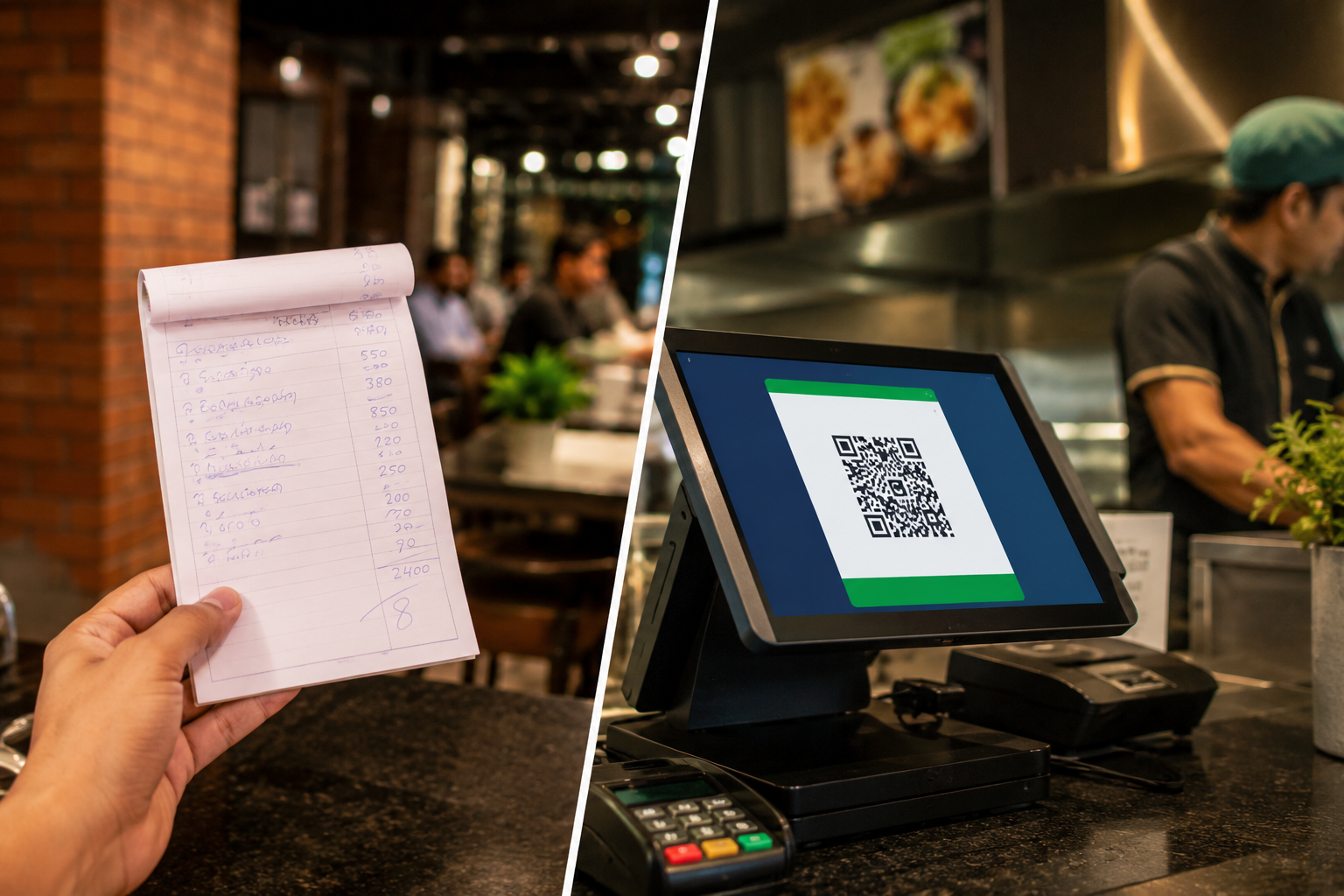
Many businesses in Pakistan still rely on manual stock registers, spreadsheets, or visual stock checks. While these methods may work for a small inventory, they quickly become unreliable as the business grows. Missing products, pricing mistakes, duplicate entries, stock shortages, and inventory leakage can silently reduce profits every single day.
A barcode inventory system solves these challenges by giving every product a unique identity. Instead of manually searching for products or updating stock records, retailers can scan items in seconds, automatically update inventory, and gain complete visibility over every product moving through the business.
For grocery stores, pharmacies, clothing retailers, electronics shops, cosmetics stores, and general retail businesses, barcode inventory management has become an essential part of running efficient daily operations.
This guide explains how barcode inventory systems work, why they reduce stock leakage, and how Oscar helps retailers across Pakistan simplify inventory management.
What Is a Barcode Inventory System?
A barcode inventory system uses barcode labels and scanners to identify, track, and manage products throughout their entire lifecycle.
Every product receives a unique barcode that contains its inventory information. Whenever the product is received, transferred, sold, or counted during stock audits, employees simply scan the barcode instead of manually entering information.
The system automatically updates inventory records in real time, ensuring that stock levels remain accurate without additional paperwork.
Instead of relying on handwritten registers or spreadsheets, retailers always know:
- How many units are available
- Which products are selling the fastest
- Which items need replenishment
- Which products are approaching expiry
- Which branch currently has stock available
- Where inventory discrepancies occur
This level of visibility helps businesses make faster decisions while reducing costly inventory mistakes.
Why Manual Inventory Tracking Leads to Stock Leakage
Stock leakage rarely happens because of a single mistake. It usually results from multiple small issues that build up over time.
Common causes include:
1. Manual Data Entry Errors
Typing product names, quantities, or prices by hand increases the chances of mistakes. Even a small error during billing or stock updates can create discrepancies between physical inventory and recorded inventory.
2. Unrecorded Stock Movements
Products are sometimes moved between shelves, warehouses, or branches without updating inventory records. Over time, these missing updates create inaccurate stock counts.
3. Pricing Mistakes at Checkout
During busy periods, cashiers may accidentally select the wrong product or enter incorrect prices. Besides affecting revenue, these mistakes make inventory records unreliable.
4. Difficulty Tracking Employee Activity
Without digital records, it becomes difficult to identify when and where inventory discrepancies occur. Managers often discover missing stock weeks after the issue first appeared.
4. Slow Stock Audits
Manual stock counting requires significant time and often forces employees to pause regular work. By the time discrepancies are discovered, finding the cause becomes much more difficult.
How a Barcode Inventory System Works
Barcode inventory management simplifies every stage of inventory handling.
Step 1: Register Products
When new inventory arrives, products are added to the inventory database.
If products already include manufacturer barcodes, they can simply be scanned into the system.
For products without barcodes, such as locally manufactured goods, clothing, or bundled items, the system generates custom barcode labels that can be printed and attached.
Each barcode stores important information, including:
- Product name
- SKU
- Selling price
- Purchase cost
- Category
- Brand
- Expiry date (where applicable)
- Stock quantity
Every product now has a unique digital identity.
Step 2: Scan During Sales
At checkout, cashiers simply scan each product.
Instead of manually searching for products or entering prices, the POS automatically retrieves:
- Product information
- Selling price
- Applicable taxes
- Discounts
- Promotions
Billing becomes significantly faster while reducing pricing mistakes.
For customers, this means shorter queues and a smoother checkout experience.
Step 3: Automatic Inventory Updates
Once the sale is completed, inventory updates instantly.
The system automatically:
- Reduces stock quantities
- Records sales history
- Updates branch inventory
- Tracks product movement
- Refreshes inventory reports
Employees no longer need to manually adjust inventory after every transaction.
Step 4: Monitor Inventory in Real Time
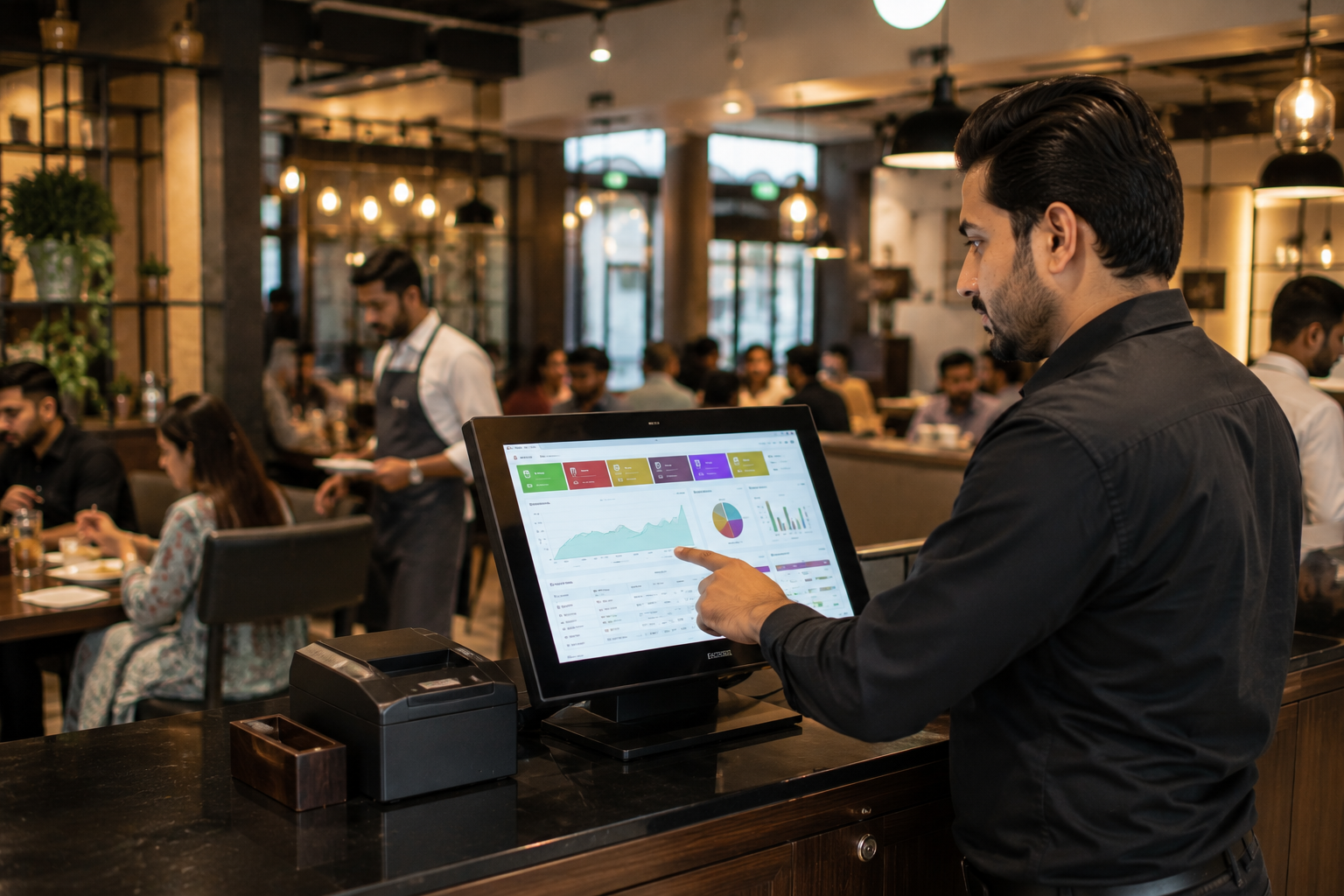
Managers can monitor inventory through a centralized dashboard.
Instead of waiting until the end of the day, they can instantly view:
- Current stock levels
- Low-stock items
- Fast-moving products
- Slow-moving inventory
- Branch-wise inventory
- Product performance
This enables quicker purchasing decisions while preventing stockouts.
How Barcode Inventory Management Reduces Stock Leakage
One of the biggest advantages of barcode inventory software is improved inventory accuracy.
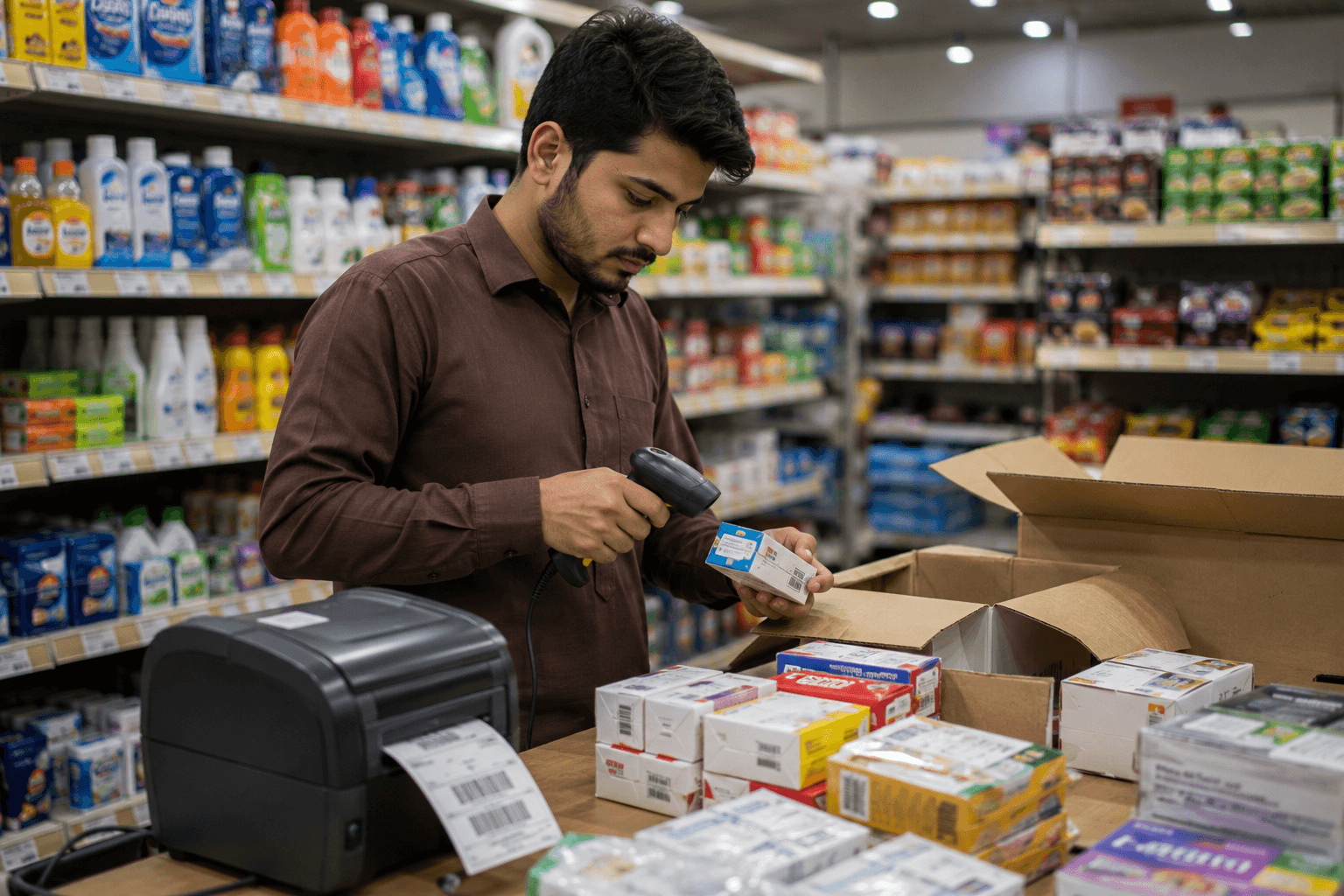
Every scan creates a digital record that makes product movement easier to trace.
Here's how barcode tracking helps reduce leakage.
1. Every Product Is Accounted For
Each product follows a clear journey:
Receiving → Storage → Shelf → Checkout → Sale
Because every movement is recorded, unexplained inventory losses become much easier to identify.
2. Inventory Counts Become More Accurate
Traditional stock counting often requires several employees and many hours of work.
With barcode scanning, staff simply scan products during inventory checks.
The system immediately compares physical inventory with recorded inventory, making discrepancies easier to identify.
This improves inventory reconciliation while reducing audit time.
3. Employee Accountability Improves
Since inventory activities are recorded digitally, businesses gain better visibility into:
- Stock adjustments
- Returns
- Exchanges
- Transfers
- Sales
- Purchase receipts
This reduces opportunities for accidental or intentional inventory loss.
4. Faster Identification of Inventory Problems
Rather than discovering missing inventory during monthly audits, barcode systems highlight unusual stock differences much earlier.
Managers can investigate issues before they become expensive problems.
Key Benefits of Barcode Inventory Software for Retail Businesses
Implementing barcode inventory management improves much more than inventory accuracy.
1. Faster Checkout
Barcode scanning reduces the time required to process each sale.
Instead of searching for products manually, cashiers simply scan items, allowing customers to complete purchases more quickly.
This becomes especially valuable during weekends, holidays, Ramzan, and Eid shopping seasons when stores experience higher customer traffic.
2. Real-Time Inventory Tracking
Inventory updates immediately after every sale, return, or stock transfer.
Managers no longer need to wait until the end of the day to understand current inventory levels.
Real-time visibility helps prevent both overstocking and stock shortages.
3. Automatic Low-Stock Alerts
Running out of popular products leads to missed sales and disappointed customers.
Barcode inventory software allows retailers to define minimum stock levels for every item.
When inventory falls below the threshold, the system automatically alerts staff to reorder products before shelves become empty.
4. Better Purchasing Decisions
Historical sales data helps retailers understand buying patterns.
Instead of relying on guesswork, businesses can identify:
- Best-selling products
- Seasonal demand
- Slow-moving inventory
- Dead stock
- Frequently reordered items
These insights improve purchasing decisions while reducing unnecessary inventory costs.
5. Simplified Inventory Audits
Stock audits no longer require days of manual counting and paperwork.
Barcode scanning significantly speeds up inventory verification while producing more accurate results.
Businesses can complete regular audits with less disruption to daily operations.
Manage Multiple Branches Without Losing Track of Inventory
Expanding to multiple outlets brings new opportunities, but it also introduces inventory challenges. Products are constantly being transferred between branches, stock levels vary from one location to another, and managers often struggle to maintain accurate records across the business.
Without a centralized inventory system, staff may spend valuable time calling other branches to check product availability or manually updating spreadsheets after every stock transfer.
A barcode inventory management system removes this complexity by keeping every branch connected through a single database.
Managers can monitor inventory across all locations and quickly answer questions like:
- Which branch has a particular product in stock?
- Which outlet is running low?
- Where should new inventory be delivered?
- Which location is selling the fastest?
- Which products need to be transferred between branches?
This improves inventory planning while reducing unnecessary purchases and stock shortages.
Barcode Inventory Makes Inventory Transfers Easier
Stock transfers are common for retailers with multiple outlets. A fast-selling item may need to be moved from one branch to another, or excess inventory may need to be redistributed to balance stock levels.
With manual systems, these transfers often result in mismatched inventory records.
Using barcode scanning, every transfer is recorded automatically.
The system updates inventory at both the sending and receiving branches, ensuring stock levels remain accurate without duplicate entries or manual corrections.
Barcode Labels Keep Every Product Organized
A barcode inventory system is only as effective as the labels attached to each product.
Fortunately, businesses don't need every supplier to provide barcodes.
Retailers can create barcode labels for:
- Clothing items
- Footwear
- Cosmetics
- Accessories
- Grocery products
- Imported goods
- Gift items
- Bundled products
- Locally manufactured products
Each label contains a unique product identifier, allowing staff to locate, sell, and count inventory quickly.
As the business grows, standardized barcode labels also make inventory audits much easier.
Compatible with Standard Barcode Scanners and Existing Hardware
Many retailers assume they need expensive equipment to introduce barcode inventory management.
In reality, most modern barcode inventory software works with commonly available hardware.
Depending on business requirements, retailers can use:
1. USB Barcode Scanners
Ideal for fixed checkout counters where products are scanned throughout the day.
2. Wireless Bluetooth Scanners
Useful for warehouses, stock rooms, and physical inventory counting.
3. Mobile Barcode Scanning
Some inventory systems also allow smartphones or tablets to scan product barcodes, making inventory checks even more convenient for smaller businesses.
This flexibility allows retailers to adopt barcode inventory management without replacing their entire hardware setup.
Which Retail Businesses Benefit Most from Barcode Inventory Software?
Almost every retail business that manages physical products can benefit from barcode inventory management.
1. Grocery Stores
Thousands of products move through grocery stores every week. Barcode scanning speeds up billing while maintaining accurate inventory records for fast-moving consumer goods.
2. Pharmacies
Pharmacies need to monitor medicine availability, batch numbers, and expiry dates.
Barcode inventory software helps reduce dispensing errors while making stock management more reliable.
3. Clothing Stores
Retailers can track products by size, colour, style, and brand without manually searching through inventory.
Barcode scanning also simplifies seasonal inventory counts.
4. Electronics Stores
Electronic products often have higher values, making inventory accuracy especially important.
Barcode inventory systems improve accountability while helping retailers reduce stock discrepancies.
5. Cosmetics and Beauty Stores
Managing hundreds of small products manually can be time-consuming.
Barcode inventory software improves checkout speed while keeping inventory organized.
6. Stationery, Gift Shops and General Retail
Businesses with large product catalogues benefit from faster billing, easier stock counting, and improved inventory visibility.
Features to Look for in Barcode Inventory Software
Not every barcode inventory solution offers the same capabilities. Choosing the right software can make a significant difference as your business grows.
When evaluating barcode inventory software, retailers should look for features such as:
1. Real-Time Inventory Tracking
Inventory should update automatically after every sale, purchase, return, or transfer.
2. Barcode Label Generation
The software should allow businesses to create and print custom barcode labels for products that don't already have them.
3. Low Stock Notifications
Automatic alerts help retailers reorder products before inventory runs out.
4. Multi-Branch Inventory Management
Businesses operating more than one location should be able to monitor inventory across every branch from a single dashboard.
5. Sales and Inventory Reports
Detailed reports help retailers understand:
- Sales trends
- Product performance
- Dead stock
- Fast-moving inventory
- Purchase history
- Inventory valuation
These insights support smarter purchasing decisions.
6. Easy Integration with POS
Barcode inventory should work alongside the billing system rather than operating separately.
When inventory management and POS software share the same database, retailers avoid duplicate work while maintaining accurate records.
How Oscar Simplifies Barcode Inventory Management
Managing inventory becomes much easier when barcode tracking, billing, purchasing, and reporting work together in one system.
Oscar brings these capabilities into a single retail management platform designed for businesses in Pakistan.
With Oscar, retailers can:
- Scan products for faster billing
- Track inventory in real time
- Generate custom barcode labels
- Monitor stock across multiple branches
- Receive low-stock alerts
- View inventory and sales reports from one dashboard
- Reduce manual data entry
- Improve stock accuracy
- Speed up inventory audits
- Make more informed purchasing decisions
Because inventory updates automatically after every transaction, retailers spend less time correcting stock records and more time focusing on customers and business growth.
Whether it's a neighbourhood grocery store, a busy pharmacy, a clothing retailer, or a growing chain with multiple outlets, Oscar helps businesses maintain better control over their inventory while reducing everyday operational challenges.
Why More Pakistani Retailers Are Moving to Barcode Inventory Systems
Retail has become increasingly competitive.
Customers expect quick service, accurate pricing, and consistent product availability. At the same time, business owners need better visibility into inventory, tighter cost control, and faster decision-making.
Manual inventory processes make it difficult to meet these expectations.
A barcode inventory system provides retailers with the accuracy and efficiency needed to manage growing product catalogues, multiple branches, and increasing customer demand.
Instead of spending hours correcting inventory records or searching for missing products, staff can focus on serving customers while managers make decisions based on real-time inventory data.
Take Control of Your Inventory Before Stock Problems Affect Your Growth
Inventory mistakes rarely stay small. A missing product here, a pricing error there, or a delayed stock update may seem insignificant on its own. Still, over time, these issues can lead to lost sales, unnecessary purchases, frustrated customers, and shrinking profit margins.
A barcode inventory system helps eliminate these everyday challenges by making every product easier to track from receiving to sale.
For retailers looking to improve inventory accuracy, speed up checkout, simplify stock audits, and manage multiple branches more efficiently, Oscar provides everything they need in a single, easy-to-use retail management platform.
Whether the goal is reducing stock leakage, improving inventory visibility, or preparing the business for future growth, implementing barcode inventory software is a practical investment that delivers long-term operational benefits.
If your retail business is still relying on spreadsheets, manual stock registers, or guesswork, now is the right time to move to a smarter inventory management system.
Schedule your free system today to discover how the comprehensive feature set of Oscar POS can accelerate your store’s checkout speeds, secure your profit margins, and deliver complete inventory visibility with a personalized system walkthrough.
FAQs
1. What is a barcode inventory system?
A barcode inventory system uses barcode labels and scanners to identify, track, and manage products throughout their lifecycle. Every scan automatically updates inventory records, helping businesses maintain accurate stock levels while reducing manual work and inventory errors.
2. How does barcode inventory software work?
Barcode inventory software assigns a unique barcode to every product. When products are received, sold, transferred, or counted, staff simply scan the barcode. The software automatically updates inventory quantities, pricing, and sales records in real time.
3. How does barcode inventory management reduce stock leakage?
Every product movement is digitally recorded, making it easier to identify missing inventory, pricing mistakes, duplicate entries, and unauthorized stock movements. This improves inventory accuracy while reducing opportunities for shrinkage.
4. Can small retail businesses use barcode inventory software?
Yes. Barcode inventory software is suitable for businesses of all sizes. Whether it's a single retail shop or a growing chain with multiple branches, barcode tracking simplifies inventory management and improves operational efficiency.
5. Do I need special barcode scanners?
Most barcode inventory systems support commonly available USB and Bluetooth barcode scanners. Some solutions also allow barcode scanning through smartphones or tablets, reducing the need for additional hardware.
6. Can barcode inventory software generate barcode labels?
Yes. Businesses can create and print custom barcode labels for products that don't already include manufacturer barcodes, making it easier to organize inventory.
7. Can barcode inventory software manage multiple branches?
Yes. Modern barcode inventory systems allow businesses to monitor stock across multiple locations from a centralized dashboard. Inventory transfers between branches are automatically recorded, ensuring stock levels remain accurate.
8. Does barcode inventory software improve checkout speed?
Yes. Cashiers simply scan products instead of searching for items or entering prices manually. This speeds up billing, reduces queues, and improves the customer experience.
9. Why choose Oscar for barcode inventory management?
Oscar combines barcode inventory management, POS billing, inventory tracking, reporting, low-stock alerts, barcode label generation, and multi-branch inventory management in one platform. It helps Pakistani retailers improve inventory accuracy, reduce manual work, and make better business decisions using real-time data.