What Is Inventory Management Software? A Complete Guide for Growing Businesses
June 3, 2026
.Blog

Every business that sells products faces the same challenge: keeping the right amount of stock at the right time.
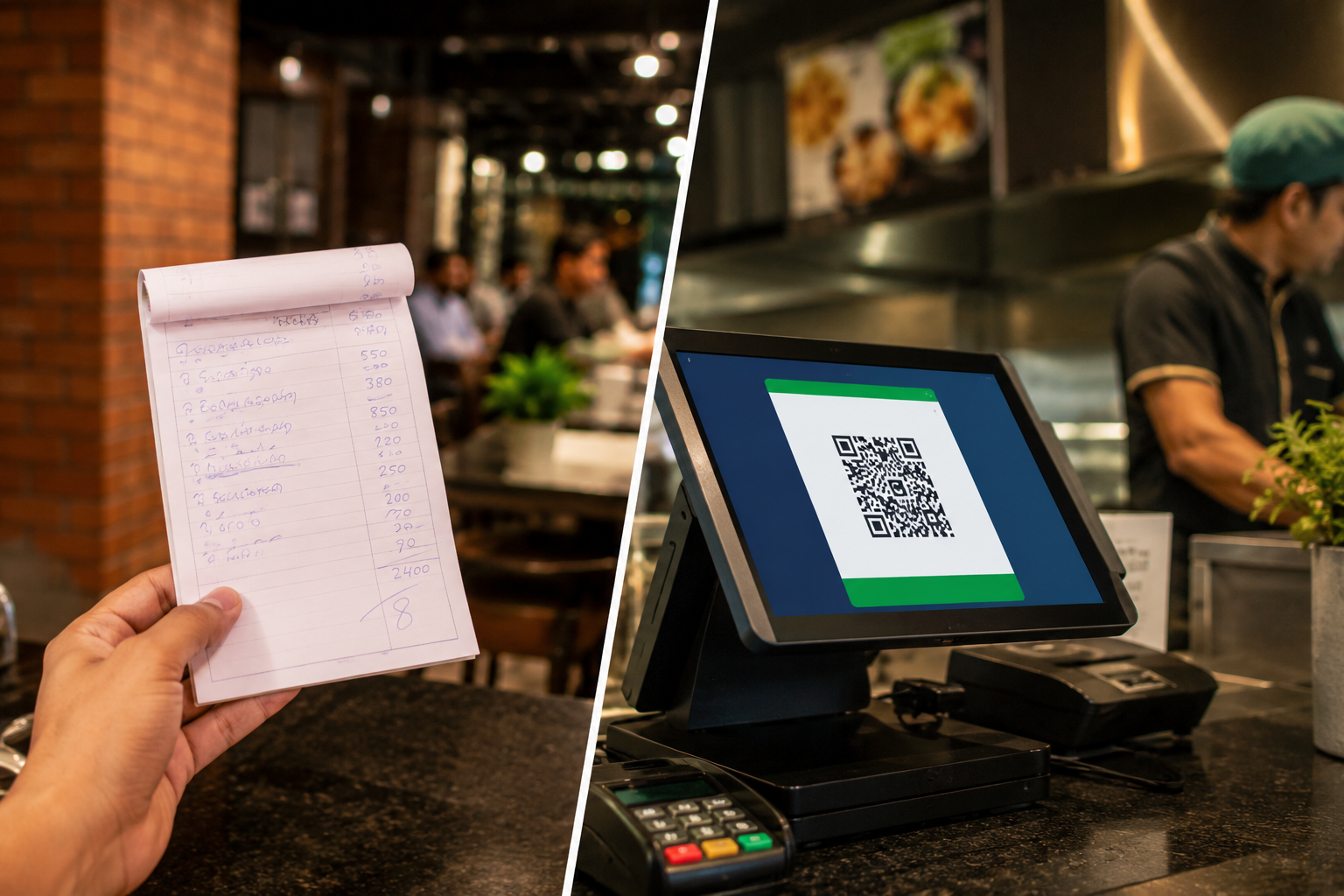
Too much inventory ties up cash and storage space. Too little inventory leads to stockouts, lost sales, and frustrated customers. As a business grows, tracking inventory manually through notebooks or spreadsheets becomes increasingly difficult.
This is where inventory management software comes in.
Whether it is a retail store, ecommerce business, a wholesaler, a pharmacy, a grocery store, or a distributor, inventory management software helps businesses gain control over their stock, automate routine processes, and make better purchasing decisions.
This guide explains what inventory management software is, how it works, its benefits, key features, and why it has become an essential tool for modern businesses.
What Is Inventory Management Software?
Inventory management software is a digital solution that helps businesses track, manage, and control inventory throughout its lifecycle.
From receiving products from suppliers to selling them to customers, the software records inventory movements and updates stock levels automatically.
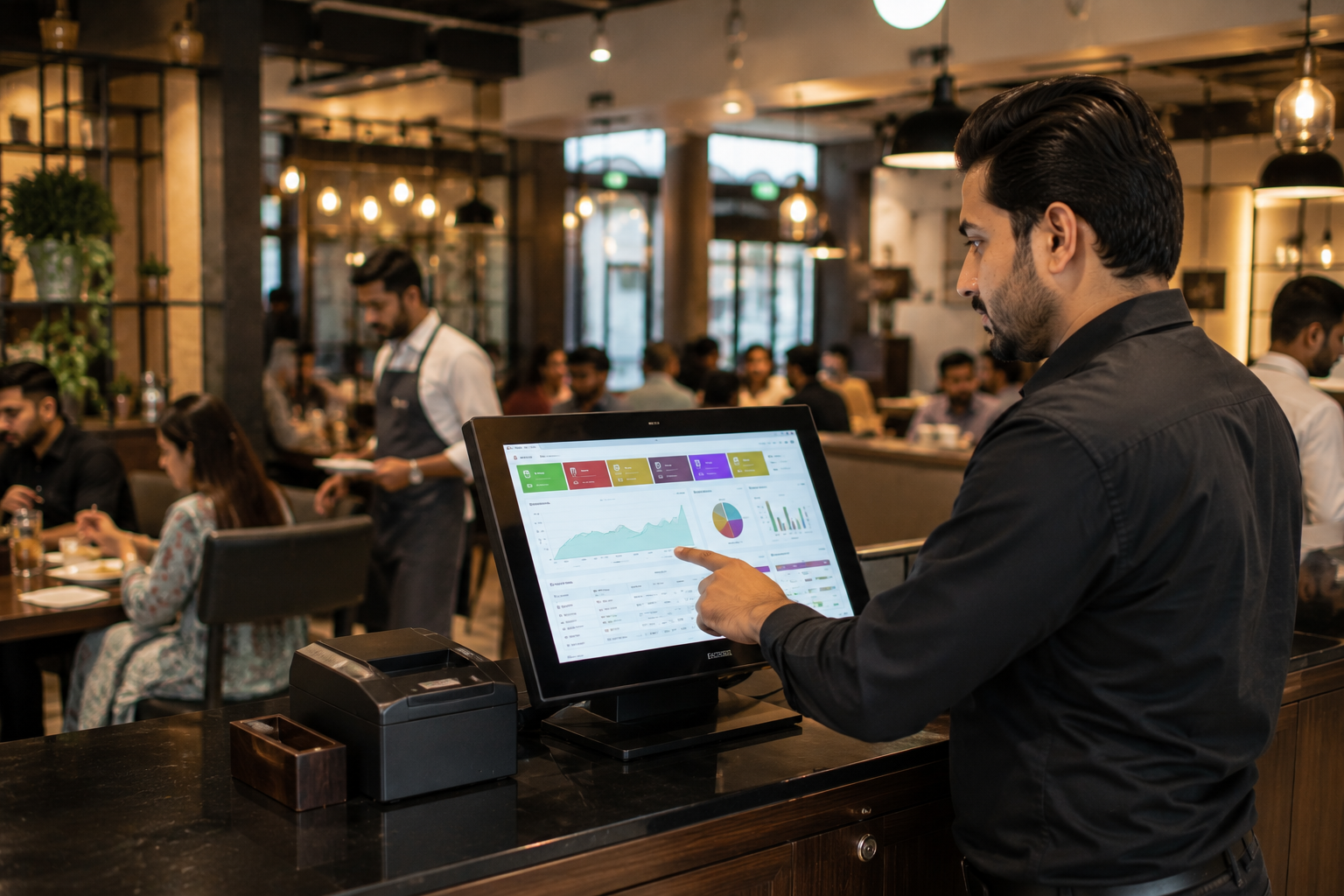
Instead of manually checking stock quantities or updating spreadsheets, businesses can monitor inventory in real time through a centralized system.
An inventory management software solution typically helps businesses:
- Track stock levels
- Monitor inventory movement
- Manage products and SKUs
- Automate stock updates
- Generate low stock alerts
- Manage purchase orders
- Improve inventory accuracy
- Create inventory reports and analytics
By providing complete stock visibility, businesses can reduce costly inventory mistakes and improve operational efficiency.
Why Inventory Management Matters
Inventory is one of the most valuable assets for many businesses.
Without proper inventory control, businesses often experience:
- Stock shortages
- Overstocking
- Lost inventory
- Manual data entry errors
- Delayed replenishment
- Inaccurate stock records
- Poor customer experiences
When inventory is not managed effectively, profitability can suffer.
An effective stock management system ensures that products are available when customers need them while helping businesses avoid excess inventory and unnecessary expenses.
How Does Inventory Management Software Work?
Inventory management software tracks products as they move through different stages of the business.
The process typically looks like this:
1. Product Information Is Added
Businesses create product records containing information such as:
- Product names
- SKUs
- Categories
- Pricing
- Supplier details
2. Inventory Is Received
When stock arrives from suppliers, inventory quantities are updated within the system.
3. Sales Reduce Inventory Automatically
As products are sold through a POS system or online store, inventory levels are adjusted automatically.
4. Stock Levels Are Monitored
The software continuously tracks available stock and provides real-time inventory updates.
5. Alerts Are Generated
When stock reaches a predefined reorder point, businesses receive low stock notifications.
6. Reports Are Created
Managers can access inventory reports, stock movement data, and performance insights to make informed decisions.
This level of inventory automation significantly reduces manual work while improving inventory accuracy.

Inventory Management Software vs Stock Management System vs Inventory Control Software
Many business owners encounter different terms while researching inventory solutions.
Although they are often used interchangeably, there are slight differences.
1. Inventory Management Software
A comprehensive solution that manages inventory tracking, purchasing, sales, reporting, and inventory optimization.
2. Stock Management System
Typically focuses on monitoring stock quantities, stock movement, and inventory tracking activities.
3. Inventory Control Software
Concentrates on maintaining accurate stock levels, preventing stockouts, and reducing overstocking.
In practice, most modern inventory management software platforms include stock management system capabilities and inventory control software features within a single solution.
Key Features of Inventory Management Software
Not all solutions offer the same functionality. However, the most effective systems include several essential features.
1. Real-Time Inventory Tracking
Businesses can instantly view stock levels across stores, warehouses, and sales channels.
This improves stock visibility and reduces inventory discrepancies.
2. Inventory Automation
Automated stock updates eliminate manual inventory adjustments and reduce human error.
3. Barcode Scanning
Barcode functionality speeds up inventory counting, receiving, and product tracking.
4. SKU Management
Businesses can organize products efficiently using unique SKU codes for easier identification.
5. Low Stock Alerts
Automated alerts help businesses replenish inventory before products run out.
6. Purchase Order Management
Businesses can create, manage, and track purchase orders from suppliers.
7. Multi-Location Inventory Management
Companies operating multiple stores or warehouses can monitor inventory from a single platform.
8. Inventory Reporting
Detailed reports provide insights into stock levels, inventory turnover, product performance, and purchasing trends.
9. Inventory Forecasting
Businesses can analyze sales patterns and predict future inventory requirements more accurately.
10. Integration Capabilities
Modern inventory management software can integrate with:
- POS systems
- Ecommerce platforms
- Accounting software
- Payment solutions
- Business management tools
Benefits of Using Inventory Management Software
1. Improved Inventory Accuracy
Automated tracking reduces errors caused by manual stock updates.
2. Better Stock Visibility
Businesses gain complete visibility into inventory levels, stock movement, and product availability.
3. Reduced Stockouts
Real-time monitoring helps businesses avoid running out of popular products.
4. Lower Inventory Costs
Better inventory planning reduces unnecessary storage expenses and excess stock.
5. Faster Decision Making
Inventory reports provide actionable insights that support smarter purchasing and operational decisions.
6. Increased Productivity
Employees spend less time on manual inventory tasks and more time serving customers.
7. Better Customer Experience
Accurate stock information helps businesses fulfill customer orders efficiently and consistently.
Who Should Use Inventory Management Software?
Inventory management software is valuable for businesses of all sizes and industries.
1. Retail Stores
Retailers can track inventory, manage stock levels, and improve customer satisfaction.
2. Ecommerce Businesses
Online sellers can synchronize inventory across multiple sales channels and marketplaces.
3. Wholesalers
Wholesale businesses can monitor large volumes of stock and improve replenishment planning.
4. Distributors
Distributors benefit from enhanced inventory control and supply chain visibility.
5. Grocery Stores
Grocery businesses can track inventory efficiently and reduce waste.
6. Pharmacies
Pharmacies can monitor stock availability and maintain accurate inventory records.
7. Clothing and Fashion Businesses
Fashion retailers can manage product variants such as size, color, and style more effectively.
Signs a Business Needs Inventory Management Software
Many businesses delay investing in inventory software until operational issues become severe.
Common warning signs include:
- Frequent stock shortages
- Excess inventory sitting in storage
- Difficulty tracking stock manually
- Inventory discrepancies
- Time-consuming stock counts
- Lack of inventory visibility
- Growing business complexity
- Multiple store locations
If any of these challenges sound familiar, implementing an inventory management solution can significantly improve efficiency.
What to Look for When Choosing Inventory Management Software
Selecting the right software requires evaluating current business needs and future growth plans.
Businesses should consider:
- Ease of use
- Real-time inventory tracking
- Inventory automation features
- Barcode support
- Reporting capabilities
- Mobile accessibility
- Multi-location inventory management
- POS integration
- Accounting integration
- Scalability
- Customer support
Choosing software that can grow alongside the business helps maximize long-term value.
How Oscar Helps Businesses Manage Inventory More Efficiently
For businesses looking to simplify inventory operations, Oscar provides a complete business management solution that combines inventory tracking, POS functionality, sales management, reporting, and automation in one platform.
With Oscar, businesses can:
- Monitor stock levels in real time
- Improve inventory visibility
- Receive low stock alerts
- Track product movement accurately
- Manage inventory across locations
- Generate business reports instantly
- Reduce manual inventory tasks
- Improve overall operational efficiency
By bringing inventory control and business management together, Oscar helps businesses spend less time managing stock and more time focusing on growth.
Final Thoughts
Inventory management software is no longer a luxury reserved for large enterprises. It has become an essential tool for businesses that want better stock control, improved efficiency, and sustainable growth.
From reducing stockouts and improving inventory accuracy to enabling inventory automation and real-time stock visibility, the benefits extend across every aspect of business operations.
As businesses continue to grow and customer expectations increase, having the right inventory management software in place can make a significant difference in profitability and operational success.
Businesses that want to experience smarter inventory management firsthand can explore an Oscar POS demo and see how real-time inventory tracking, inventory automation, and business insights work together to simplify daily operations before committing to a subscription.
Frequently Asked Questions
1. What is inventory management software?
Inventory management software is a digital solution that helps businesses track, manage, and control inventory levels, stock movement, purchasing activities, and inventory reporting.
2. How does inventory management software work?
The software records inventory transactions, updates stock levels automatically, tracks product movement, generates alerts, and provides reports to help businesses manage inventory efficiently.
3. What is the difference between inventory management software and inventory control software?
Inventory management software offers broader functionality, including purchasing, reporting, and stock tracking, while inventory control software focuses primarily on maintaining accurate stock levels and preventing inventory issues.
4. What is a stock management system?
A stock management system is a tool that helps businesses track inventory quantities, monitor stock movement, and maintain product availability.
5. Why is stock visibility important?
Stock visibility allows businesses to view real-time inventory levels, helping prevent stockouts, reduce excess inventory, and improve decision-making.
6. What is inventory automation?
Inventory automation uses technology to automatically update stock levels, generate alerts, create reports, and reduce manual inventory management tasks.
7. Can small businesses benefit from inventory management software?
Yes. Small businesses can improve inventory accuracy, save time, reduce stock losses, and make better purchasing decisions using inventory management software.
8. What industries use inventory management software?
Retail stores, ecommerce businesses, wholesalers, distributors, pharmacies, grocery stores, manufacturers, and fashion retailers commonly use inventory management software.
9. How does inventory management software help reduce stockouts?
The software tracks inventory levels continuously and sends low stock alerts when products approach reorder points, helping businesses replenish stock before running out.
10. What features should businesses look for in inventory management software?
Important features include real-time inventory tracking, barcode scanning, inventory automation, reporting, multi-location support, purchase order management, and integration with POS and accounting systems.