How to Train Your Restaurant Staff on a POS System in 1 Day
June 17, 2026
.Blog

Introducing a new restaurant POS system can feel challenging, especially when staff members have different levels of experience with technology. Restaurant owners often worry that training employees will take days or even weeks, slowing down operations and affecting customer service.
The good news is that with the right approach and the right restaurant POS, staff can become comfortable with the system in just one day.
Modern solutions like Oscar POS are designed to be intuitive, helping restaurants reduce training time while improving order accuracy, sales tracking, inventory management, and overall operational efficiency. Instead of spending weeks teaching employees complicated processes, restaurant owners can focus on getting their teams productive from day one.
This guide explains exactly how to train restaurant staff on a POS system in a single day while ensuring they are ready to handle real customer interactions confidently.
Why Choosing the Right Restaurant POS Matters
Training success starts with selecting software that is easy to learn.
A complicated system increases mistakes, frustrates employees, and extends onboarding time. A modern restaurant POS should simplify daily operations instead of adding extra work.
Oscar POS helps restaurants streamline:
- Order management
- Table management
- Billing and invoicing
- Digital payments
- Inventory tracking
- Sales reporting
- Staff management
- Customer order workflows
Because the interface is designed for real restaurant environments, staff can learn core functions quickly and start serving customers with confidence.
Common Restaurant POS Training Mistakes
Before creating a training plan, it helps to understand why many restaurant POS implementations fail.
1. Teaching Every Feature at Once
Many managers try to explain every function on day one. This often overwhelms staff and makes learning more difficult.
2. Training All Employees the Same Way
Waiters, cashiers, and managers use different features. Training should be role-specific.
3. Skipping Practice Sessions
Employees need hands-on experience. Watching demonstrations alone is not enough.
4. Ignoring Real Restaurant Scenarios
Training should replicate actual situations employees face during service hours.
5. No Performance Evaluation
Without testing staff knowledge, managers cannot identify training gaps.
Preparing for POS Training Before Staff Arrive
A successful training session starts before employees begin learning.
Restaurant owners should complete the following setup tasks:
- Upload the restaurant menu
- Configure categories and items
- Create employee accounts
- Assign user permissions
- Connect printers and kitchen displays
- Test payment methods
- Configure taxes and discounts
- Set up inventory items
- Create sample transactions
Having everything ready allows employees to focus entirely on learning the system.

A Practical One Day Restaurant POS Training Schedule
Session 1: Introduction to the POS System (30 Minutes)
Start by showing employees how the restaurant POS fits into daily operations.
Explain:
- Logging into the system
- Navigating the dashboard
- Understanding user roles
- Accessing different functions
The goal is to help staff become comfortable with the interface before performing tasks.
Session 2: Order Taking and Table Management (60 Minutes)
For waiters and front-of-house staff, this is the most important part of training.
Employees should practice:
- Creating new orders
- Assigning tables
- Modifying orders
- Adding special instructions
- Sending orders to the kitchen
- Splitting tables
- Merging tables
Repeating these actions several times helps build confidence.
Session 3: Billing and Payment Processing (60 Minutes)
Cashiers and service staff should learn how to:
- Generate bills
- Apply discounts
- Process cash payments
- Accept card payments
- Handle QR payments
- Split customer bills
- Print receipts
This training helps reduce billing errors and improve customer satisfaction.
Session 4: Kitchen Workflow and Order Management (45 Minutes)
Employees should understand how orders move through the restaurant.
Training should cover:
- Kitchen order tickets
- Order status tracking
- Updating completed orders
- Managing delayed orders
- Handling customer modifications
This ensures smooth communication between service and kitchen teams.
Session 5: Inventory Management Basics (45 Minutes)
Even if inventory management is handled by managers, staff should understand how inventory tracking works.
Topics include:
- Ingredient tracking
- Stock deductions
- Inventory updates
- Wastage control
- Stock alerts
Accurate inventory management helps restaurants reduce losses and improve profitability.
Session 6: Sales Tracking and Reporting (45 Minutes)
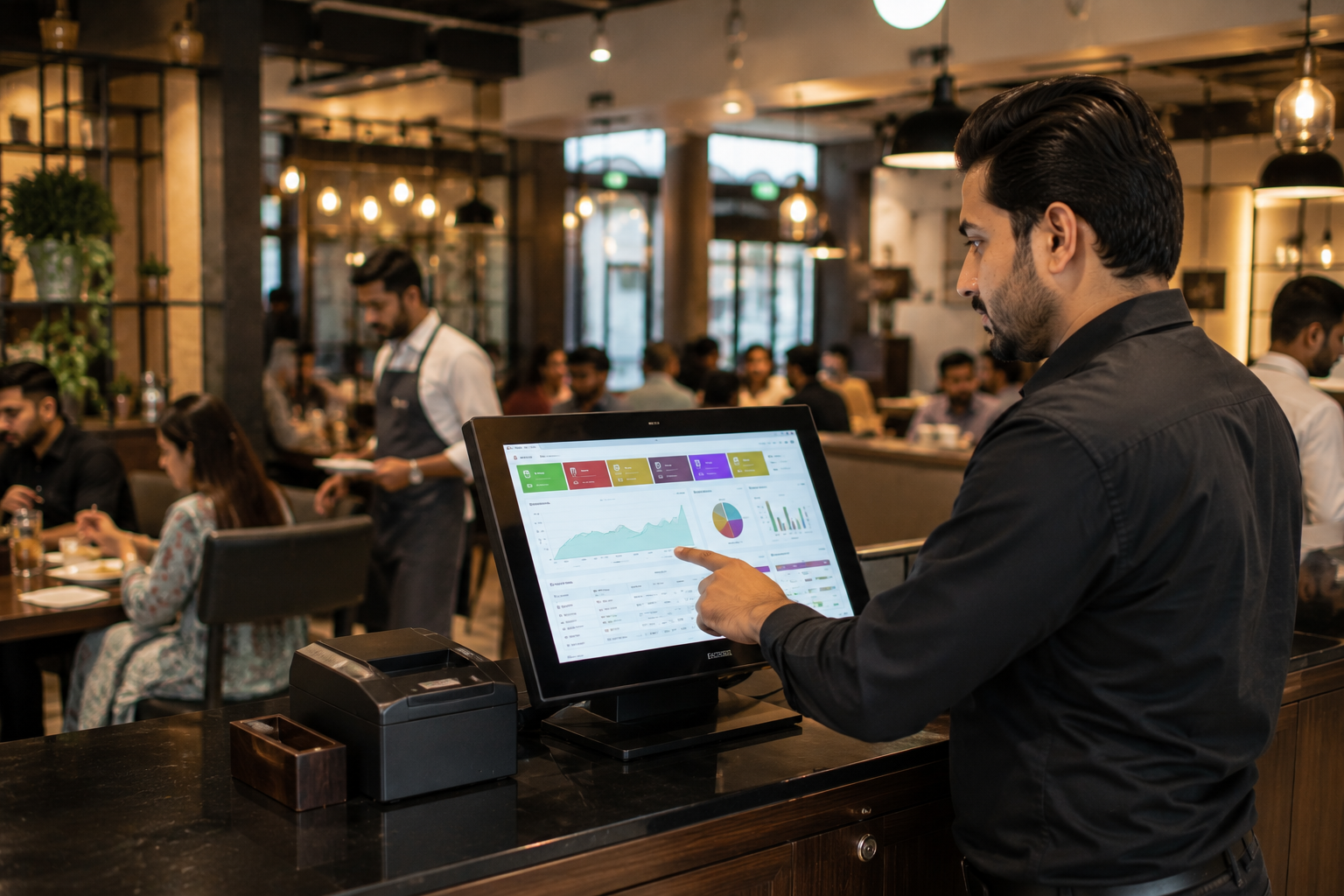
Managers should learn how to use the sales tracking system within the POS.
Key reporting functions include:
- Daily sales reports
- Revenue tracking
- Product performance analysis
- Staff performance reports
- Transaction history
- Sales dashboards
A strong sales tracking system helps restaurant owners make informed business decisions based on real data.
Session 7: Live Practice Simulation (60 Minutes)
The final stage should simulate an actual restaurant shift.
Employees should complete realistic scenarios such as:
- Taking customer orders
- Updating orders
- Processing payments
- Applying discounts
- Handling refunds
- Managing busy periods
This practical experience prepares staff for real-world operations.
Role Based POS Training for Restaurant Staff
1. Training Waiters
Waiters should focus on:
- Order taking
- Table management
- Menu navigation
- Sending orders to the kitchen
- Customer service workflows
2. Training Cashiers
Cashiers should master:
- Billing
- Payment processing
- Refund management
- End-of-day reconciliation
- Receipt generation
3. Training Restaurant Managers
Managers need deeper knowledge of:
- Sales tracking systems
- Inventory management
- Staff performance monitoring
- Business reporting
- Revenue analytics
Oscar POS provides role-based access that makes training simpler and more efficient for every team member.
Practice Scenarios Every Employee Should Complete
Training becomes more effective when employees work through real situations.
Examples include:
Customer Changes an Order
Staff should know how to update items without creating confusion in the kitchen.
Split Bill Requests
Employees should learn how to divide payments quickly and accurately.
Item Out of Stock
Staff should understand how to modify orders and suggest alternatives.
Refund Requests
Cashiers should know the correct refund process to maintain accurate records.
Multiple Payment Methods
Employees should practice handling combinations of cash, cards, and digital payments.
How Managers Can Confirm Staff Are Ready
Before employees start using the POS independently, managers should verify that each team member can:
- Log into the system
- Create an order
- Modify an order
- Process a payment
- Apply a discount
- Print a receipt
- Handle a refund
- View basic reports
- Complete shift closing procedures
A simple checklist helps ensure consistent performance across the team.
Benefits of Fast Restaurant POS Training
When employees learn a restaurant POS quickly, restaurants experience benefits sooner.
These include:
- Faster service
- Fewer billing mistakes
- Better customer experiences
- Improved inventory accuracy
- Stronger sales tracking
- Better staff accountability
- Reduced onboarding costs
- Higher operational efficiency
With a user-friendly solution like Oscar POS, restaurants can achieve these results without lengthy training programs.
Why Oscar POS Makes Staff Training Easier
Not all POS software is built with ease of use in mind.
Oscar POS helps restaurants reduce training time through:
- Simple and intuitive interface
- Fast employee onboarding
- Real-time sales tracking system
- Inventory management tools
- Easy order management
- Digital payment support
- Detailed reporting dashboards
- Role-based permissions
This allows restaurants to focus on serving customers instead of spending weeks teaching staff how to use software.
Conclusion
Training restaurant staff on a POS system does not need to be a lengthy or complicated process. With a structured approach, role-based training, and hands-on practice, most employees can become comfortable using a restaurant POS within a single day.
The key is choosing software that simplifies operations rather than creating unnecessary complexity. A modern solution such as Oscar POS helps restaurants train employees faster, improve sales tracking, streamline inventory management, and deliver a better customer experience from day one.
For restaurant owners looking to see how easy POS training can be, trying an Oscar POS demo is a great first step. It allows teams to explore the system, test key features, and experience firsthand how quickly staff can learn and adapt before committing to a subscription.
FAQs
1. Can restaurant staff learn a POS system in one day?
Yes. With a user-friendly restaurant POS and structured training plan, most employees can learn essential functions such as order taking, billing, and payment processing in a single day.
2. What should restaurant staff learn first on a POS system?
Employees should first learn how to log in, navigate the dashboard, create orders, manage tables, and process payments before moving to advanced features.
3. Why is a sales tracking system important for restaurants?
A sales tracking system helps restaurants monitor revenue, analyze performance, identify trends, and make informed business decisions using real-time data.
4. How can managers reduce POS training time?
Managers can reduce training time by using role-based instruction, providing hands-on practice, and selecting intuitive software like Oscar POS.
5. What are the most important POS features for restaurant staff?
The most important features include order management, billing, payment processing, table management, inventory tracking, and sales reporting.
6. How does a restaurant POS improve operational efficiency?
A restaurant POS automates routine tasks, reduces manual errors, improves communication between teams, and provides real-time business insights.
7. Can a restaurant POS help with inventory management?
Yes. Modern restaurant POS systems track ingredient usage, monitor stock levels, generate inventory reports, and help reduce waste.
8. Is Oscar POS suitable for small and large restaurants?
Yes. Oscar POS is designed to support restaurants of different sizes, providing scalable tools for sales tracking, inventory management, billing, and staff management.