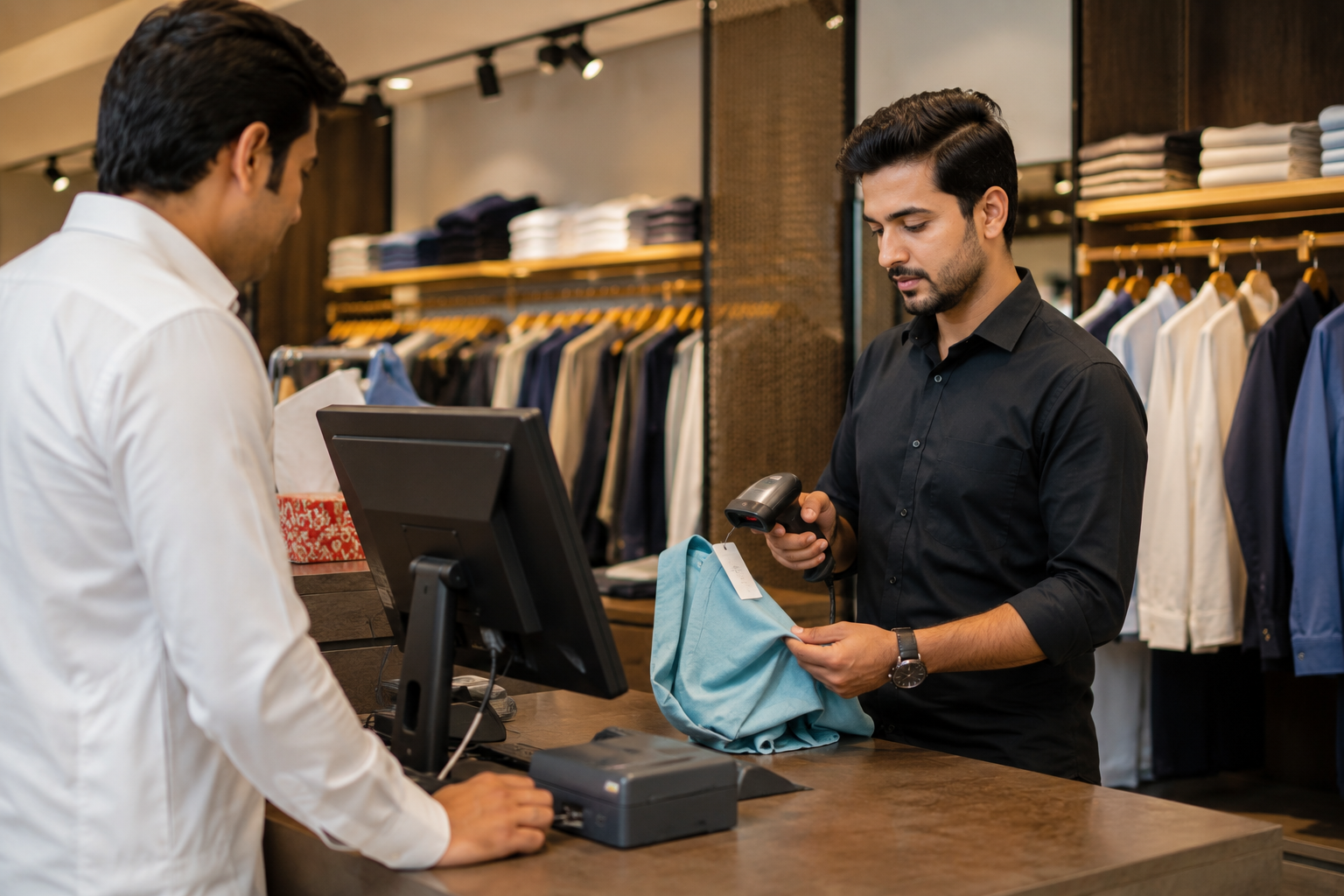
Best Retail Software: Features Every Retail Business Should Look For
June 22, 2026
.Blog
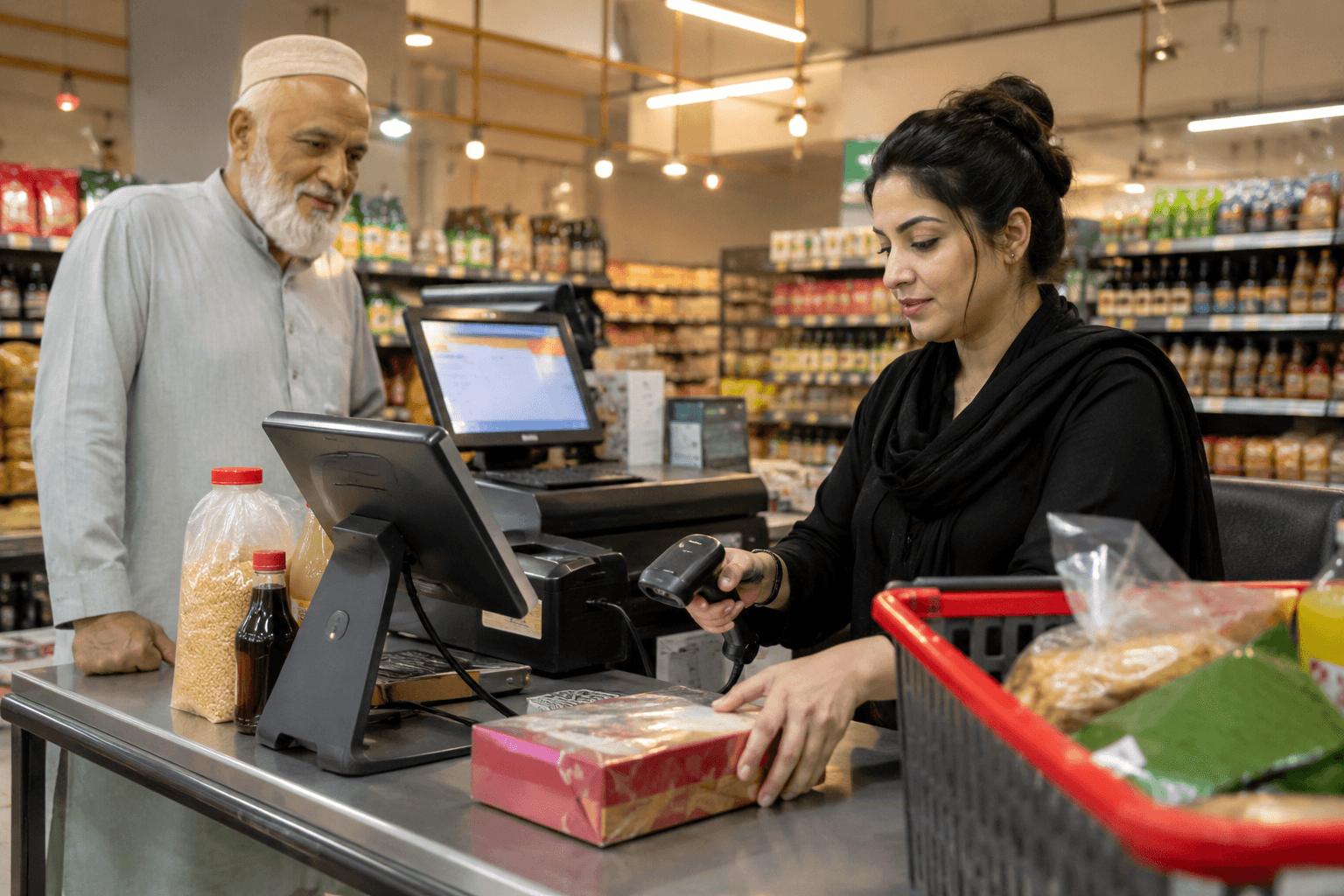
Running a retail business involves much more than processing sales. Store owners need to manage inventory, track purchases, monitor employee performance, handle suppliers, and maintain complete visibility across daily operations. As retail businesses grow, relying on manual processes or disconnected systems often leads to stock discrepancies, reporting errors, and operational inefficiencies.
This is why choosing the best retail software has become a critical business decision.
The right retail software helps businesses streamline operations, improve inventory accuracy, increase profitability, and make smarter decisions based on real-time data. However, not all retail management software solutions offer the same capabilities.
Understanding which features truly matter can help retailers invest in a system that supports both current needs and future growth.
Why Retail Businesses Need Modern Retail Software
Retail businesses generate large volumes of transactions and inventory movements every day. Managing these activities manually can quickly become overwhelming.
Modern retail software acts as a central platform that connects sales, inventory, purchasing, reporting, and store operations. Instead of working with multiple spreadsheets or standalone systems, retailers can manage everything from one place.
Whether operating a single store or multiple locations, retail software provides the visibility needed to make informed business decisions.
What Is Retail Software?
Retail software is a business management system designed to help retailers manage sales, inventory, customers, suppliers, purchases, and reporting.
Many modern retail software solutions also include retail POS software capabilities, allowing businesses to process transactions while automatically updating inventory and generating reports in real time.
The best retail software combines operational control, inventory management, and business intelligence within a single platform.
Key Features Every Retail Business Should Look For
1. Real-Time Inventory Management
Inventory is one of the most valuable assets in any retail business. Poor inventory control often leads to stockouts, excess inventory, and lost sales opportunities.
A reliable inventory management system should provide:
- Real-time inventory tracking
- Automatic stock updates after sales
- Inventory adjustments
- Inventory transfers between stores
- Stock alerts for low inventory
- Product movement history
Real-time inventory visibility helps retailers maintain optimal stock levels and make better purchasing decisions.
2. Retail POS Software Integration
A modern retail business requires more than a basic billing system.
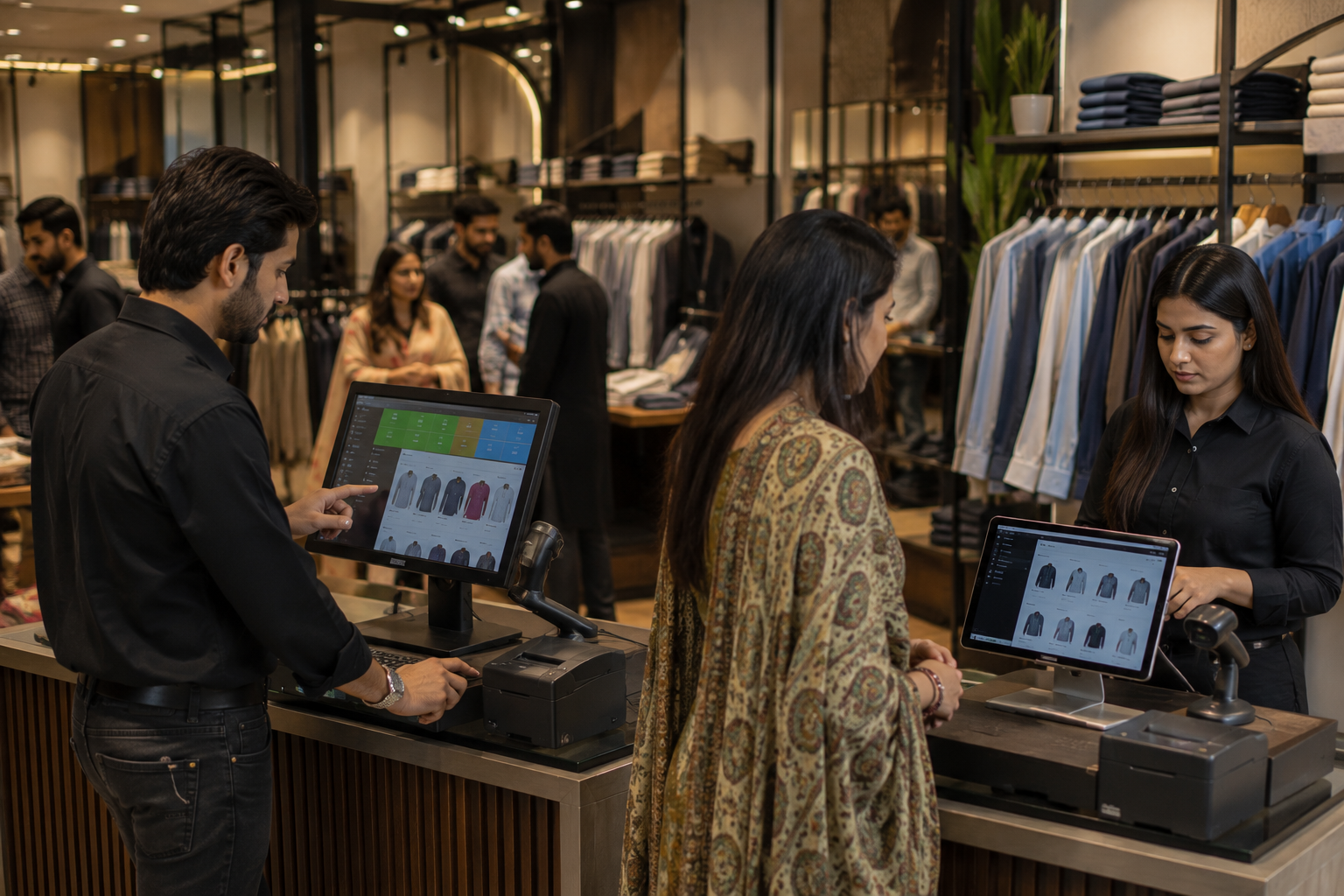
Retail POS software should be fully integrated with inventory, reporting, and business operations.
Key capabilities include:
- Fast checkout processing
- Barcode scanning support
- Multiple payment methods
- Digital receipts
- Customer management
- Automatic inventory updates
Integrated retail POS software eliminates manual data entry and improves transaction accuracy.
3. Comprehensive Sales Reporting
Successful retailers rely on data rather than assumptions.
The best retail software should provide access to:
- Daily sales reports
- Product performance reports
- Category-wise sales analysis
- Employee performance reports
- Profitability reports
- Branch comparison reports
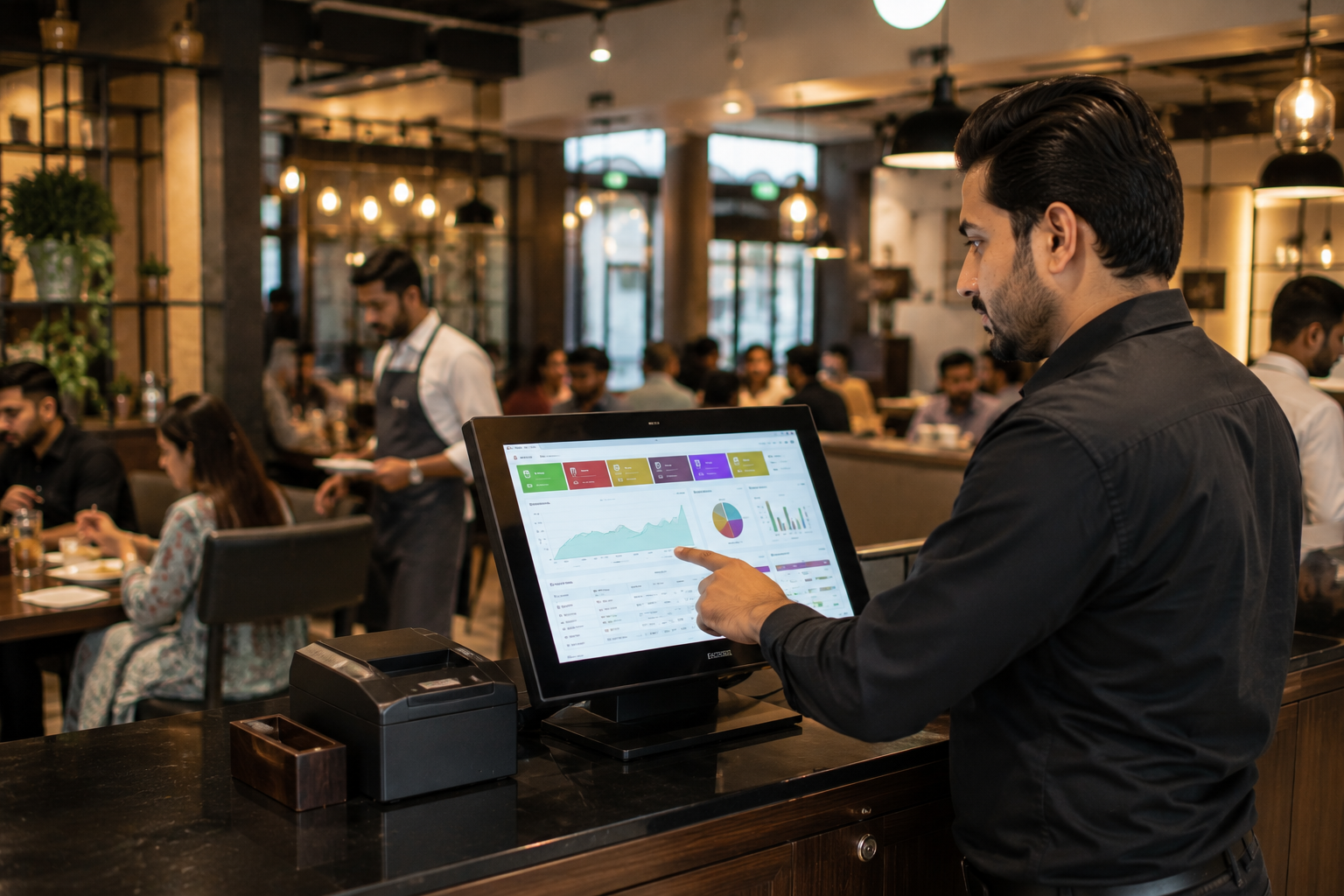
Real-time sales reporting enables business owners to identify trends, monitor performance, and make informed decisions quickly.
4. Multi-Store Management
Businesses operating multiple locations require centralized control over operations.
Multi-store retail software should offer:
- Centralized inventory management
- Branch-wise reporting
- Product synchronization
- Store performance monitoring
- Inventory transfers between locations
- Unified sales visibility
Centralized management reduces operational complexity and improves efficiency across all branches.
5. Purchase and Supplier Management
Inventory planning plays a major role in retail success.
Retail software should simplify purchasing by offering:
- Supplier management
- Purchase order creation
- Purchase history tracking
- Supplier performance monitoring
- Receiving and stock updates
Efficient supplier management helps businesses avoid inventory shortages and maintain healthy stock levels.
6. User Access and Security Controls
As teams grow, business owners need control over who can access specific information.
A good retail management system should allow:
- Role-based permissions
- Employee activity tracking
- Secure login controls
- Transaction history monitoring
- Controlled access to reports and inventory
This helps reduce operational risks while improving accountability.
7. Cloud-Based Access
Cloud-based retail software offers flexibility that traditional systems often cannot provide.
Benefits include:
- Remote business monitoring
- Real-time data synchronization
- Secure data backups
- Access from multiple devices
- Reduced hardware dependency
Cloud technology gives retailers greater visibility and control regardless of location.
8. Barcode Management
Barcode functionality helps improve efficiency and reduce human errors.
Retailers should look for software that supports:
- Barcode generation
- Barcode scanning
- Product identification
- Faster checkout processing
- Inventory accuracy
This feature becomes increasingly valuable as inventory size grows.
9. Retail Analytics and Business Insights
Raw data has little value unless it can be transformed into actionable insights.
Advanced retail analytics help businesses understand:
- Best-selling products
- Slow-moving inventory
- Peak sales periods
- Customer purchasing patterns
- Profit margins
- Inventory turnover
These insights help retailers make strategic decisions that support growth.
10. Scalability for Future Growth
Retail software should support the business not only today but also as it expands.
Important scalability features include:
- Multi-store support
- Growing inventory capacity
- Additional user accounts
- Expanded reporting capabilities
- Centralized management tools
A scalable retail software solution eliminates the need for frequent system changes as the business grows.
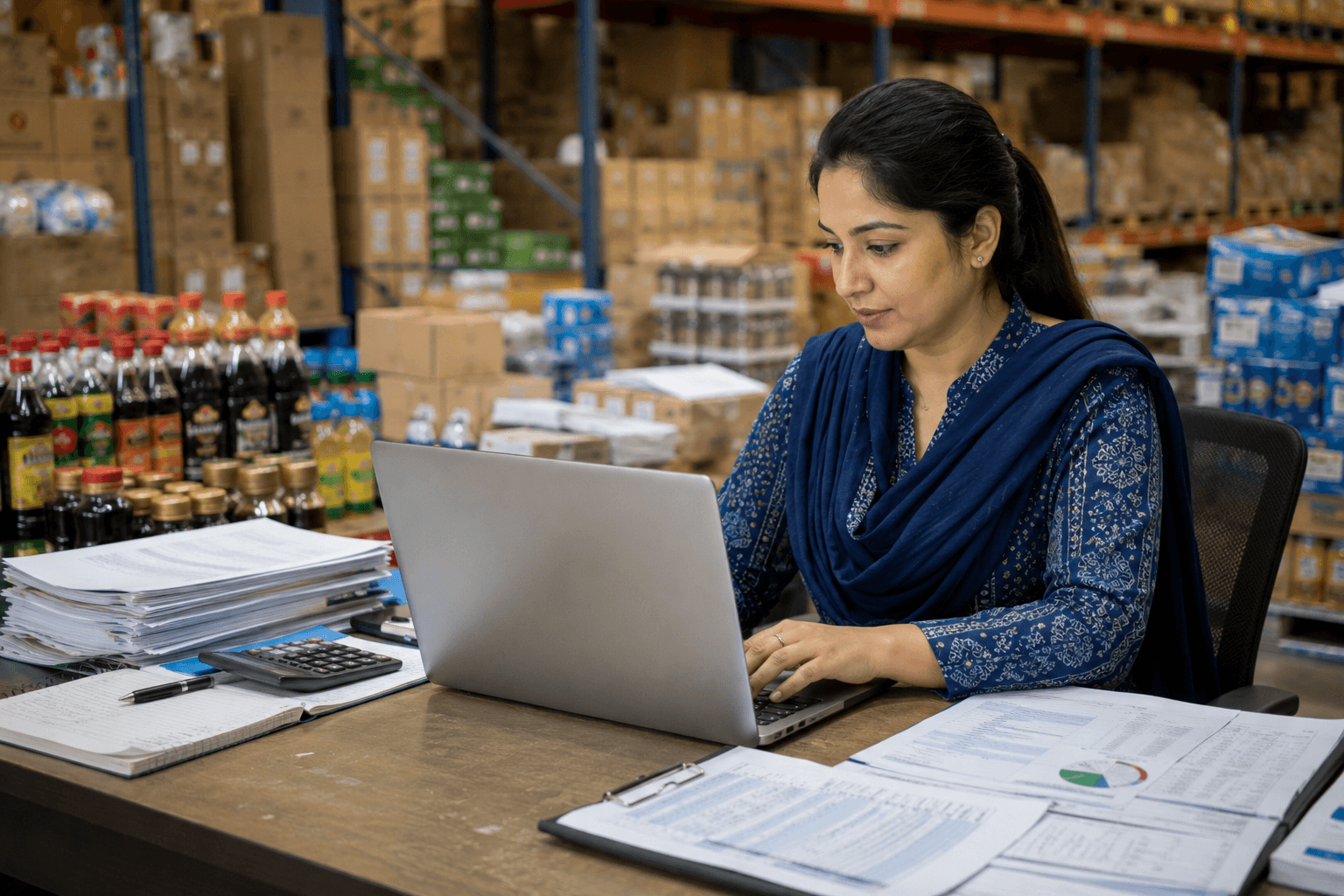
Common Problems the Best Retail Software Solves
1. Inventory Discrepancies
Manual inventory tracking often creates mismatches between physical stock and recorded stock levels.
Retail software automates inventory updates and improves accuracy.
2. Stockouts and Overstocking
Without visibility into inventory trends, businesses frequently experience either shortages or excess stock.
Retail software helps maintain optimal inventory levels through real time tracking and reporting.
3. Lack of Business Visibility
Many retailers struggle to understand what is happening across their stores.
Retail reporting software provides instant access to performance metrics, helping owners stay informed.
4. Time-Consuming Manual Processes
Manual reporting, stock counting, and sales tracking consume valuable time.
Automation reduces administrative workload and allows teams to focus on serving customers.
5. Difficult Multi-Branch Operations
Managing multiple stores without centralized software can create inefficiencies.
A centralized retail management system simplifies oversight and coordination across locations.
How to Evaluate Retail Software Before Buying
Choosing the best retail software requires more than comparing prices.
Retailers should evaluate:
- Ease of use
- Inventory management capabilities
- Reporting features
- Multi store support
- Cloud accessibility
- Supplier management tools
- Customer support quality
- Scalability
- Data security
- Integration capabilities
The right solution should align with both current operational needs and future business goals.
Why More Retailers Are Choosing Integrated Retail Management Systems
Retail businesses increasingly prefer all-in-one solutions rather than using separate tools for billing, inventory, reporting, and purchasing.
An integrated retail management system helps reduce complexity, improve accuracy, and create a smoother operational workflow.
By managing every aspect of the business through a single platform, retailers gain greater visibility and control over daily operations.
How Oscar POS Helps Retail Businesses Operate More Efficiently
For retailers looking for a complete retail software solution, Oscar POS combines retail POS software, inventory management, sales reporting, purchase management, supplier tracking, and multi-branch management within one platform.
Built for growing businesses in Pakistan, Oscar POS helps retailers monitor sales in real time, maintain accurate inventory records, manage multiple locations, and make smarter business decisions using actionable reporting.
Whether operating a single store or expanding across multiple branches, Oscar POS provides the tools needed to streamline retail operations and support long-term growth.
Final Thoughts
The best retail software does more than process transactions. It helps retailers gain control over inventory, improve operational efficiency, reduce errors, and make better business decisions.
Features such as real-time inventory management, retail POS software integration, multi-store management, reporting, supplier management, and cloud accessibility have become essential for modern retail businesses.
Choosing software with the right capabilities can have a direct impact on profitability, customer satisfaction, and future growth.
Retailers looking for a complete solution can explore how Oscar POS helps businesses simplify operations, improve visibility, and manage retail growth with confidence. Contact the Oscar POS team today to schedule a demo and see how the platform can support the next stage of business success.
FAQs
1. What is the best retail software for small businesses?
The best retail software for small businesses is one that combines inventory management, retail POS software, reporting, supplier management, and scalability within a single platform.
2. What features should retail software have?
Essential features include inventory management, sales reporting, barcode support, supplier management, cloud access, user permissions, and multi store management capabilities.
3. Is retail software different from POS software?
Retail software typically includes a broader set of business management tools, while POS software focuses on processing sales transactions. Modern solutions often combine both functions.
4. Can retail software manage inventory?
Yes. Most modern retail management software includes real time inventory tracking, stock alerts, inventory transfers, and inventory reporting features.
5. What is cloud based retail software?
Cloud based retail software stores data online, allowing business owners to access reports, inventory, and operational information from multiple locations and devices.
6. Can retail software support multiple store locations?
Yes. Many retail software solutions offer centralized management, branch wise reporting, and inventory transfers for businesses operating multiple stores.
7. How does retail software improve profitability?
Retail software helps improve profitability by reducing inventory losses, improving stock accuracy, increasing operational efficiency, and providing data driven business insights.
8. How do retailers choose the right retail software?
Retailers should evaluate software based on inventory management features, reporting capabilities, ease of use, scalability, cloud access, support quality, and overall business fit.
9. Is retail software suitable for retailers in Pakistan?
Yes. Many retail software solutions are designed specifically for Pakistani retailers and include features that support local business requirements and operational needs.
10. Why is inventory management important in retail software?
Inventory management helps retailers maintain accurate stock levels, prevent stockouts, reduce excess inventory, and improve overall operational efficiency.