Best Invoicing Software for Small Businesses
June 3, 2026
.Blog

Running a small business involves much more than making sales. Business owners also need to create invoices, track payments, follow up with customers, manage billing records, and maintain accurate financial data. As businesses grow, handling these tasks manually becomes time-consuming and increases the risk of errors.
This is where invoicing software in Pakistan can make a significant difference.
Modern invoice management software helps businesses automate invoicing, improve payment collection, track invoices, and maintain organized financial records from a single platform. Instead of spending hours creating invoices and chasing payments, business owners can focus on serving customers and growing revenue.
For small businesses looking to streamline operations, choosing the right billing software in Pakistan can improve efficiency, strengthen cash flow, and simplify day-to-day business management.
Why Small Businesses Need Invoicing Software
Many small businesses start by creating invoices manually using spreadsheets or word processing tools. While this may work initially, it often creates challenges as customer volumes increase.
Common issues include:
- Lost or misplaced invoices
- Delayed payment collection
- Manual calculation errors
- Difficulty tracking unpaid invoices
- Limited visibility into outstanding customer balances
- Time-consuming record management
An invoicing software solution eliminates these challenges by automating invoice creation, payment tracking, and billing management.
Businesses gain better control over their finances while reducing administrative workload.
What Is Invoicing Software?
Invoicing software is a digital tool that helps businesses create, send, manage, and track invoices.
Instead of manually generating invoices for every customer, businesses can use invoice management software to automate the process while maintaining professional and accurate records.
Most modern solutions also include features such as:
- Invoice tracking
- Customer management
- Payment collection monitoring
- Billing automation
- Sales reporting
- Inventory integration
- Cloud access
For many businesses, invoicing software becomes a central part of daily operations.
Key Features to Look for in Invoicing Software in Pakistan
Not all invoicing solutions offer the same capabilities. Small businesses should evaluate software based on features that directly impact productivity and cash flow.
1. Easy Invoice Creation
The software should allow users to generate professional invoices quickly without complicated processes.
Customizable invoice templates help businesses maintain a professional brand image while saving time.
2. Invoice Tracking
Invoice tracking is one of the most valuable features of modern invoicing software.
Business owners should be able to:
- View paid invoices
- Monitor pending invoices
- Track overdue invoices
- Review invoice history
This visibility helps businesses avoid missed payments and maintain healthy cash flow.
3. Automated Payment Reminders
Following up on outstanding payments manually can be frustrating and time-consuming.
Automated reminders help businesses improve payment collection by notifying customers about upcoming or overdue payments.
4. Customer Management
A good invoice management software should maintain customer profiles, purchase histories, payment records, and outstanding balances in one place.
This makes customer interactions more efficient and organized.
5. Cloud-Based Access
Cloud invoicing software allows businesses to access invoices and billing information from anywhere.
Whether working from a store, warehouse, office, or remotely, users can stay connected to important business data.
6. Reporting and Insights
Business owners need visibility into their financial performance.
Detailed reports can help monitor:
- Sales trends
- Revenue growth
- Outstanding receivables
- Customer payment behavior
- Business performance
7. Inventory Integration
For retail stores, wholesalers, distributors, and ecommerce businesses, invoicing should work alongside inventory management.
Integrated systems automatically update stock levels after each sale, reducing manual work and inventory discrepancies.

How Invoicing Software Improves Cash Flow
Cash flow is one of the biggest concerns for small businesses.
Even profitable businesses can struggle when customer payments are delayed.
Invoicing software improves cash flow in several ways:
1. Faster Invoice Generation
Invoices can be created instantly after a sale instead of being prepared manually.
2. Faster Invoice Delivery
Digital invoices can be sent immediately through email or other communication channels.
3. Better Payment Collection
Automated reminders encourage customers to pay on time.
4. Improved Visibility
Business owners can easily identify overdue invoices and take action before payment delays impact operations.
Together, these benefits help businesses maintain healthier financial stability.
Billing Software in Pakistan vs Traditional Billing Methods
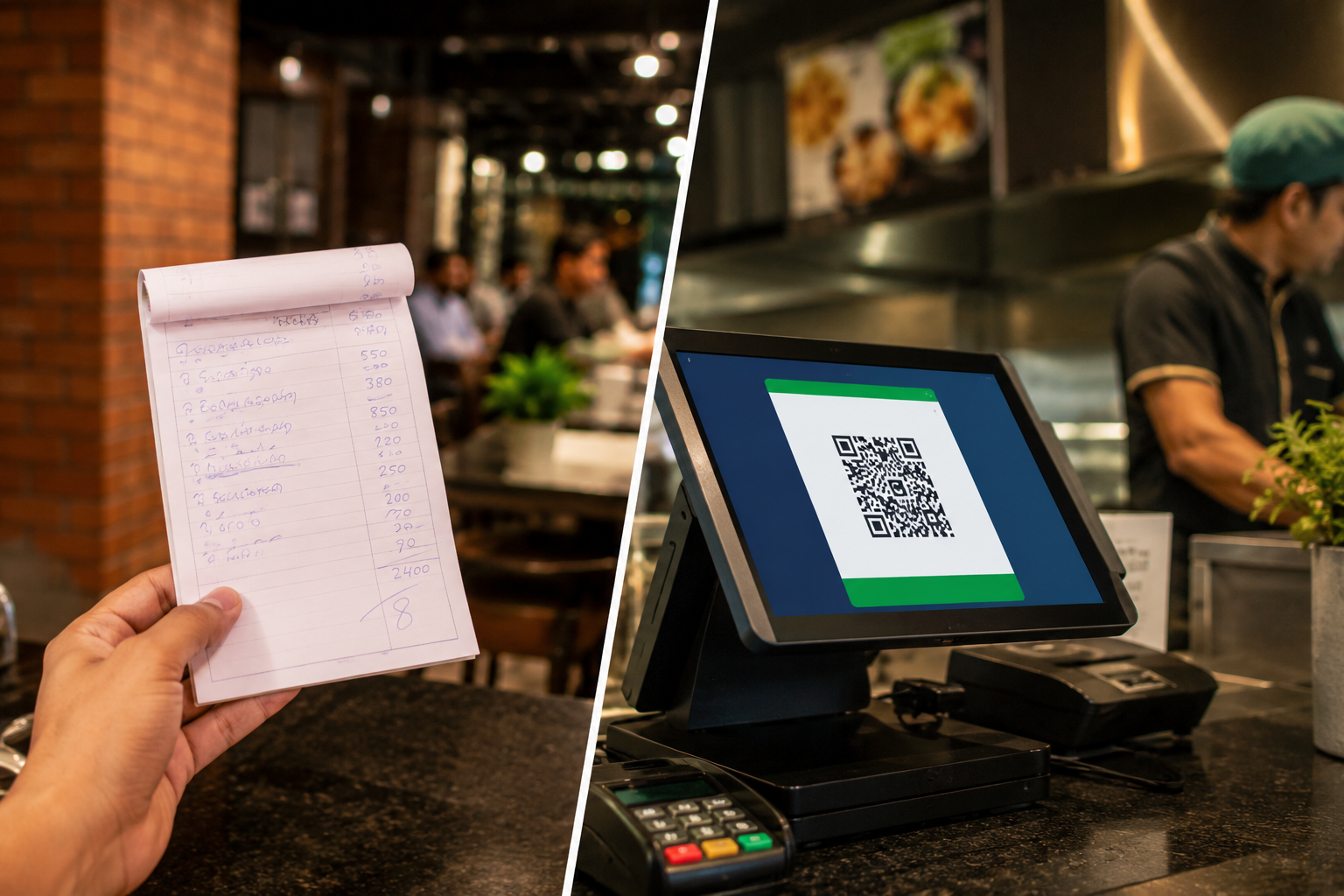
Traditional billing methods often rely on spreadsheets, handwritten records, or disconnected systems.
These approaches can lead to:
- Data entry mistakes
- Lost records
- Duplicate invoices
- Delayed collections
- Inefficient reporting
Billing software in Pakistan centralizes billing activities into one platform, making business operations more accurate and scalable.
Businesses gain better control while reducing manual effort.
Industries That Benefit Most from Invoicing Software
Almost every business can benefit from digital invoicing, but certain industries experience particularly strong advantages.
1. Retail Stores
Retail businesses can generate invoices instantly while keeping inventory records updated.
2. Supermarkets
High transaction volumes require efficient billing and invoice management.
3. Pharmacies
Accurate invoicing helps maintain compliance and improve record-keeping.
4. Clothing Stores
Fashion retailers can track sales, invoices, inventory, and customer purchases from one system.
5. Wholesalers and Distributors
Large order volumes make invoice automation essential for operational efficiency.
6. Ecommerce Businesses
Online sellers benefit from automated invoicing, payment tracking, and centralized order management.
Common Mistakes When Choosing Invoice Management Software
Selecting the wrong solution can create long-term challenges.
Here are some common mistakes businesses should avoid.
1. Choosing Based Only on Price
The cheapest software may lack important features needed for business growth.
2. Ignoring Scalability
Businesses should choose software that can support future expansion.
3. Overlooking Reporting Capabilities
Without reporting tools, it becomes difficult to monitor business performance effectively.
4. Not Considering Inventory Integration
Separate invoicing and inventory systems often create unnecessary manual work.
5. Ignoring Mobile and Cloud Access
Modern businesses need flexibility and access to information from anywhere.
What Makes Oscar a Strong Choice for Small Businesses?
Businesses often look for a solution that goes beyond basic invoicing.
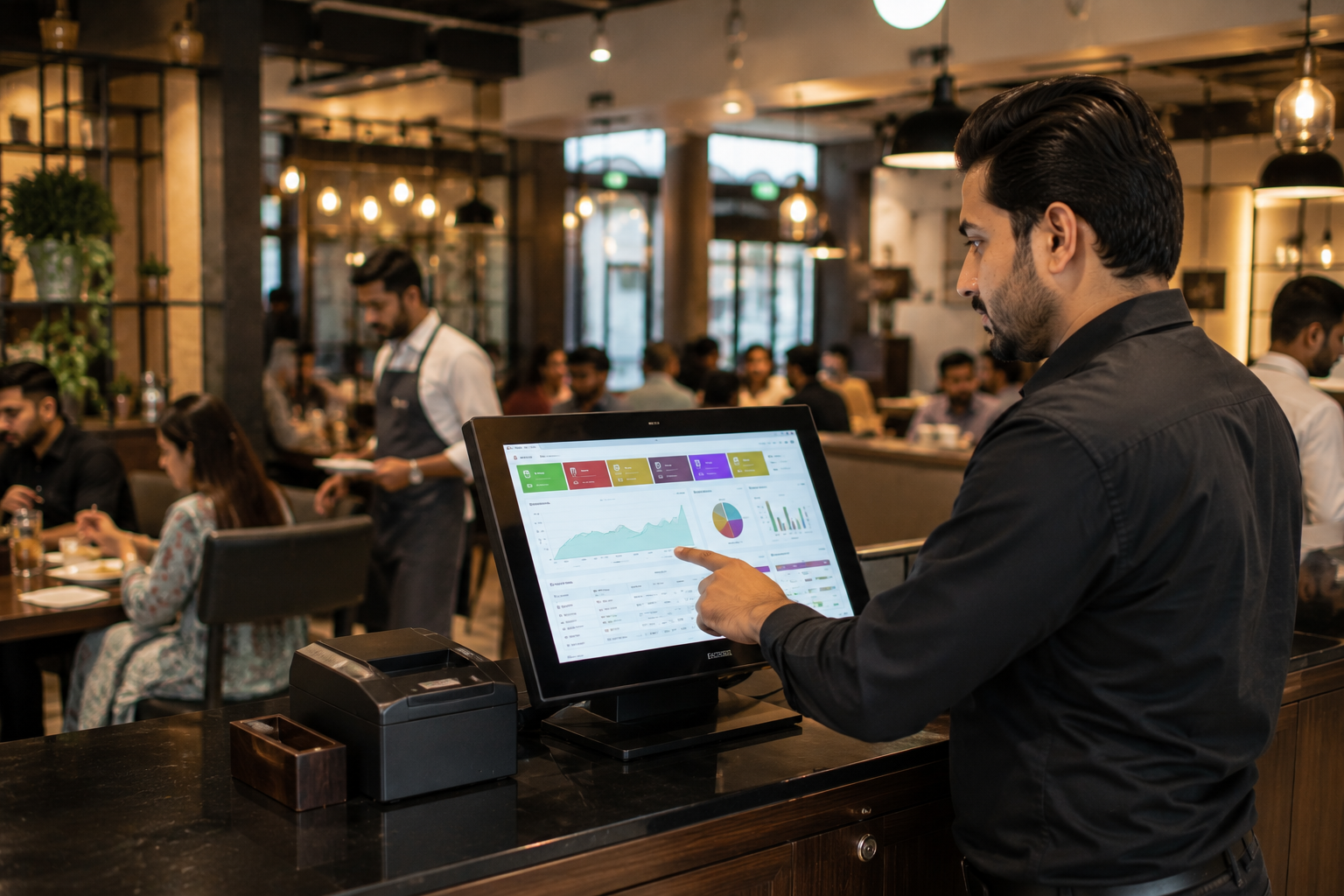
Oscar combines invoicing, billing, inventory management, reporting, customer management, and point of sale functionality within a single platform.
This allows businesses to manage daily operations more efficiently while reducing reliance on multiple disconnected tools.
With Oscar, businesses can:
- Create professional invoices quickly
- Track invoice status in real time
- Improve payment collection
- Manage inventory alongside sales
- Access detailed business reports
- Monitor customer transactions
- Streamline billing operations
For growing businesses, having these capabilities in one system can significantly improve productivity and operational control.
How to Choose the Best Invoicing Software in Pakistan
Before making a decision, businesses should evaluate software based on their specific requirements.
Questions worth considering include:
- Does it support invoice tracking?
- Can it improve payment collection?
- Does it integrate with inventory management?
- Is it easy for staff to use?
- Does it offer business reporting?
- Can it scale as the business grows?
- Does it simplify daily operations?
The right solution should save time, improve accuracy, and support long-term business growth.
Final Thoughts
Choosing the best invoicing software for small businesses is not just about generating invoices. It is about improving efficiency, accelerating payment collection, enhancing visibility, and building a stronger financial foundation.
As businesses continue moving toward digital operations, investing in reliable invoice management software can help reduce administrative work while improving overall performance.
For businesses looking for a solution that combines invoicing, billing, inventory management, customer tracking, and POS capabilities in one platform, Oscar offers a practical option designed to support growing businesses across Pakistan.
The best way to evaluate any business software is to experience it firsthand. Instead of relying solely on feature lists, business owners can explore how Oscar works in real business scenarios through a live demo and see how it can simplify invoicing, billing, and day-to-day operations before making a decision.
FAQs
1. What is the best invoicing software in Pakistan for small businesses?
The best invoicing software depends on business requirements, but businesses should look for solutions that offer invoice tracking, payment collection, reporting, inventory integration, and billing management. Platforms like Oscar provide these capabilities within a single system.
2. How does invoicing software help small businesses?
Invoicing software automates invoice creation, improves payment collection, reduces manual work, and helps businesses maintain organized financial records.
3. What is invoice management software?
Invoice management software helps businesses create, track, organize, and manage invoices throughout their lifecycle, from generation to payment collection.
4. Can invoicing software track unpaid invoices?
Yes. Modern invoicing software provides invoice tracking features that allow businesses to monitor pending, paid, and overdue invoices.
5. How does billing software improve payment collection?
Billing software can automate reminders, track outstanding balances, and provide visibility into overdue payments, helping businesses collect payments faster.
6. Is cloud-based invoicing software better for small businesses?Cloud-based software provides greater flexibility because users can access invoices, reports, and customer information from virtually anywhere.
Cloud-based software provides greater flexibility because users can access invoices, reports, and customer information from virtually anywhere.
7. Can invoicing software integrate with inventory management?
Many modern solutions integrate invoicing and inventory management, ensuring stock levels update automatically whenever a sale is completed.
8. Is invoicing software suitable for retail businesses?
Yes. Retail businesses benefit from faster billing, accurate invoice generation, inventory synchronization, and better sales tracking.
9. How does invoice tracking improve business operations?
Invoice tracking provides visibility into payment status, helping businesses identify overdue invoices and improve cash flow management.
10. What is the difference between billing software and invoicing software?
Invoicing software primarily focuses on creating and managing invoices, while billing software often includes broader capabilities such as customer billing, payment collection, account management, and financial tracking.